
Cherry Studio
Cherry Studio is a free, open-source cross-platform desktop AI client that unifies 300+ AI models from 50+ providers including OpenAI, Claude, Gemini, and local models via Ollama.
At a Glance
About Cherry Studio
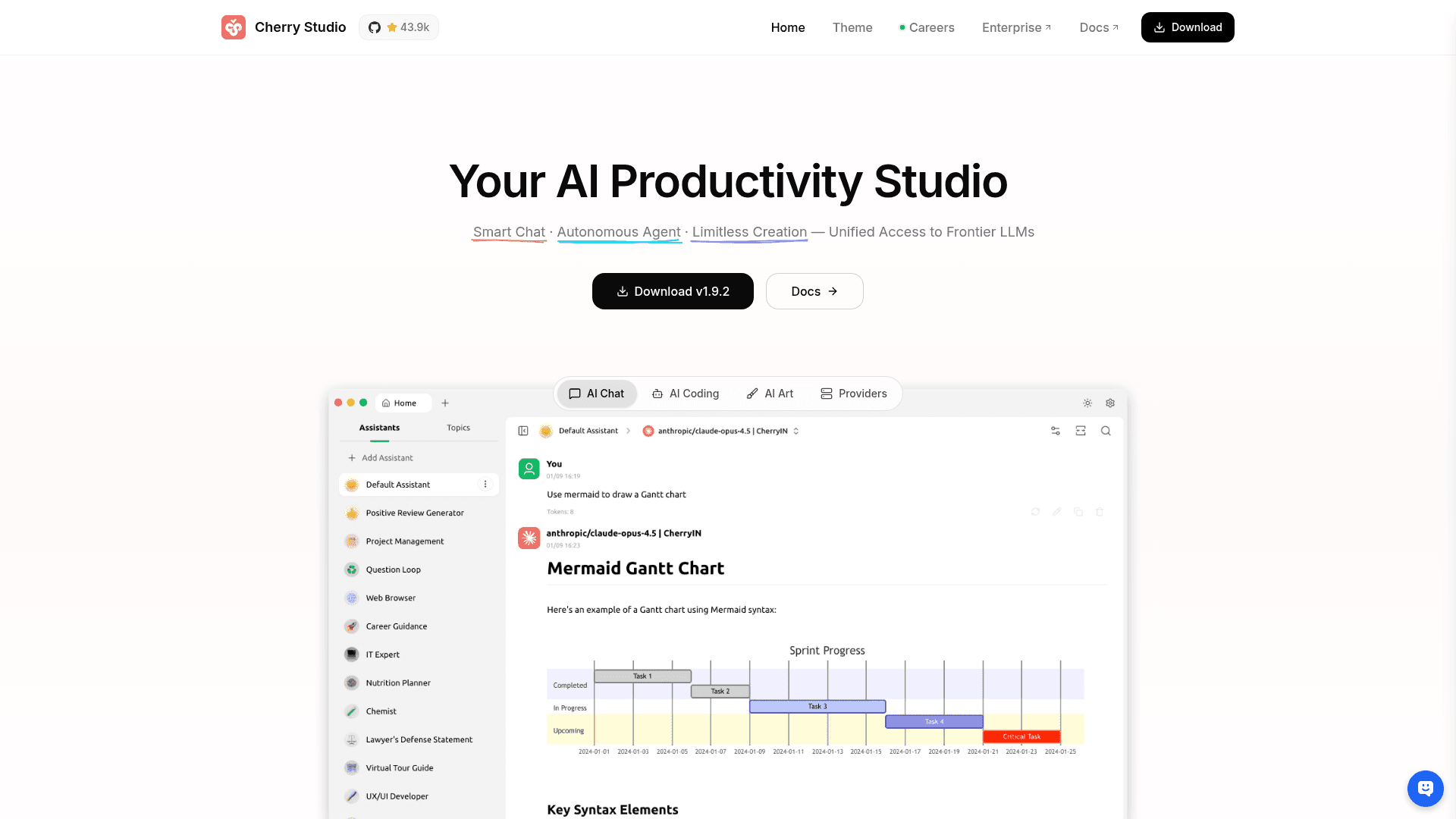
Cherry Studio is a cross-platform desktop AI productivity client available for Windows, macOS, and Linux, licensed under AGPL-3.0. It provides unified access to 300+ AI models from 50+ providers — including OpenAI, Anthropic, Google, DeepSeek, Qwen, and local models via Ollama and LM Studio — all from a single interface. Beyond basic chat, Cherry Studio features autonomous agent capabilities, a multi-source knowledge base, AI drawing, translation, and 1,000+ built-in assistants, making it a comprehensive AI workspace for individuals and teams.
- Multi-Model Access — Connect to 50+ AI providers and 300+ models; switch freely between cloud and local models without leaving the app.
- Autonomous Agent Mode — Give the agent a goal and it reasons through problems, breaks them into steps, calls tools, and executes independently.
- 1,000+ Built-in Assistants — Pre-configured assistants for writing, coding, translation, marketing, DevOps, and more — ready to use instantly without prompt engineering.
- Multi-Source Knowledge Base — Import PDFs, Word docs, Excel files, TXT, Markdown, and web pages to build a personalized AI assistant grounded in your own content.
- AI Drawing — Supports multiple image generation models so you can create artwork directly within the app.
- AI Translation — Translate content via the translation page or inline in the conversation bar.
- Smart Document Handling — Work with text, images, Office documents, and PDFs; includes Mermaid chart rendering and syntax highlighting.
- MCP Server Support — Fully supports Model Context Protocol servers to extend capabilities with databases, file systems, web services, and more.
- Privacy-First Local Storage — All chat history, settings, and knowledge base files are stored locally; no data is uploaded to third-party servers.
- Multiple Backup Methods — Supports local backup and WebDAV cloud backup for seamless multi-device sync.
- Customizable UI — Light/dark/system themes, transparent windows, full Markdown rendering, and drag-and-drop organization.
- Free Models Included — Partner-provided free models (e.g., BigModel GLM-4.5-Air, Qwen3-8B via SiliconFlow) available with no API key required.
Community Discussions
Be the first to start a conversation about Cherry Studio
Share your experience with Cherry Studio, ask questions, or help others learn from your insights.
Pricing
Community Edition
Completely free and open-source under AGPL-3.0. Full-featured desktop AI client for personal use.
- 300+ AI models from 50+ providers
- Autonomous agent mode
- 1000+ built-in assistants
- Multi-source knowledge base
- AI drawing
Capabilities
Key Features
- 300+ AI models from 50+ providers
- Autonomous agent mode
- 1000+ built-in assistants
- Multi-source knowledge base (PDF, Word, Excel, TXT, Markdown, web pages)
- AI drawing / image generation
- AI translation
- MCP server support
- Local data storage (privacy-first)
- WebDAV cloud backup
- Light/dark/system themes
- Mermaid chart rendering
- Syntax highlighting
- Global search
- Topic management
- Drag-and-drop organization
- Free partner models (no API key required)
- Local model support via Ollama and LM Studio
- Mini-programs support
- Cross-platform: Windows, macOS, Linux