
Chickadee
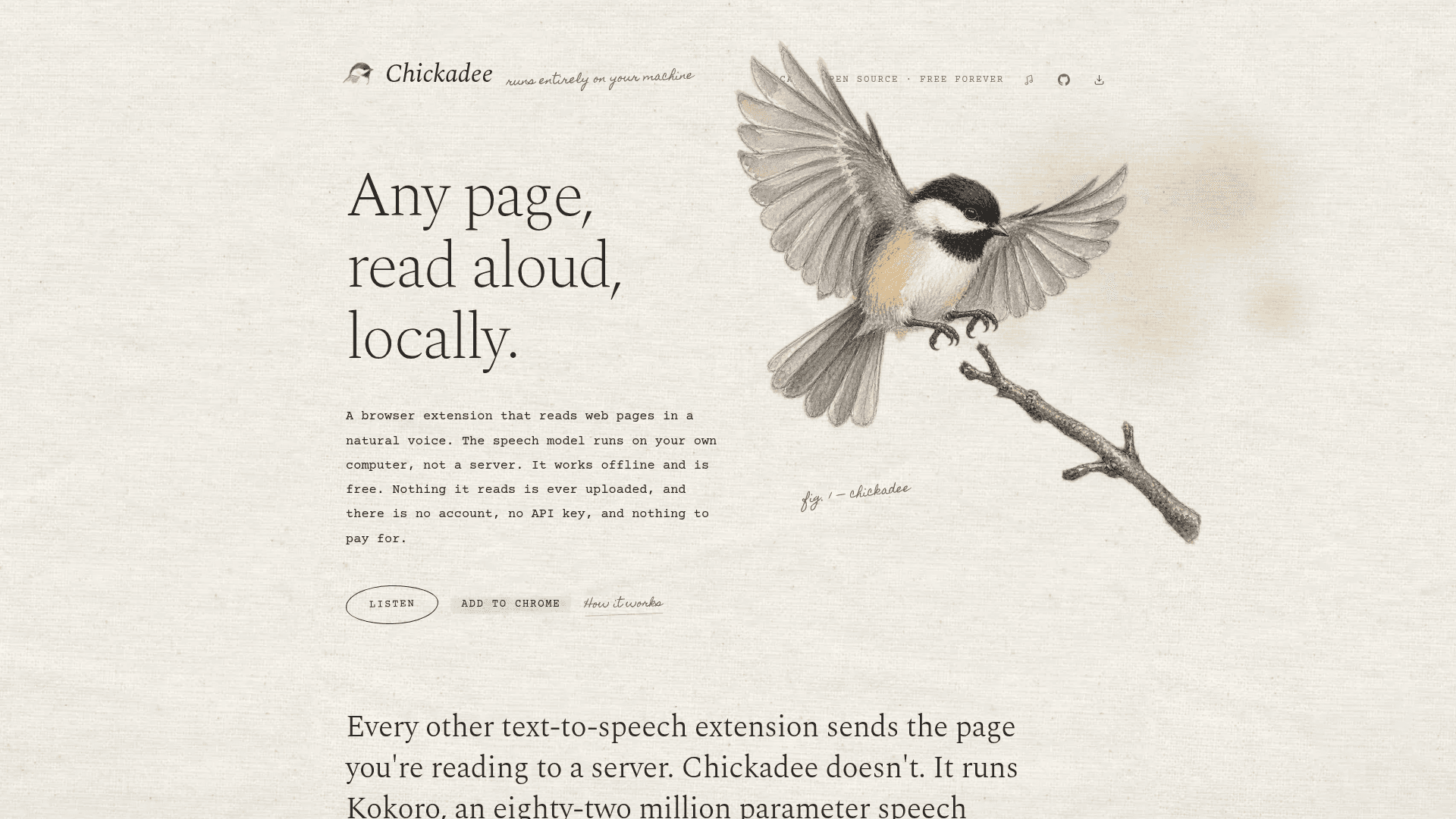
A browser extension that reads any web page aloud using a local AI speech model (Kokoro-82M) running entirely on your machine via WebGPU — no server, no account, no cost.
At a Glance
About Chickadee
Chickadee is an open-source Chrome browser extension that reads web pages aloud in a natural voice, with the entire speech model running locally on your computer via WebGPU. Built by Sahil Mahendrakar and released under the Apache-2.0 license, it is free forever with no subscription, no API key, and no account required.
What It Is
Chickadee is a local text-to-speech browser extension in the category of read-aloud tools. Unlike most alternatives that send page text to a remote server to generate audio, Chickadee runs Kokoro-82M — an 82-million-parameter open speech model — directly inside the browser on your GPU. The result is natural-sounding audio that never leaves your machine, works offline after a one-time ~310 MB voice download, and costs nothing.
How It Works Under the Hood
The extension is composed of three small JavaScript pieces plus the model:
- content.js — splits the live page into sentences, highlights the current spoken sentence using the CSS Custom Highlight API (no DOM mutations), and draws the control bar
- engine.html — a hidden frame that holds the model and the
<audio>element - background.js — routes the toolbar button, keyboard shortcuts, and right-click menu to the active page
The audio pipeline is: text → phonemes (espeak-ng compiled to WebAssembly) → tokens → Kokoro-82M (ONNX Runtime on WebGPU) → 24 kHz audio. Each "voice" is a table of 510 style vectors indexed by sentence length, so delivery adapts to sentence structure. The next two sentences generate while the current one plays, so playback is continuous without waiting.
Privacy as Architecture
The homepage states that "the privacy story is an architecture, not a policy." Because there is no server in the system at all, there is no path for page content to be uploaded or leaked. The extension requests only the activeTab permission and is loaded into a page only when the user explicitly asks it to read — it has no standing access to any website.
Key Features
- Reads any article aloud in one of twelve voices at a user-chosen speed
- Highlights each sentence directly on the real page as it is spoken (not in a separate reader view)
- Right-click any word to start reading from that point
- Works fully offline after the initial voice model download
- Keyboard shortcut ⌥R (Alt+R) to start, ⌥P (Alt+P) to pause/resume
- Voice and speed preferences are remembered across sessions
System Requirements and Compatibility
Chickadee requires a Chrome-based browser (Chrome, Edge, Arc, Brave, or similar) at version 113 or newer, and a machine whose browser can access the GPU through WebGPU. The extension notes that any Apple Silicon Mac or a laptop with recent integrated graphics is sufficient. The 8-bit model build produces corrupt audio on WebGPU and CPU-only configurations generate audio slower than real-time, so WebGPU is a hard requirement rather than a preference. The extension checks on first run and reports plainly if the hardware cannot support it.
Current Status
The repository was created in September 2026 and last pushed on September 14, 2026, indicating active early development. The extension is live on the Chrome Web Store. The project is licensed Apache-2.0 and the homepage describes it as "free forever" and "open source." It is built on Kokoro-82M (Apache-2.0), kokoro-js (Apache-2.0), Transformers.js (Apache-2.0), ONNX Runtime Web (MIT), and espeak-ng (GPL-3.0).
Community Discussions
Be the first to start a conversation about Chickadee
Share your experience with Chickadee, ask questions, or help others learn from your insights.
Pricing
Free
Fully free and open source forever. No subscription, no upsell, no account required.
- Reads any web page aloud locally
- Twelve voices
- Adjustable playback speed
- Sentence highlighting on the real page
- Works offline after one-time voice download
Capabilities
Key Features
- Reads any web page aloud in a natural voice
- Runs entirely locally via WebGPU — no server
- Highlights the currently spoken sentence on the real page
- Right-click any word to start reading from that point
- Works offline after one-time ~310 MB voice model download
- Twelve available voices
- Adjustable playback speed
- Keyboard shortcut ⌥R to start, ⌥P to pause/resume
- No account, no API key, no subscription
- Voice and speed preferences remembered across sessions
- Lookahead generation: next two sentences generate while current one plays