
Main Menu
  • Tools
  • Developers
  • Topics
  • Discussions
  • News
  • Blogs
  • Builds
  • Contests
  • Compare
  • Arena
Create
    EveryDev.ai
    Sign inSubscribe
    Home
    Tools

    1,976+ AI tools

    • New
    • Trending
    • Featured
    • Compare
    • Arena
    Categories
    • Agents1036
    • Coding971
    • Infrastructure415
    • Marketing398
    • Design335
    • Projects312
    • Analytics299
    • Research290
    • Testing183
    • Integration167
    • Data163
    • Security156
    • MCP145
    • Learning135
    • Communication120
    • Extensions114
    • Prompts110
    • Commerce106
    • Voice102
    • DevOps84
    • Web71
    • Finance18
    1. Home
    2. Tools
    3. Chinilla
    Chinilla icon

    Chinilla

    Prototyping

    A visual system design simulator that lets you build architecture diagrams, run real traffic simulations, and find bottlenecks before they hit production.

    Visit Website

    At a Glance

    Pricing
    Free tier available

    Core simulation experience with no credit card required.

    Pro: Custom/contact/mo

    Engagement

    Available On

    Web
    API

    Resources

    WebsiteDocsllms.txt

    Topics

    PrototypingAI Coding AssistantsAI Interview Help

    Alternatives

    AlloyOnlookLocofy.ai
    Developer
    Alex Kwon, DBA ChinillaSanta Clara County, CAEst. 2026

    Listed Apr 2026

    About Chinilla

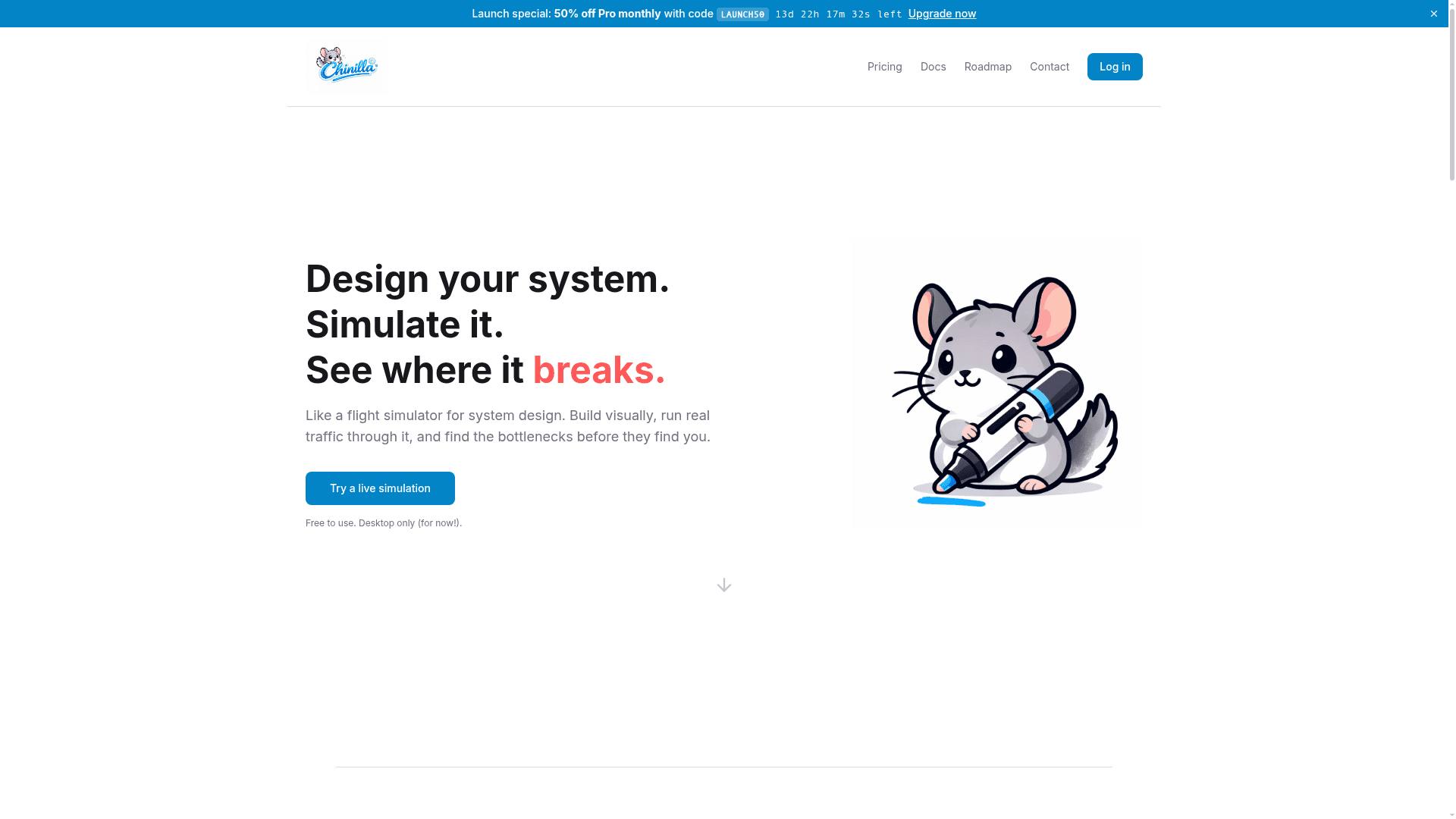
    Chinilla is a visual system design simulator described as "a flight simulator for system design." It lets you drag, drop, and wire components into architecture diagrams, then run deterministic traffic simulations to watch queues fill, requests drop, and bottlenecks form in real time. An integrated AI assistant reads your simulation, explains what went wrong, and walks you through fixes — making it equally useful for learning, interview prep, and real-world architecture planning.

    • Visual Design Canvas — Use 7 universal blocks to model any domain (backends, kitchens, hospitals, factories) with drag-and-drop wiring and 12 behavior modes including queues, retry, and circuit breakers.
    • Deterministic Simulation — Run real traffic through your design with animated request flow, live stats, and a scrubbable timeline to inspect any moment.
    • Stress Testing — Simulate traffic spikes and outages to see exactly where your system breaks under pressure.
    • AI Design Partner — Paste code, papers, or specs to get an auto-generated visual diagram; the AI explains the "why" behind failures and proposes fixes.
    • Code-to-Diagram — Supports 15+ programming languages plus YAML, JSON, TOML, and XML configs; auto-detects services, queues, databases, and connections from pasted or uploaded files (up to 100KB).
    • Export Options — Export designs as PNG, SVG, animated GIF, Python code, or Mermaid diagrams; publish a live shareable link.
    • Interview Prep Templates — 16 templates covering 8 classic system design problems (URL shortener, chat app, rate limiter, CDN, and more) with step-by-step lessons, AI critique, badges, and completion certificates.
    • 16 Starting Templates — Start from a blank canvas or one of 16 pre-built templates with realistic metrics, behaviors, and costs already wired in.
    Chinilla - 1

    Community Discussions

    Be the first to start a conversation about Chinilla

    Share your experience with Chinilla, ask questions, or help others learn from your insights.

    Pricing

    FREE

    Free

    Core simulation experience with no credit card required.

    • Visual drag-and-drop canvas
    • 7 universal component blocks
    • 12 behavior modes
    • Deterministic simulation
    • 16 starting templates

    Pro

    Full access to AI features, advanced exports, and interview prep content.

    Custom
    contact sales
    • Everything in Free
    • AI design partner
    • Code-to-diagram generation
    • AI-generated PRD spec sheets
    • Animated GIF export
    • Python and Mermaid export
    • Shareable live simulation links
    • Badges and completion certificates
    • Priority support
    View official pricing

    Capabilities

    Key Features

    • Visual drag-and-drop system design canvas
    • 7 universal component blocks
    • 12 behavior modes (queues, retry, circuit breakers, etc.)
    • Deterministic traffic simulation
    • Animated request flow with live stats
    • Scrubbable timeline inspection
    • Traffic spike and outage stress testing
    • AI design partner with simulation analysis
    • Code-to-diagram from 15+ languages and config formats
    • File upload up to 100KB
    • PNG, SVG, GIF, Python, and Mermaid export
    • Shareable live simulation links
    • 16 templates for system design interview problems
    • Step-by-step lessons with AI critique
    • Badges and completion certificates
    • AI-generated PRD spec sheets

    Integrations

    Python
    YAML
    JSON
    TOML
    XML
    Mermaid
    API Available
    View Docs

    Reviews & Ratings

    No ratings yet

    Be the first to rate Chinilla and help others make informed decisions.

    Developer

    Alex Kwon, DBA Chinilla

    Chinilla builds a visual system design simulator that lets engineers and learners design, simulate, and stress-test architectures before they go live. Founded by Alex Kwon, the product draws inspiration from flight simulators to make system design tangible and interactive. Chinilla targets both working engineers validating real designs and candidates preparing for system design interviews.

    Founded 2026
    Santa Clara County, CA
    1 employees
    Read more about Alex Kwon, DBA Chinilla
    WebsiteX / Twitter
    1 tool in directory

    Similar Tools

    Alloy icon

    Alloy

    AI prototyping tool that lets product teams capture their real product from the browser and create high-fidelity prototypes using a chat interface.

    Onlook icon

    Onlook

    A visual code editor that lets designers and product managers craft web experiences with AI, functioning as "Cursor for Designers."

    Locofy.ai icon

    Locofy.ai

    AI-powered design-to-code platform that converts Figma, Penpot, and Adobe XD designs into production-ready frontend code for React, React Native, Flutter, and more.

    Browse all tools

    Related Topics

    Prototyping

    AI-enhanced tools for quickly creating interactive design prototypes from concepts, wireframes, or user flows with intelligent component suggestions and interaction patterns.

    30 tools

    AI Coding Assistants

    AI tools that help write, edit, and understand code with intelligent suggestions.

    370 tools

    AI Interview Help

    AI-powered tools for interview preparation and career advancement including mock interviews, coding assessment practice, behavioral question coaching, resume optimization, and real-time feedback for technical and non-technical job interviews.

    17 tools
    Browse all topics
    Back to all tools
    Explore AI Tools
    • AI Coding Assistants
    • Agent Frameworks
    • MCP Servers
    • AI Prompt Tools
    • Vibe Coding Tools
    • AI Design Tools
    • AI Database Tools
    • AI Website Builders
    • AI Testing Tools
    • LLM Evaluations
    Follow Us
    • X / Twitter
    • LinkedIn
    • Reddit
    • Discord
    • Threads
    • Bluesky
    • Mastodon
    • YouTube
    • GitHub
    • Instagram
    Get Started
    • About
    • Editorial Standards
    • Corrections & Disclosures
    • Community Guidelines
    • Advertise
    • Contact Us
    • Newsletter
    • Submit a Tool
    • Start a Discussion
    • Write A Blog
    • Share A Build
    • Terms of Service
    • Privacy Policy
    Explore with AI
    • ChatGPT
    • Gemini
    • Claude
    • Grok
    • Perplexity
    Agent Experience
    • llms.txt
    Theme
    With AI, Everyone is a Dev. EveryDev.ai © 2026
    Discussions