Chrome DevTools for Agents
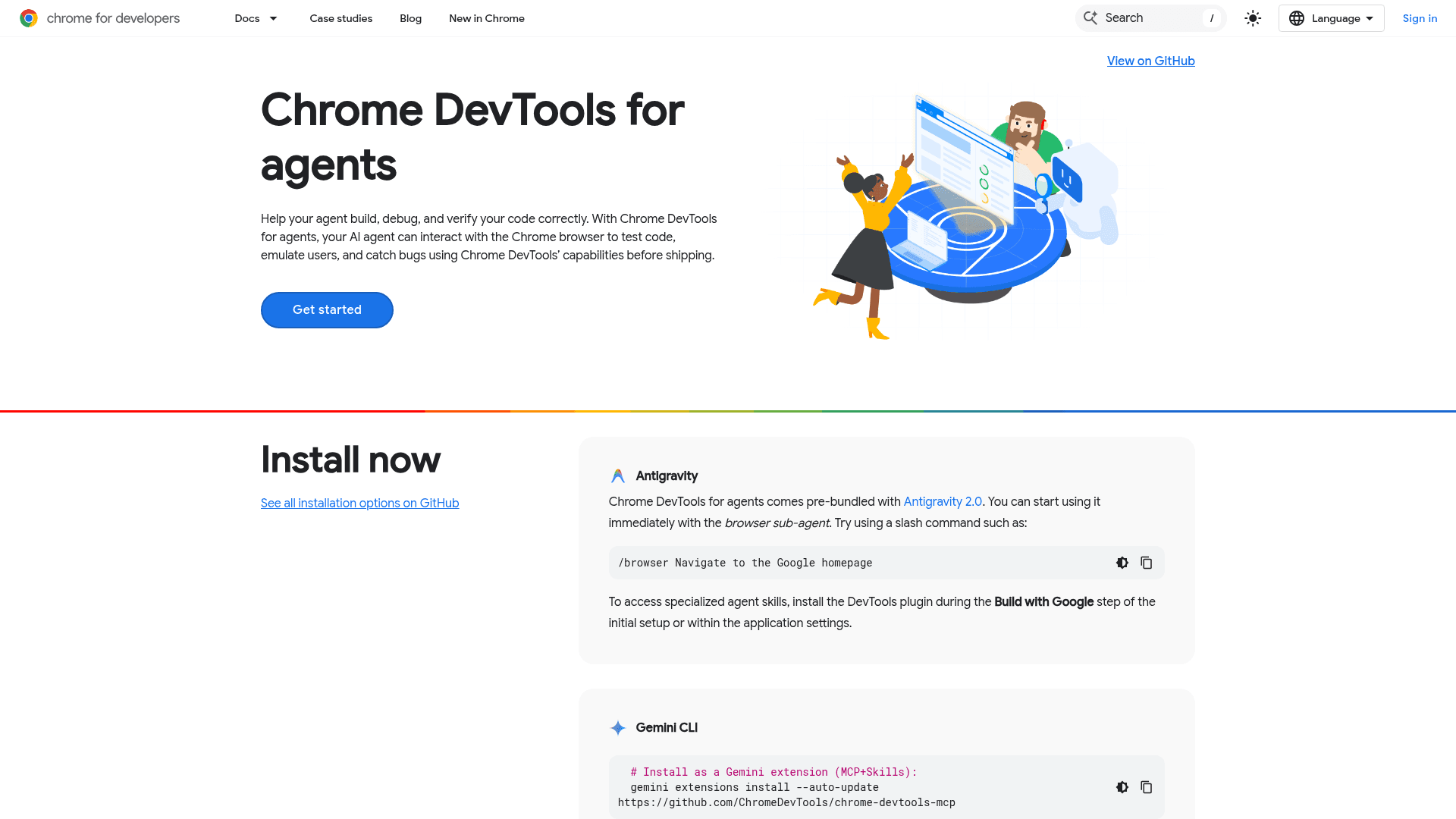
AI-powered agents built into Chrome DevTools that help developers diagnose, debug, and fix web issues directly in the browser.
At a Glance
About Chrome DevTools for Agents
Chrome DevTools AI Agents are AI-powered assistance features embedded within Chrome DevTools, Google's built-in browser developer toolkit. They allow web developers to interact with an AI agent to diagnose problems, understand errors, and get actionable suggestions without leaving the browser. The feature is part of Google's broader push to bring AI capabilities into the Chrome developer experience.
What It Is
Chrome DevTools AI Agents represent a category of AI-assisted debugging and development tools integrated directly into the Chrome browser's DevTools panel. Rather than a standalone product, these agents are a feature set within Chrome DevTools — the same toolset developers use for inspecting elements, profiling performance, and debugging JavaScript. The agents leverage Google's AI models to interpret console errors, analyze network requests, and provide contextual guidance during the development workflow.
How It Fits Into DevTools
Chrome DevTools has long been the primary in-browser development environment for web developers. The AI Agents feature extends this environment by adding a conversational AI layer that can:
- Explain console errors and warnings in plain language
- Suggest fixes for common JavaScript and CSS issues
- Help interpret network failures and performance bottlenecks
- Provide context-aware guidance based on the current state of the inspected page
This integration means developers can get AI assistance without switching to an external tool or copying error messages into a separate chat interface.
Audience and Use Case
The primary audience is web developers who already use Chrome DevTools as part of their daily workflow. The agents are particularly useful for:
- Developers encountering unfamiliar error messages
- Teams debugging complex rendering or network issues
- Developers who want faster explanations of DevTools output without leaving the browser
Because the feature is embedded in the browser, there is no separate installation step for users already running a compatible version of Chrome.
Platform and Availability
Chrome DevTools AI Agents are accessible through the Chrome browser's built-in DevTools panel, available on desktop platforms where Chrome runs (Windows, macOS, Linux). The feature is part of Chrome's ongoing AI integration efforts, which the Chrome for Developers site describes as powering "the agentic web." As of Chrome 148 stable, the Prompt API is listed among new features, signaling active development in this area. The Chrome 149 beta continues this trajectory with further AI-related capabilities.
Update: Active Development as of Chrome 148–149
The Chrome for Developers homepage highlights that Chrome 148 stable shipped the Prompt API alongside other features, and Chrome 149 beta is already in preview. A May 2026 Google I/O blog post titled "15 updates from Google I/O 2026" specifically calls out Chrome's role in "powering the agentic web with new capabilities, tools, and features," indicating that AI agent functionality within DevTools is an active and expanding area of investment rather than a finished, static feature set.
Community Discussions
Be the first to start a conversation about Chrome DevTools for Agents
Share your experience with Chrome DevTools for Agents, ask questions, or help others learn from your insights.
Pricing
Free
AI Agents in Chrome DevTools are available at no cost as part of the Chrome browser.
- AI-assisted error explanation
- Debugging suggestions in DevTools
- Network analysis
- Prompt API access
- In-browser AI agent interaction
Capabilities
Key Features
- AI-assisted error explanation in DevTools console
- Contextual debugging suggestions
- Network request analysis
- CSS and JavaScript issue diagnosis
- In-browser AI agent interaction
- Integration with Chrome DevTools panels
- Prompt API support
Integrations
Demo Video