
Claude HUD
A Claude Code plugin that displays context usage, active tools, running agents, and todo progress as a persistent status line in your terminal.
At a Glance
Fully free and open-source under the MIT license. Free to use, modify, and distribute.
Engagement
Available On
Listed May 2026
About Claude HUD
Claude HUD is an open-source plugin for Claude Code, built by Jarrod Watts and published on GitHub under the MIT license. It adds a persistent heads-up display (HUD) below the Claude Code input, surfacing real-time session data — context window fill, tool activity, subagent status, and todo progress — without requiring a separate window or tmux. The repository has accumulated over 23,000 stars and 1,000 forks according to the GitHub project page.
What It Is
Claude HUD is a Claude Code statusline plugin that hooks into Claude Code's native statusline API to render live session telemetry directly in your terminal. Rather than guessing how full your context window is or which tools Claude is currently invoking, the HUD makes that information continuously visible. It is written in TypeScript/JavaScript and runs on Node.js 18+ (or Bun on macOS/Linux).
How It Works
The plugin reads data from two sources: the Claude Code stdin JSON payload (for token counts, model name, rate limits) and the local transcript JSONL file (for tool calls, agent activity, and todos). It processes these streams and writes formatted output to stdout, which Claude Code then renders as the statusline. Updates fire approximately every 300ms.
- Native token data comes directly from Claude Code — no estimation
- Scales with Claude Code's reported context window, including 1M-context sessions
- Parses the transcript for tool/agent activity in real time
- No separate process, no tmux pane, no extra window required
What You See
The default two-line display shows:
- Line 1 — Active model (e.g.,
[Opus]), provider label when detected (Bedrock, Vertex), project path, and git branch - Line 2 — A color-coded context bar (green → yellow → red) and subscriber usage rate limits with reset countdown
Optional lines (enabled via /claude-hud:configure) add tool activity, subagent status with elapsed time, and todo progress. Three layout presets — Full, Essential, and Minimal — let users choose how much information to surface. A compact single-line layout is also available.
Configuration and Customization
Claude HUD exposes a guided setup command (/claude-hud:configure) that handles layout, language, and common display toggles interactively, with a live preview before saving. Advanced settings — custom colors, threshold overrides, bar characters, path depth, and element ordering — are set by editing ~/.claude/plugins/claude-hud/config.json directly. The guided flow preserves manual overrides when re-run.
Key configurable elements include:
pathLevels(1–3 directory levels in the project path)lineLayout(expandedorcompact)display.showTools,display.showAgents,display.showTodos(all off by default)display.timeFormat(relative,absolute, orbothfor reset countdowns)- Full color palette via named colors, 256-color codes, or hex values
- Chinese label language as an explicit opt-in
Update: v0.0.12
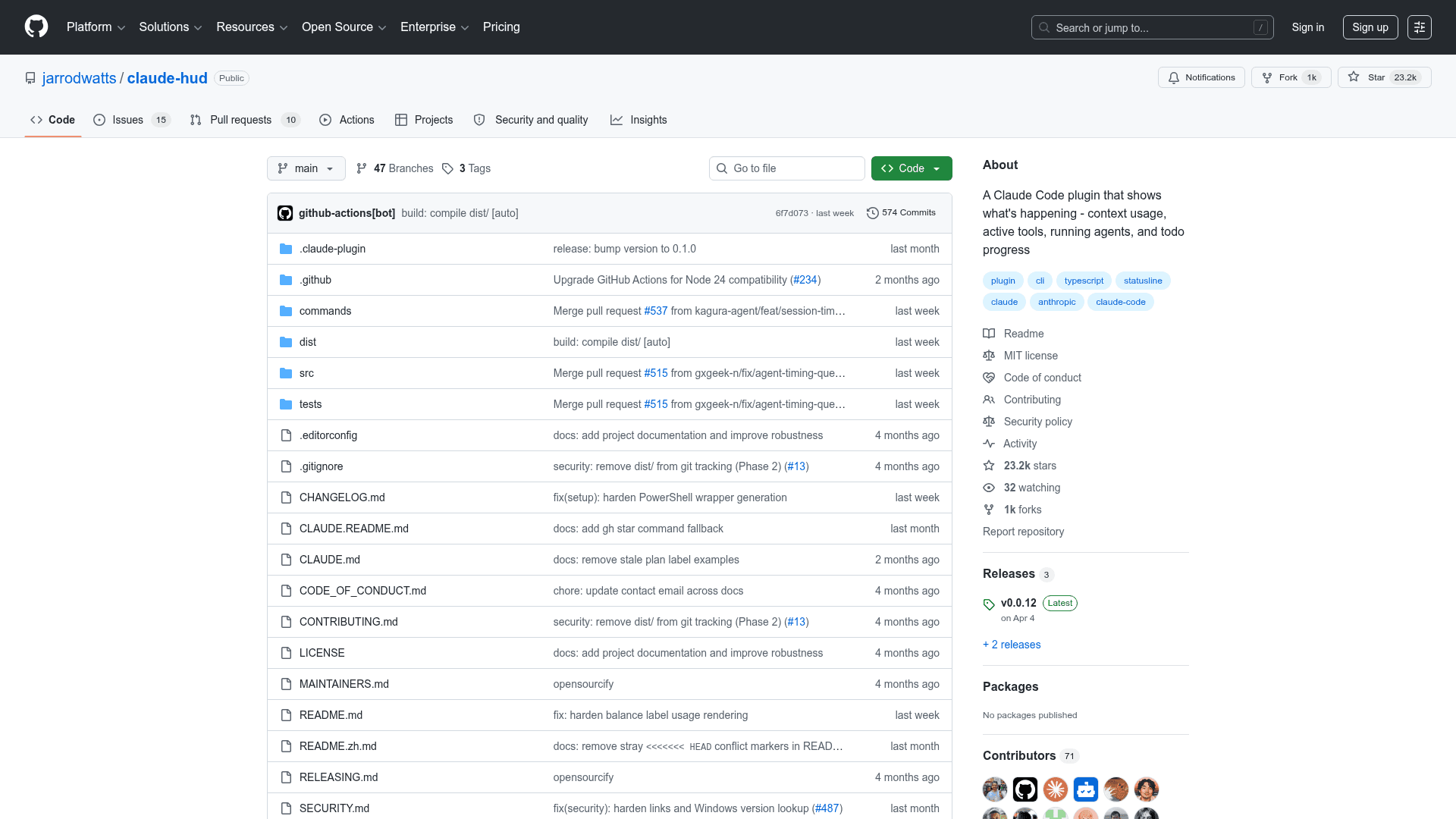
The latest release is v0.0.12, published on April 4, 2026. The repository was created in January 2026 and last pushed in May 2026, indicating active development. Recent additions visible in the README include support for session cost display (using Claude Code's native cost.total_cost_usd field), prompt cache countdown, memory usage reporting, session naming, and an external usage snapshot fallback for API-key users. The project targets Claude Code v1.0.80 and above.
Community Discussions
Be the first to start a conversation about Claude HUD
Share your experience with Claude HUD, ask questions, or help others learn from your insights.
Pricing
Open Source
Fully free and open-source under the MIT license. Free to use, modify, and distribute.
- Full context window usage display
- Tool activity tracking
- Subagent and todo progress
- Git status integration
- Subscriber usage rate limits display
Capabilities
Key Features
- Real-time context window usage bar (color-coded green/yellow/red)
- Subscriber rate limit and usage display with reset countdown
- Active tool activity line (read, edit, grep, etc.)
- Subagent tracking with elapsed time
- Todo progress display
- Git branch, dirty indicator, ahead/behind, and file stats
- Model and provider label (Bedrock, Vertex detection)
- Session cost display using native Claude Code cost field
- Prompt cache countdown
- System RAM usage line (opt-in)
- Session duration and output token speed
- Compact and expanded layout modes
- Full, Essential, and Minimal presets
- Guided interactive setup and configuration
- Chinese label language support
- Custom colors via named colors, 256-color codes, or hex
- Configurable element order and line grouping
- External usage snapshot fallback for API-key users