
Claude Meter
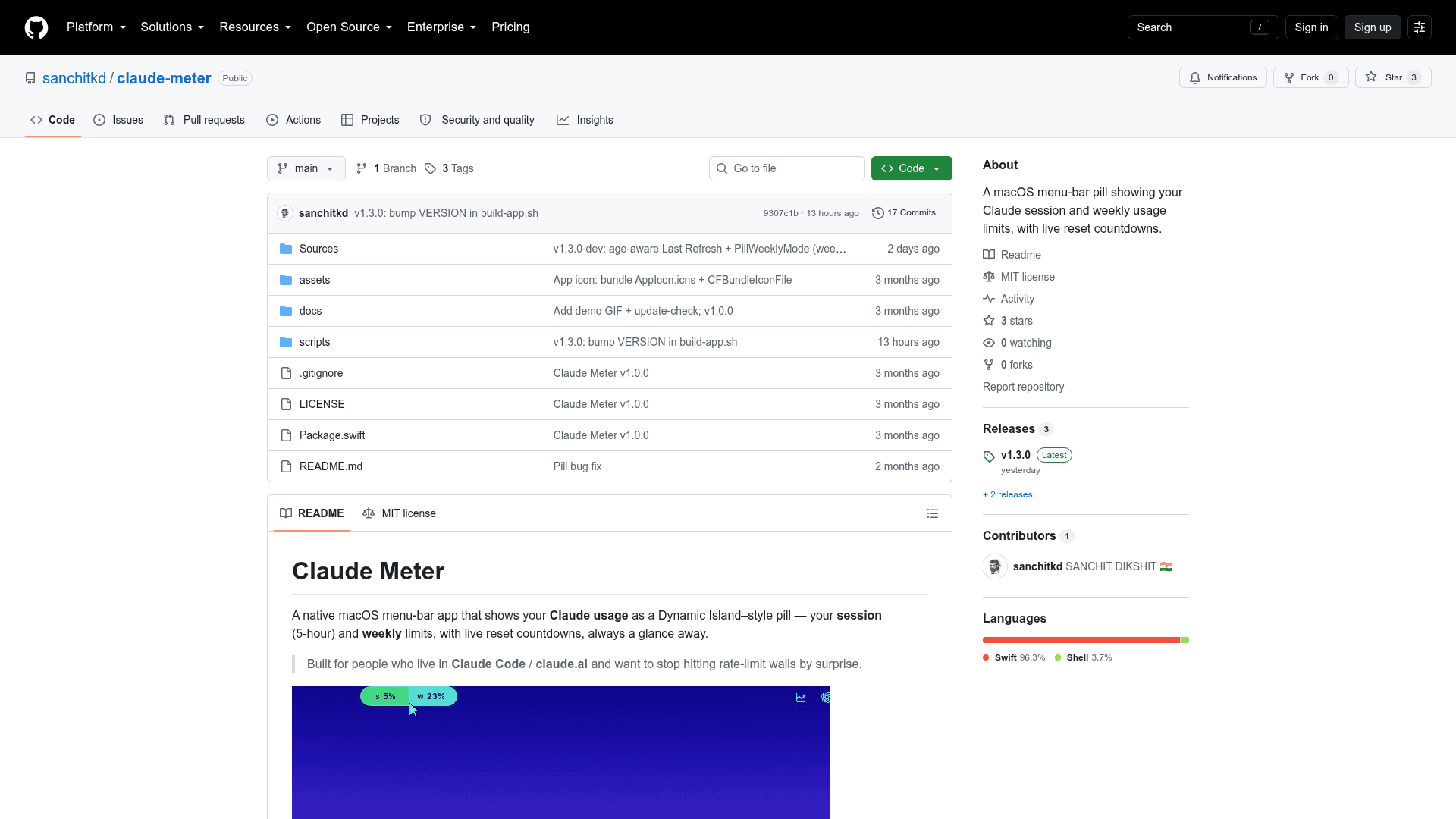
A native macOS menu-bar app that displays your Claude session and weekly usage limits as a Dynamic Island–style pill with live reset countdowns.
At a Glance
Fully free and open source under the MIT license. Download the pre-built app or build from source.
Engagement
Available On
Alternatives
Listed Sep 2026
About Claude Meter
Claude Meter is a native macOS menu-bar application built by Sanchit Dikshit that surfaces your Claude AI usage limits — session (5-hour) and weekly — as a compact, color-coded pill sitting beside the notch. It is fully open source under the MIT license and available as a pre-built download or buildable from source using the Swift 6 toolchain.
What It Is
Claude Meter is a lightweight macOS utility for heavy Claude users — particularly those working in Claude Code or claude.ai — who want to avoid hitting rate-limit walls unexpectedly. A small "Dynamic Island–style" pill lives in the menu bar and shows session (S) and weekly (W) usage percentages side by side, color-coded from green to red as limits approach. Hovering the pill reveals a detail card with exact usage numbers, per-model weekly caps, and countdown timers to each reset.
How It Works
Because Anthropic does not expose a public usage API, Claude Meter reads the same authenticated endpoint the claude.ai website uses — GET /api/organizations/{org}/usage — from inside a hidden WebKit view that carries the user's normal claude.ai login session. The session cookie is stored only in the app's local WebKit container on the user's Mac. Only two outbound calls ever leave the machine: the usage call to claude.ai, and an update-check ping to claude.sanchitkd.com/ping that sends the app version and a random anonymous install UUID. The README explicitly warns that because this relies on an undocumented endpoint, it can break if Anthropic changes things, and it is not affiliated with or endorsed by Anthropic.
Key Features
- Combined pill — session and weekly percentages side by side, tinted green → red by proximity to the limit
- Hover card — current and weekly usage, reset countdowns, last refresh timestamp
- Per-model weekly caps — Anthropic caps some models (Fable, Opus, etc.) separately; the hover card lists every cap, worst first
- Notch-aware placement — configurable to built-in display, active screen, screen under mouse, or a specific monitor
- Smart refresh — configurable background interval (60 s–30 min) plus hover-to-refresh
- Appearance control — System / Dark / Light; optional menu-bar icon; launch at login
- Customizable color bands — each green-to-red threshold is user-adjustable
Architecture and Setup
The project is a Swift Package with two targets: ClaudeMeter (the app entry point) and ClaudeMeterCore (providers, domain models, state management, UI, and platform utilities). It requires macOS 14 (Sonoma) or later and a Claude Pro, Max, or Team account. Installation is either a direct download from claude.sanchitkd.com or a source build via ./scripts/build-app.sh. Because the binary is unsigned, first-time macOS Gatekeeper users must right-click → Open or approve it in System Settings → Privacy & Security. Sign-in uses email (Google OAuth is blocked by Google's anti-phishing policy inside embedded app windows).
Update: v1.3.0
The latest release is v1.3.0, published on 2026-09-17. The repository was last pushed on 2026-09-18, indicating active maintenance. The roadmap lists auto-update via Sparkle, live plan name display, and signed/notarized builds (to eliminate the Gatekeeper prompt) as upcoming work.
Community Discussions
Be the first to start a conversation about Claude Meter
Share your experience with Claude Meter, ask questions, or help others learn from your insights.
Pricing
Open Source
Fully free and open source under the MIT license. Download the pre-built app or build from source.
- Menu-bar usage pill for Claude session and weekly limits
- Color-coded usage indicator
- Hover card with reset countdowns
- Per-model weekly cap display
- Configurable refresh interval
Capabilities
Key Features
- Menu-bar pill showing session and weekly Claude usage percentages
- Color-coded green-to-red usage indicator
- Hover card with detailed usage stats and reset countdowns
- Per-model weekly cap display (Opus, Fable, etc.)
- Notch-aware and multi-monitor placement options
- Configurable background refresh interval (60s–30min)
- Hover-to-refresh for instant data update
- Launch at login support
- Customizable color bands for usage thresholds
- System/Dark/Light appearance modes
- Optional menu-bar icon
- Fully local — no account or analytics required
- Anonymous update check with random install UUID
- Open source (MIT license)