
claude-quota
A macOS menu bar SwiftBar plugin that displays real-time Claude Code quota gauges for one or more accounts, showing 5-hour window utilization and weekly limit countdowns.
At a Glance
Fully free and open-source under the MIT License. No cost to use, modify, or distribute.
Engagement
Available On
Alternatives
Listed Jun 2026
About claude-quota
claude-quota is an open-source macOS menu bar plugin built by Grzegorz Raczek (unit8) that gives Claude Code users a live visual readout of their API quota consumption. It runs as a SwiftBar plugin written in Python and is available under the MIT License on GitHub.
What It Is
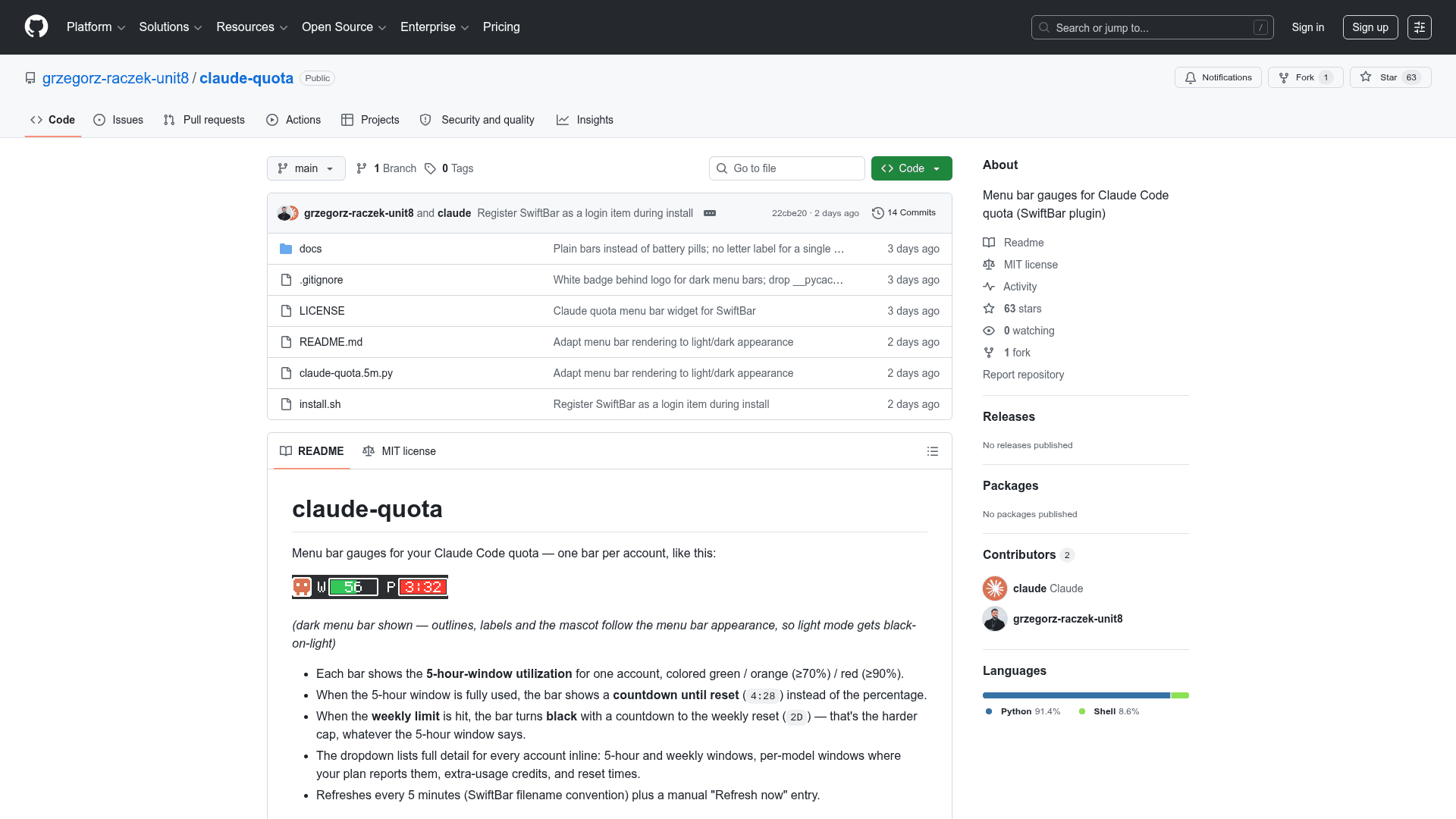
claude-quota renders one colored progress bar per Claude Code account directly in the macOS menu bar. Each bar reflects the 5-hour rolling window utilization for that account, color-coded green (normal), orange (≥70%), or red (≥90%). When the 5-hour window is exhausted, the bar switches to a countdown timer showing time until reset. When the harder weekly limit is hit, the bar turns black and displays a day-level countdown (e.g., 2D). Clicking any bar opens a dropdown with full detail: 5-hour and weekly windows, per-model windows where the plan reports them, extra-usage credits, and reset times.
How It Works Under the Hood
The plugin reads the Claude Code OAuth token directly from the macOS Keychain in read-only mode — it never refreshes or rewrites tokens, so it cannot log users out. It then queries the same internal usage endpoint that Claude Code's own /usage screen uses. No passwords, no scraping, and no third-party services are involved. The README notes that this endpoint is internal and undocumented, so a future Claude Code update may require a small fix to the plugin.
Multi-Account Support
claude-quota auto-discovers accounts by scanning for ~/.claude and ~/.claude-* config directories that have a Claude Code Keychain entry. Each discovered account gets its own bar, labeled by the directory suffix (e.g., ~/.claude-work → W). Users who manage multiple accounts via CLAUDE_CONFIG_DIR can pin or rename accounts through a plain-text config file at ~/.config/claude-quota/accounts, and individual bars can be hidden from the menu bar without losing their dropdown detail.
Setup Path
Installation requires macOS and Homebrew. A one-line curl command handles the full setup:
- Downloads and installs SwiftBar via Homebrew if not already present
- Adds SwiftBar to Login Items so gauges persist across reboots
- On first refresh, macOS prompts for Keychain permission — clicking Always Allow is required
An install-from-checkout path is also available via git clone followed by ./install.sh. The plugin refreshes automatically every 5 minutes (driven by SwiftBar's filename convention) and exposes a manual Refresh now menu entry.
Current Status
The repository was created in June 2026 and last pushed on June 11, 2026, indicating it is a newly released project. It has accumulated 63 stars and 1 fork with zero open issues as of the last update, suggesting early but active community interest. The project is MIT-licensed and free to use, modify, and distribute.
Community Discussions
Be the first to start a conversation about claude-quota
Share your experience with claude-quota, ask questions, or help others learn from your insights.
Pricing
Open Source
Fully free and open-source under the MIT License. No cost to use, modify, or distribute.
- Menu bar quota gauges for Claude Code
- Multi-account support
- 5-hour and weekly window tracking
- Auto-refresh every 5 minutes
- MIT License — free to use, modify, distribute
Capabilities
Key Features
- Menu bar gauge per Claude Code account
- 5-hour rolling window utilization display
- Color-coded bars: green / orange (≥70%) / red (≥90%)
- Countdown timer when 5-hour window is exhausted
- Black bar with day-level countdown when weekly limit is hit
- Dropdown with full detail: 5-hour, weekly, per-model windows, extra-usage credits, reset times
- Auto-discovers multiple accounts via ~/.claude and ~/.claude-* directories
- Read-only Keychain access — never rewrites or refreshes tokens
- Refreshes every 5 minutes with manual Refresh now option
- Account pinning and renaming via config file
- Hide individual accounts from menu bar
- Adapts to light and dark menu bar appearance
- One-line curl install script
- SwiftBar auto-install via Homebrew