
Claudoro
A feature-rich Pomodoro timer embedded directly into the Claude Code terminal status line, with live countdown, alarms, stats, and full session history.
At a Glance
Fully free and open source under the MIT license. Install via npm and use all features at no cost.
Engagement
Available On
Alternatives
Listed Jul 2026
About Claudoro
Claudoro is an open-source Pomodoro timer built specifically for Claude Code, the AI-powered terminal environment. Created by Ben Emson and released under the MIT license, it renders a live ticking countdown directly in the Claude Code status line — the always-visible surface developers already watch — so there is no need to alt-tab to a separate app or break focus. The latest release is v0.1.6, published in July 2026.
What It Is
Claudoro is a Node.js CLI tool (pomo) that integrates with Claude Code's statusLine and slash-command system to deliver a full Pomodoro workflow without leaving the terminal. It addresses a specific pain point: long Claude Code sessions blur time, and every existing Pomodoro tool (menu-bar app, browser tab, phone) sits outside the terminal and competes for the attention it is meant to protect. Claudoro solves this by composing with the existing status line rather than replacing it, so the model name, context percentage, and git branch remain visible alongside the timer.
How It Works
The architecture is intentionally minimal. A single Node package provides the pomo CLI as the single source of truth; the status line segment, the /pomo slash command, and the alarm are thin surfaces over it. The CLI runs with zero model involvement, meaning the core feature never costs API tokens. State is stored locally in ~/.local/state/claudoro/state.json, and every completed focus block is appended as an immutable record to a daily JSONL log. There is no network, no accounts, and no telemetry — everything is local-first.
- Status line rendering: Three view modes (
minimal,classic,full) show the countdown, a progress bar, cycle dots, and optionally the current task label. - Alarm system: Fires even when the status line is hidden or every session is closed; degrades gracefully from platform audio player → terminal bell → silent.
- Multiple sessions: One global timer shown in every open Claude Code session; exactly one alarm fires regardless of how many sessions are watching.
Setup Path
Installation requires Node ≥ 22 (already present if Claude Code was installed via npm). The two-step path is npm install -g claudoro followed by pomo setup, which wires the /pomo command file, merges the statusLine block into settings.json (with a timestamped backup), and records a manifest for clean uninstall. The setup command is idempotent and safe to re-run. Opening a new Claude Code session and running /pomo start brings the countdown live within about a second.
Command Surface and Features
The pomo CLI exposes a broad command set covering the full Pomodoro lifecycle:
- Timer control:
start,pause,resume,stop,skip,reset,next,back,extend - Configuration:
work,short,long,frequencyfor setting default durations;modefor transition behavior (auto,balanced,manual);viewfor status line density - Annotation:
note,tag,labelfor tagging focus blocks with text and#tags - History and analytics:
logfor today's completed blocks;statsfor streak, focus heatmap, top tags, and focus-by-hour — all derived from the log on read, never from stored counters - Web dashboard:
pomo stats --webgenerates a self-contained HTML file (no dependencies, renders offline) and opens it in the browser;pomo guide --webdoes the same for the technique guide - Undo and restore:
pomo undo Nremoves the last N records with a backup written first;pomo restorereverses it
Update: v0.1.6
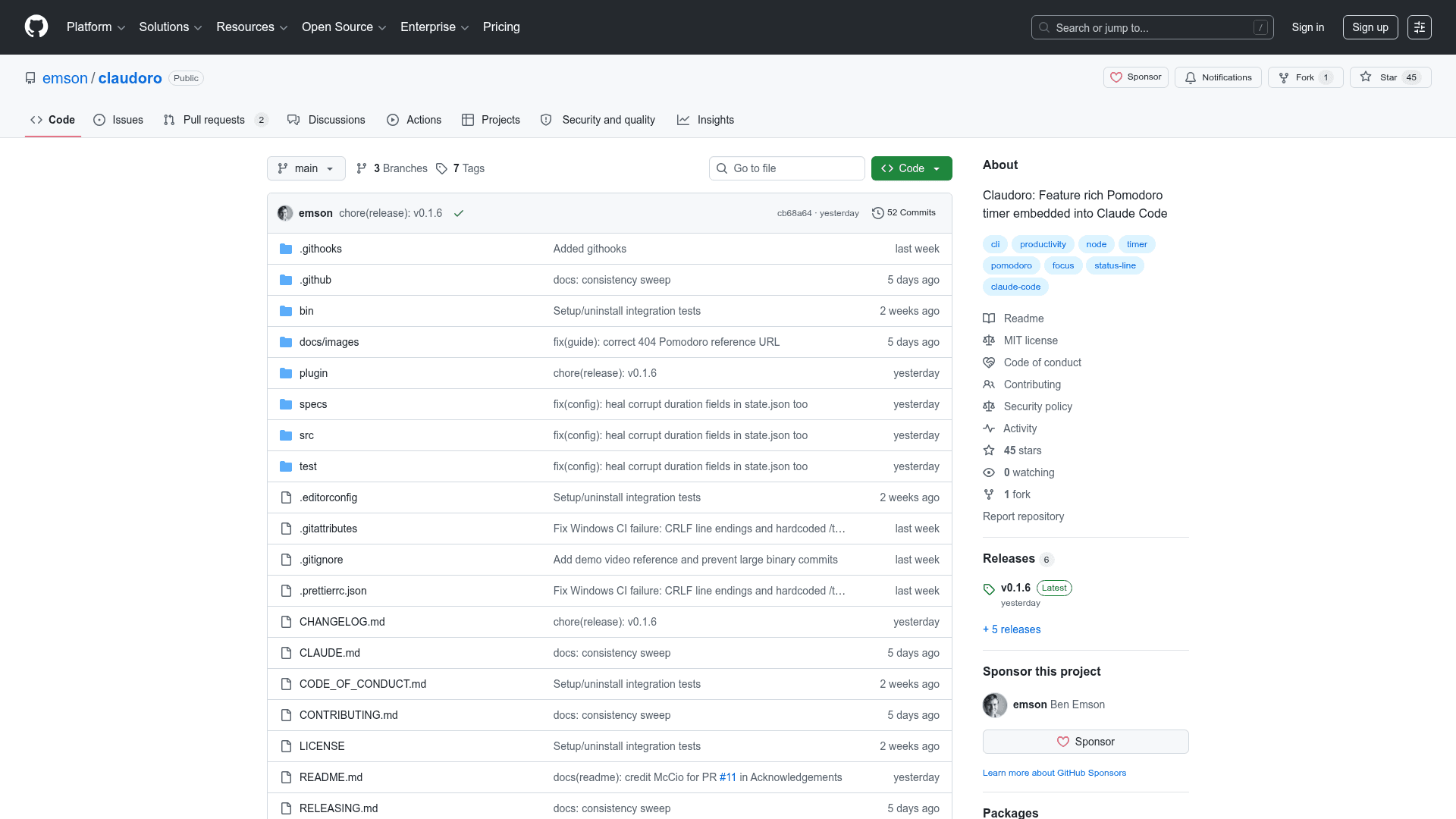
The repository was created in June 2026 and reached v0.1.6 by July 3, 2026, indicating rapid early iteration. Notable design decisions documented in specs/decisions.md (D-001 through D-012) cover the autonomy spectrum for transition modes, the overtime guard that prevents inflated stats from unattended sessions, and the immutable-record approach to history that makes undo safe. Community contributions have already added persisted default durations via a pull request from Marco Ciotola. The project has 45 GitHub stars and 1 fork as of early July 2026.
Community Discussions
Be the first to start a conversation about Claudoro
Share your experience with Claudoro, ask questions, or help others learn from your insights.
Pricing
Open Source
Fully free and open source under the MIT license. Install via npm and use all features at no cost.
- Full Pomodoro timer in Claude Code status line
- All CLI commands (start, pause, resume, stop, skip, etc.)
- Task labeling and #tag support
- Daily focus history log
- Terminal stats and web dashboard
Capabilities
Key Features
- Live countdown in Claude Code status line
- Three view modes: minimal, classic, full
- Pomodoro cycle tracking with dot indicators
- Auto, balanced, and manual transition modes
- Configurable work, short break, long break, and frequency durations
- Task labeling and #tag support
- Daily JSONL focus history log
- Terminal stats panel with streak, heatmap, and top tags
- Self-contained HTML stats dashboard (offline, no dependencies)
- Pomodoro technique guide (terminal and web)
- Undo and restore for history records
- Local-first: no network, no accounts, no telemetry
- Single alarm fires across multiple Claude Code sessions
- Zero API token cost for core timer functionality
- Graceful audio degradation: platform player → terminal bell → silent
- Overtime guard prevents inflated stats from unattended sessions
- Environment variable controls for color, emoji, and passthrough fields
- Idempotent setup with timestamped settings.json backup
- Clean uninstall with optional --purge for history data