
Clave
A desktop app for running and managing multiple coding-agent CLI sessions in parallel, with split and grid layouts.
At a Glance
Clave desktop app released under the MIT License; free to use, copy, modify and distribute. No account or cloud backend required.
Engagement
Available On
Listed Nov 2026
About Clave
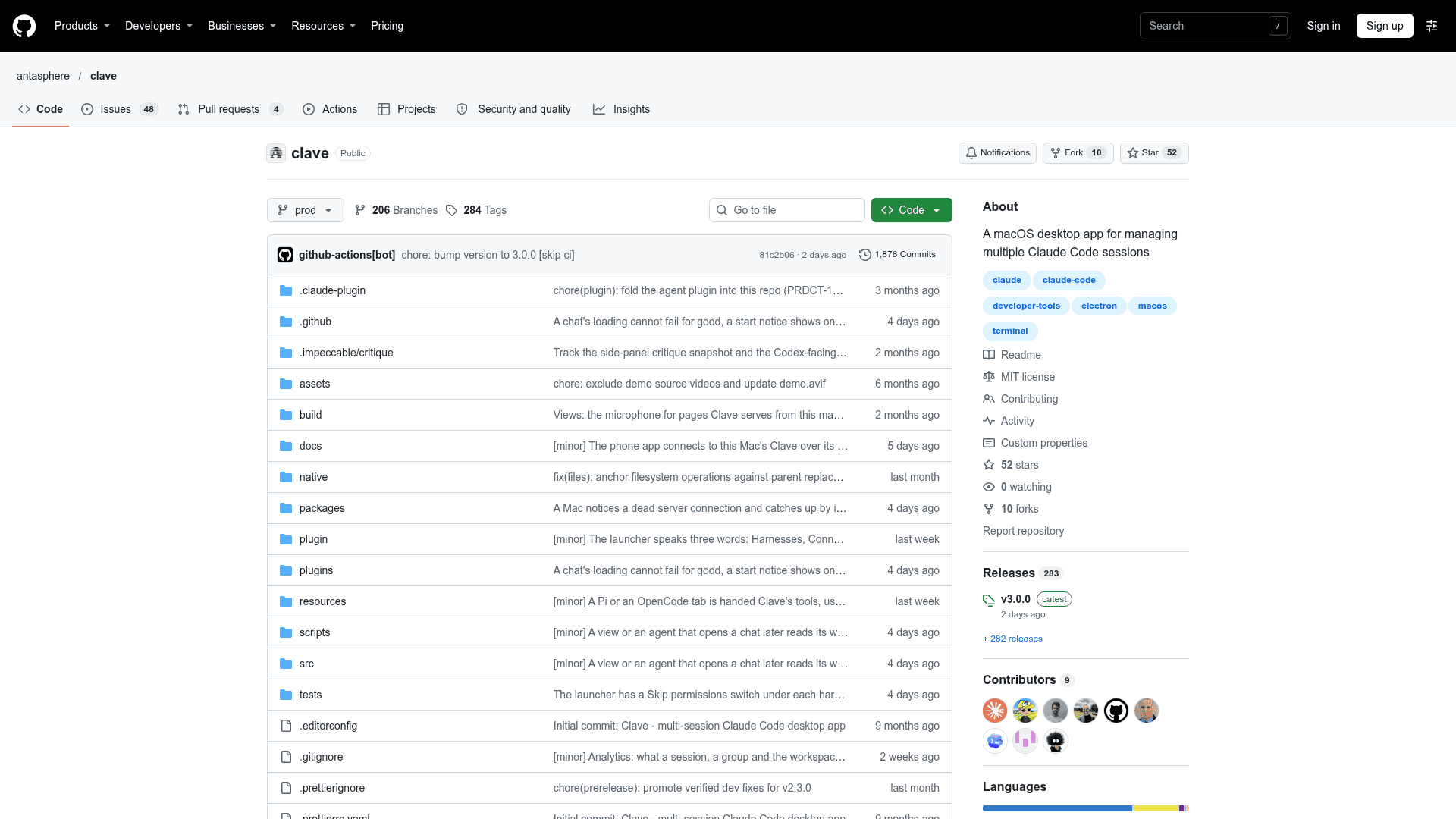
Clave is an open-source desktop app from antasphere for managing several coding-agent sessions at once. It is provider-agnostic, running Claude Code, Antigravity CLI, Codex CLI, and Pi sessions side by side. It targets macOS (Apple Silicon and Intel), with an early Windows build, and the latest listed release is v3.0.0.
What It Is
Clave is a terminal-session manager for coding agents. Each agent session runs in its own PTY, and sessions can be arranged in split or grid layouts and switched between instantly. Plain terminals can be opened alongside agents. At least one supported agent CLI must be installed and authenticated separately.
Workflow Features
A built-in git panel offers a diff viewer and commit history, plus MagicSync, which pulls, stages, writes an AI commit message, commits, and pushes in one click. Markdown, HTML, or structured email documents can be linked to the originating session and edited in a two-pane view with autosave, and the agent reads the reviewed draft back. Files can be browsed and edited locally or on remote hosts over SSH/SFTP, and agents can run on remote hosts with the same UI. Named launch profiles can wrap a CLI with tools such as TokenOps.
Server and Agent Plugin
Clave's server can run on a VPS or a spare Mac so agents keep running when the laptop closes, and you can attach from any of your Macs. A companion plugin, installable via npx plugins add or Claude Code's plugin marketplace, adds two skills, create-workspace and recover-sessions. They generate .clave workspace files and rebuild session groups from stored Claude Code transcripts.
Privacy and Platform Notes
Clave is local-first, with no account or cloud backend. According to the README, it sends one anonymous daily usage ping that can be turned off in settings. On Windows, the agent state indicators and tmux-backed session persistence are macOS-only, Pi sessions are unavailable, and the installer is not code-signed.
Community Discussions
Be the first to start a conversation about Clave
Share your experience with Clave, ask questions, or help others learn from your insights.
Pricing
Open Source
Clave desktop app released under the MIT License; free to use, copy, modify and distribute. No account or cloud backend required.
- MIT License
- Run unlimited Claude Code, Antigravity, Codex, and Pi sessions
- Built-in git panel with diff viewer and MagicSync
- Local and remote files over SSH/SFTP
- Remote sessions over SSH
Capabilities
Key Features
- Run multiple Claude Code, Antigravity CLI, Codex CLI, and Pi sessions in parallel
- Split and grid session layouts
- Built-in git panel with diff viewer and commit history
- MagicSync one-click pull, stage, AI commit message, commit, and push
- Linked document editing beside the agent session
- Local and remote file browsing over SSH/SFTP
- Remote sessions over SSH
- Self-hosted Clave server for persistent agents
- Named launch profiles
- Companion plugin with create-workspace and recover-sessions skills
- Auto-updates
- Local-first with no account