
Claw Controller
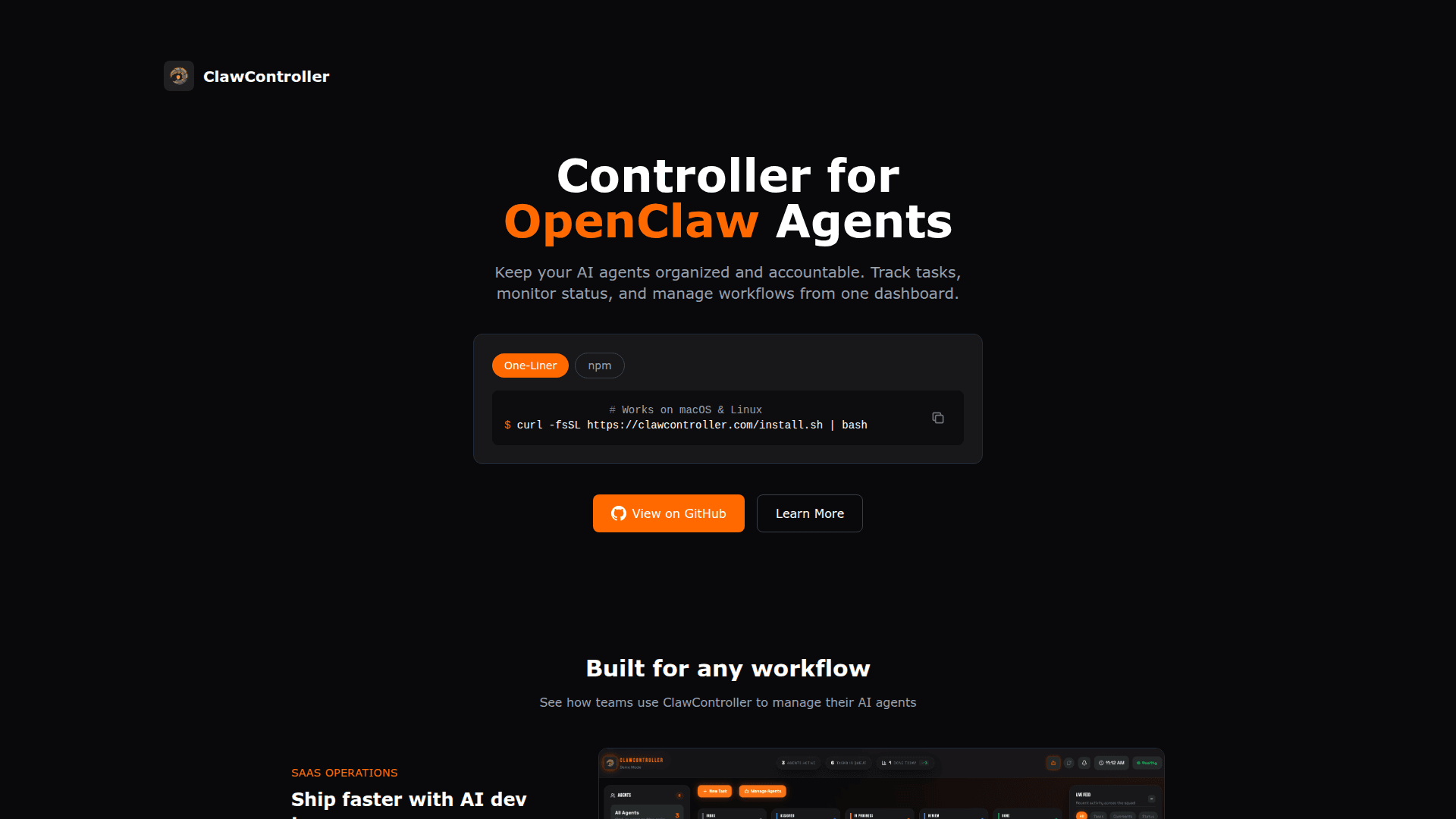
A desktop application for managing and running MCP servers with a visual interface for AI tool orchestration.
At a Glance
About Claw Controller
Claw Controller is a desktop application designed to simplify the management and execution of Model Context Protocol (MCP) servers. It provides a visual interface for developers and AI practitioners to orchestrate AI tools and manage server configurations without dealing with complex command-line operations. The application streamlines the process of running multiple MCP servers and connecting them to AI applications.
Key Features:
- Visual Server Management - Provides an intuitive graphical interface for starting, stopping, and monitoring MCP servers without command-line expertise
- Multi-Server Support - Enables running and managing multiple MCP servers simultaneously from a single dashboard
- Configuration Management - Offers easy-to-use configuration options for server settings and environment variables
- Real-time Monitoring - Displays server status, logs, and connection information in real-time
- Cross-Platform Compatibility - Available for Windows and macOS operating systems
- Server Discovery - Helps users discover and connect to available MCP servers in their environment
To get started with Claw Controller, download the application for your operating system from the official website. After installation, launch the application and configure your MCP servers through the visual interface. The tool automatically detects server configurations and provides one-click server management capabilities.
The application is particularly useful for developers working with AI assistants and tools that utilize the Model Context Protocol, providing a streamlined workflow for managing the underlying server infrastructure that powers AI tool integrations.
Community Discussions
Be the first to start a conversation about Claw Controller
Share your experience with Claw Controller, ask questions, or help others learn from your insights.
Pricing
Free
Free desktop application for MCP server management
- Visual MCP server management
- Multi-server support
- Real-time monitoring
- Configuration management
Capabilities
Key Features
- Visual MCP server management
- Multi-server support
- Real-time server monitoring
- Configuration management
- Server logs viewing
- One-click server start/stop
- Environment variable management