
CodeBuddy CLI
AI-powered command line assistant that helps developers write, debug, and optimize code directly from the terminal.
At a Glance
Basic AI coding features with daily limits
Full Pro features for new users
Engagement
Available On
Alternatives
Listed Feb 2026
About CodeBuddy CLI
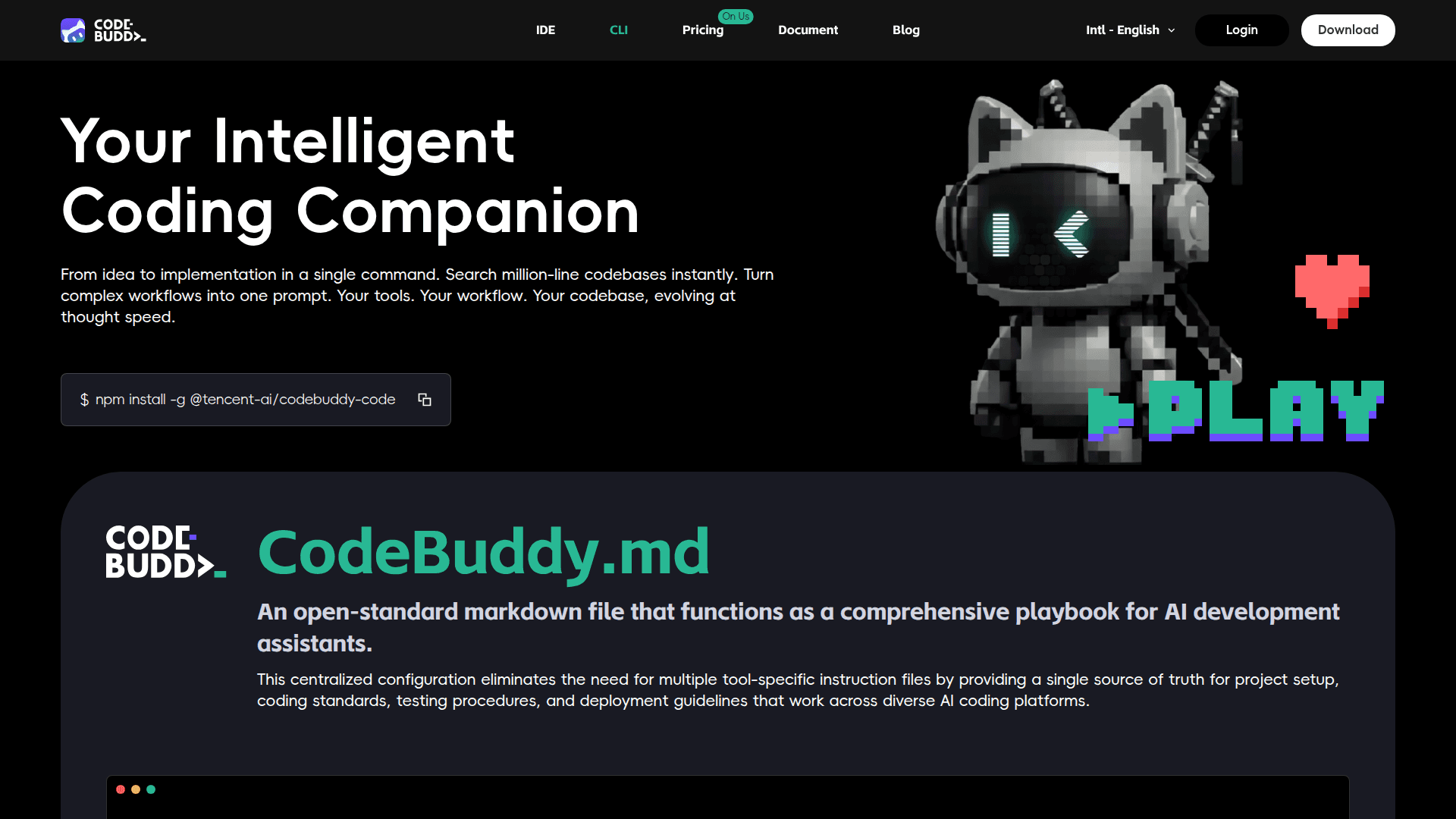
CodeBuddy CLI is an AI-powered command line tool designed to enhance developer productivity by bringing intelligent coding assistance directly to the terminal. It provides code completion, generation, and analysis capabilities without leaving the command line environment, making it ideal for developers who prefer terminal-based workflows.
The tool integrates seamlessly with existing development environments and supports multiple AI models to deliver accurate code suggestions and solutions. CodeBuddy CLI is part of the broader CodeBuddy ecosystem, which includes IDE extensions and plugins for a unified AI coding experience.
- AI Code Completion: Get intelligent code suggestions powered by premium AI models directly in your terminal workflow
- Next Edit Prediction: Anticipates your next code changes and provides proactive suggestions to speed up development
- Credit-Based Usage: Flexible credit system that allocates points for different AI features, with quick features consuming fewer credits than advanced operations
- Premium Model Access: Access to all premium AI models for code generation, analysis, and complex task completion
- Cross-Platform Support: Works alongside IDE and plugin versions for a consistent experience across development environments
To get started, download CodeBuddy CLI and sign up for a free account to receive a 2-week Pro trial with 250 credits. The free tier includes 50 BuddyTab completions per day and unlimited Next Edit Prediction. Pro users receive 1,000 credits monthly with unlimited access to all features. Teams can share credits from a pooled allocation with centralized billing management.
Community Discussions
Be the first to start a conversation about CodeBuddy CLI
Share your experience with CodeBuddy CLI, ask questions, or help others learn from your insights.
Pricing
Free
Basic AI coding features with daily limits
- 2 week pro trial with 250 credits
- All premium models
- BuddyTab: 50 Completions/Day
- Unlimited Next Edit Prediction
Pro Trial
Full Pro features for new users
- 250 credits one-time allocation
- All premium models
- Unlimited BuddyTab
- Unlimited Next Edit Prediction
Pro
Full AI coding features with 1000 monthly credits
- 1000 credits/month
- All premium models
- Unlimited BuddyTab
- Unlimited Next Edit Prediction
Teams
Team collaboration with shared credits and admin features
- 1,000 credits per seat/month, shared in team pool
- Admin Console
- Unified Billing Management
- Support for IDE, CLI, and Plugins
Capabilities
Key Features
- AI code completion
- Next Edit Prediction
- Premium AI models access
- BuddyTab completions
- Credit-based usage system
- Code generation
- Code analysis
- Terminal-based workflow