
CodeBurn
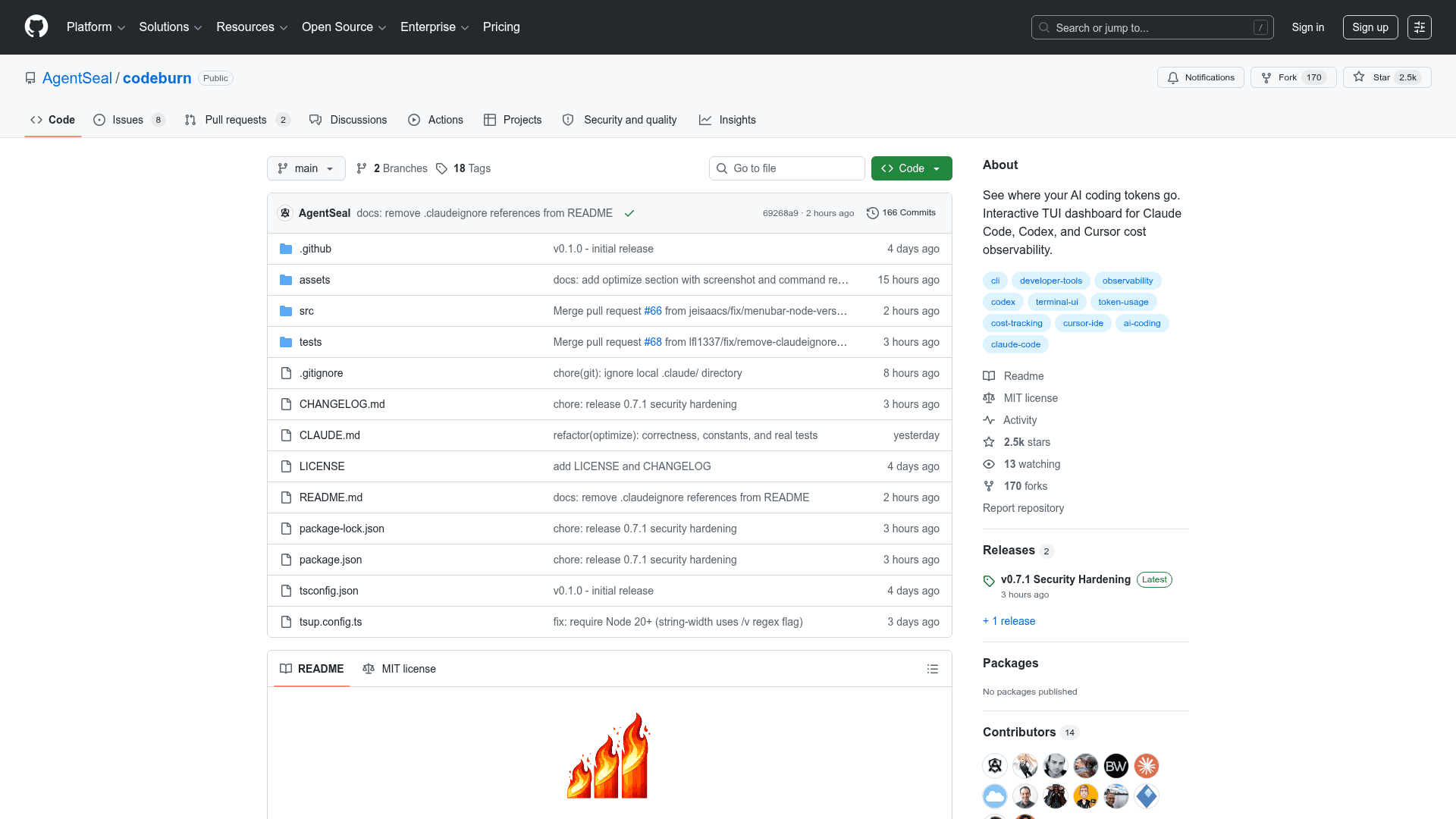
An open-source CLI and TUI dashboard that tracks AI coding token usage and costs across Claude Code, Codex, Cursor, OpenCode, Pi, and GitHub Copilot.
At a Glance
Fully free and open-source under the MIT License. Install via npm or npx.
Engagement
Available On
Listed Apr 2026
About CodeBurn
CodeBurn is an open-source CLI tool that gives developers a clear view of where their AI coding tokens and money go. It reads session data directly from disk — no wrapper, no proxy, no API keys required — and presents an interactive terminal dashboard with gradient charts, responsive panels, and keyboard navigation. It supports Claude Code, Codex (OpenAI), Cursor, OpenCode, Pi, and GitHub Copilot via a provider plugin system, and fetches live pricing from LiteLLM for accurate cost calculations across all models.
- Interactive TUI Dashboard — Run
codeburnto launch a full terminal UI with daily cost charts, per-project, per-model, and per-activity breakdowns, navigable with arrow keys and keyboard shortcuts. - Multi-Provider Support — Auto-detects Claude Code, Codex, Cursor, OpenCode, Pi, and GitHub Copilot session data on disk; toggle between providers with the
--providerflag or presspin the dashboard. - 13-Category Task Classifier — Deterministically classifies every AI turn into categories like Coding, Debugging, Feature Dev, Refactoring, Testing, and more — no LLM calls needed.
- One-Shot Rate Tracking — Measures the percentage of edit turns that succeeded without retries, so you can see where the AI nails it first try vs. burns tokens on edit/test/fix loops.
- Optimize Command — Run
codeburn optimizeto scan sessions and your~/.claude/setup for waste patterns (low cache hits, unused MCP servers, bloated CLAUDE.md files) and get copy-paste fixes with estimated token and dollar savings. - CSV/JSON Export — Export full dashboard data as structured JSON or CSV with
codeburn exportorcodeburn report --format json, pipeable tojqfor custom filtering. - macOS Menu Bar Widget — Install a SwiftBar plugin with
codeburn install-menubarto see today's cost in the menu bar with a flame icon and a dropdown activity breakdown. - Multi-Currency Support — Display costs in any of 162 ISO 4217 currencies; exchange rates are fetched from Frankfurter (European Central Bank data) and cached for 24 hours.
- Project Filtering — Use
--projectand--excludeflags on any command to scope results to specific projects or exclude noise. - No API Keys Required — Works entirely by reading local session files; pricing data is auto-cached from LiteLLM with hardcoded fallbacks for Claude and GPT-5 models.
Community Discussions
Be the first to start a conversation about CodeBurn
Share your experience with CodeBurn, ask questions, or help others learn from your insights.
Pricing
Open Source (MIT)
Fully free and open-source under the MIT License. Install via npm or npx.
- Interactive TUI dashboard
- Multi-provider support (Claude Code, Codex, Cursor, OpenCode, Pi, GitHub Copilot)
- 13-category task classifier
- One-shot rate tracking
- Optimize command
Capabilities
Key Features
- Interactive TUI dashboard with gradient charts and keyboard navigation
- Multi-provider support: Claude Code, Codex, Cursor, OpenCode, Pi, GitHub Copilot
- 13-category deterministic task classifier
- One-shot success rate tracking per activity type
- Optimize command for waste detection and copy-paste fixes
- CSV and JSON export
- macOS menu bar widget via SwiftBar
- Multi-currency support (162 ISO 4217 currencies)
- Project filtering with --project and --exclude flags
- No API keys or proxies required
- LiteLLM pricing with 24-hour auto-cache
- Provider plugin system for extensibility
- Auto-refresh mode
- Per-model, per-project, per-activity cost breakdowns
- MCP server usage tracking