
CodeGraphy Lite
Open-source visual architecture graph and MCP server that maps Python codebases for developers and AI coding agents.
At a Glance
Free, open-source (MIT) standalone distribution with visual architecture canvas and MCP server, limited to 35 files and Python.
Engagement
Available On
Alternatives
Listed Nov 2026
About CodeGraphy Lite
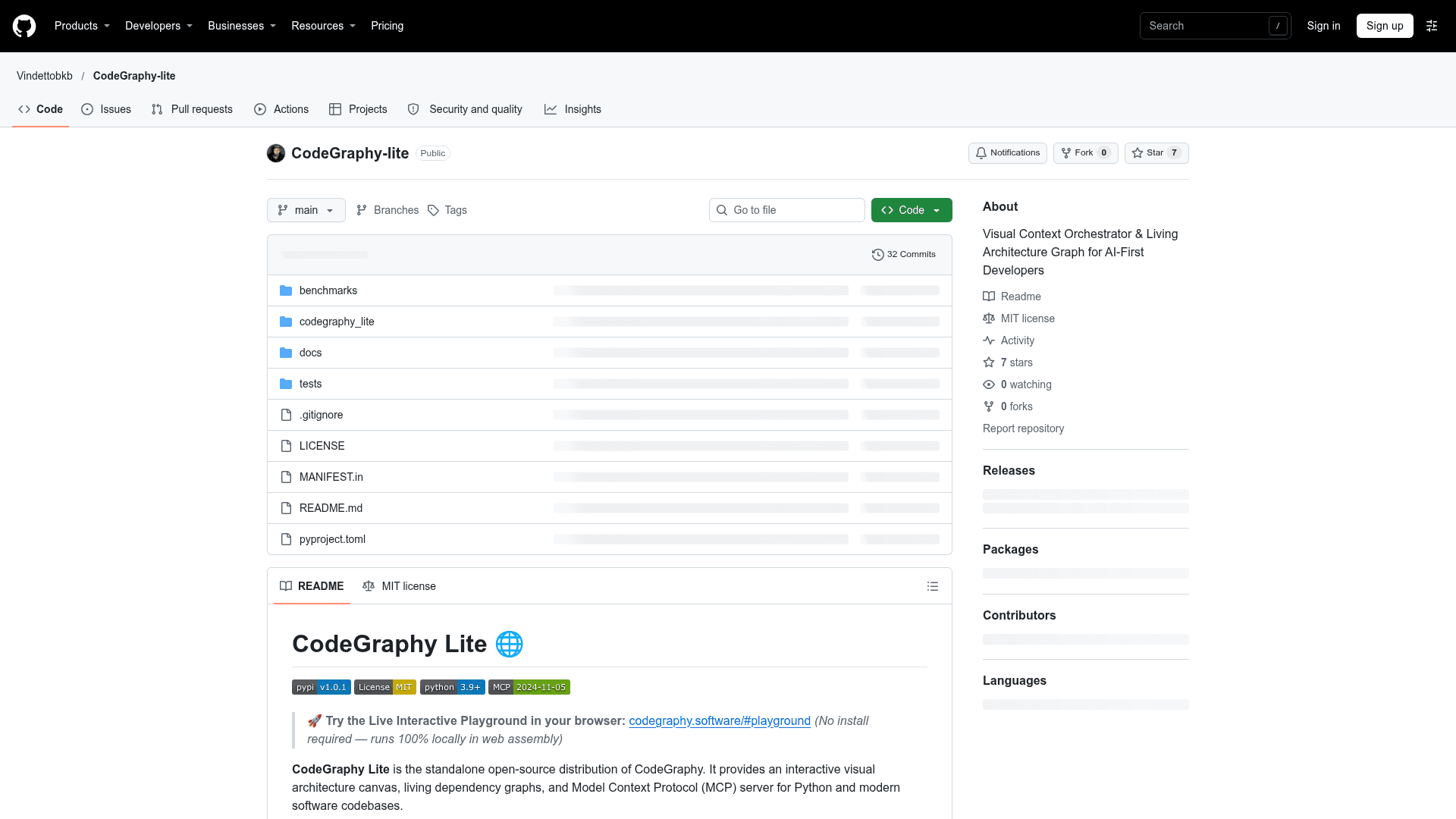
CodeGraphy Lite is the standalone open-source distribution of CodeGraphy, published under the MIT license. It scans a Python project, renders an interactive 2D architecture canvas in the browser, and exposes the same architectural data to AI assistants through a built-in MCP server. It installs from PyPI and runs locally.
What It Is
CodeGraphy Lite is a code-architecture visualization tool and Model Context Protocol server. Pointed at a project directory, it scans up to 35 files using Python's standard-library ast.parse() plus regex import matching, then shows modules, services, and dependency edges as a draggable graph. Topics can be grouped into workflow lanes such as Planning, Development, Testing, and Done, and workspaces can be exported and imported as human-readable .cg.md Markdown files.
How the MCP Server Works
The codegraphy-mcp command speaks JSON-RPC 2.0 over STDIO (MCP 2024-11-05) and offers three tools: list_workspace_topics, get_topic_context (topic details, 1-hop dependencies, and AST-extracted class and function signatures), and get_architecture_summary (metrics, dependency statistics, and status distribution). The README gives configuration examples for Cursor and Claude Code, and names Windsurf and Cline as target agents.
Local Use and Context Savings
The README states that the tool is local-first, with no cloud telemetry or code uploads. It also reports a benchmark across six closed bugfixes in httpx, typer, and rich in which agent input tokens fell by 75.5% compared with grep plus whole-file reading, with the same 6/6 acceptance pass rate. This is a vendor-published result.
Setup Path
Install with pip install codegraphy-lite, then run codegraphy-lite in a project directory. The server defaults to 127.0.0.1:8000 and opens the browser; flags control port, host, browser launch, and forced scanning. The README distinguishes Lite from a separate CodeGraphy Pro edition, which it says supports more languages and larger projects.
Community Discussions
Be the first to start a conversation about CodeGraphy Lite
Share your experience with CodeGraphy Lite, ask questions, or help others learn from your insights.
Pricing
CodeGraphy Lite
Free, open-source (MIT) standalone distribution with visual architecture canvas and MCP server, limited to 35 files and Python.
- Interactive 2D architecture canvas
- Human-readable .cg.md workspace export/import
- Project file limit: 35 files
- Python AST scanning
- 3 core MCP tools
CodeGraphy Pro
Desktop Pro edition with unlimited files, polyglot support and 11 MCP tools, sold as a one-time lifetime license.
- Unlimited project files
- Polyglot (Python, TS, JS, Go, Rust, C#, Java)
- 11 Industrial Intelligence MCP tools
- Blast radius and impact analysis
- Project-wide FQN symbol and reference index
- Architecture linter and drift detection
- Git architecture diff
Capabilities
Key Features
- Interactive React Flow architecture graph with drag-and-drop layout
- Workflow lanes (Planning, Development, Testing, Done)
- Semantic zoom with level-of-detail
- Portable .cg.md workspace import/export
- Lightweight Python AST scanner (up to 35 files)
- STDIO MCP server with three architecture tools
- Local-first with no telemetry or code uploads
- Browser-based web UI served locally