EveryDev.ai
Sign inSubscribe
  1. Home
  2. Tools
  3. CodeMic
CodeMic icon

CodeMic

AI Tutorials

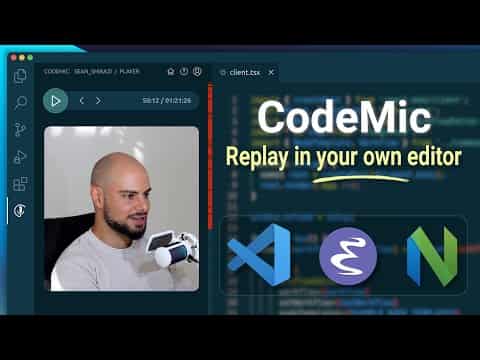
Record and share coding sessions with audio, video, and images that replay inside your own editor.

Visit Website

At a Glance

Pricing

Open Source

Open source and free to use

Engagement

Available On

Windows
Web
API
VS Code

Resources

WebsiteDocsGitHubllms.txt

Topics

AI TutorialsIDE PluginsDocumentation

About CodeMic

CodeMic is a VS Code extension that enables developers to record and share coding sessions with synchronized audio, video, and images. Viewers can replay these sessions directly inside their own editor, allowing them to pause, run the code, explore, and experiment in a hands-on learning environment. The tool positions itself as a human-focused alternative to AI-generated content, emphasizing real engineering knowledge transfer.

  • Play Recordings Inside Editor - Sessions sync audio, video, and images with code changes, letting viewers pause the player to run code, explore, and experiment within their own development environment.

  • Local First & Open Source - Recordings are saved locally as JSON files, giving users full control over their content. The project is MIT licensed and available on GitHub for transparency and community contributions.

  • Easy Recording - Record directly from inside your editor with powerful editing tools including timeline controls, speed adjustment, chapters, and mixed media tracks for professional-quality sessions.

  • Editor Independent Format - While currently available only on VS Code, the file format is designed to be editor independent with plans for future support across Emacs, Vim, and web platforms.

  • Session Sharing - Share recordings manually or publish them on CodeMic.io where featured sessions cover topics like full-stack development, React, Node.js, and TypeScript tutorials.

To get started, install the CodeMic extension from the VS Code Marketplace. Once installed, you can begin recording coding sessions directly within VS Code. The extension provides intuitive controls for managing your recordings, adding audio commentary, and organizing content into chapters. Published sessions can be discovered and viewed by the community on the CodeMic.io platform.
CodeMic

Community Discussions

Be the first to start a conversation about CodeMic

Share your experience with CodeMic, ask questions, or help others learn from your insights.

Pricing

OPEN SOURCE

Open Source

Open source and free to use

  • Record coding sessions
  • Audio, video, and image sync
  • Local JSON file storage
  • Timeline and speed control
  • Chapter support
View official pricing

Capabilities

Key Features

  • Record coding sessions with audio, video, and images
  • Replay sessions inside your own editor
  • Pause and run code during playback
  • Local-first JSON file storage
  • Timeline and speed control
  • Chapter support
  • Mixed media tracks
  • Session publishing on CodeMic.io
  • Editor independent file format

Integrations

VS Code
API Available
View Docs

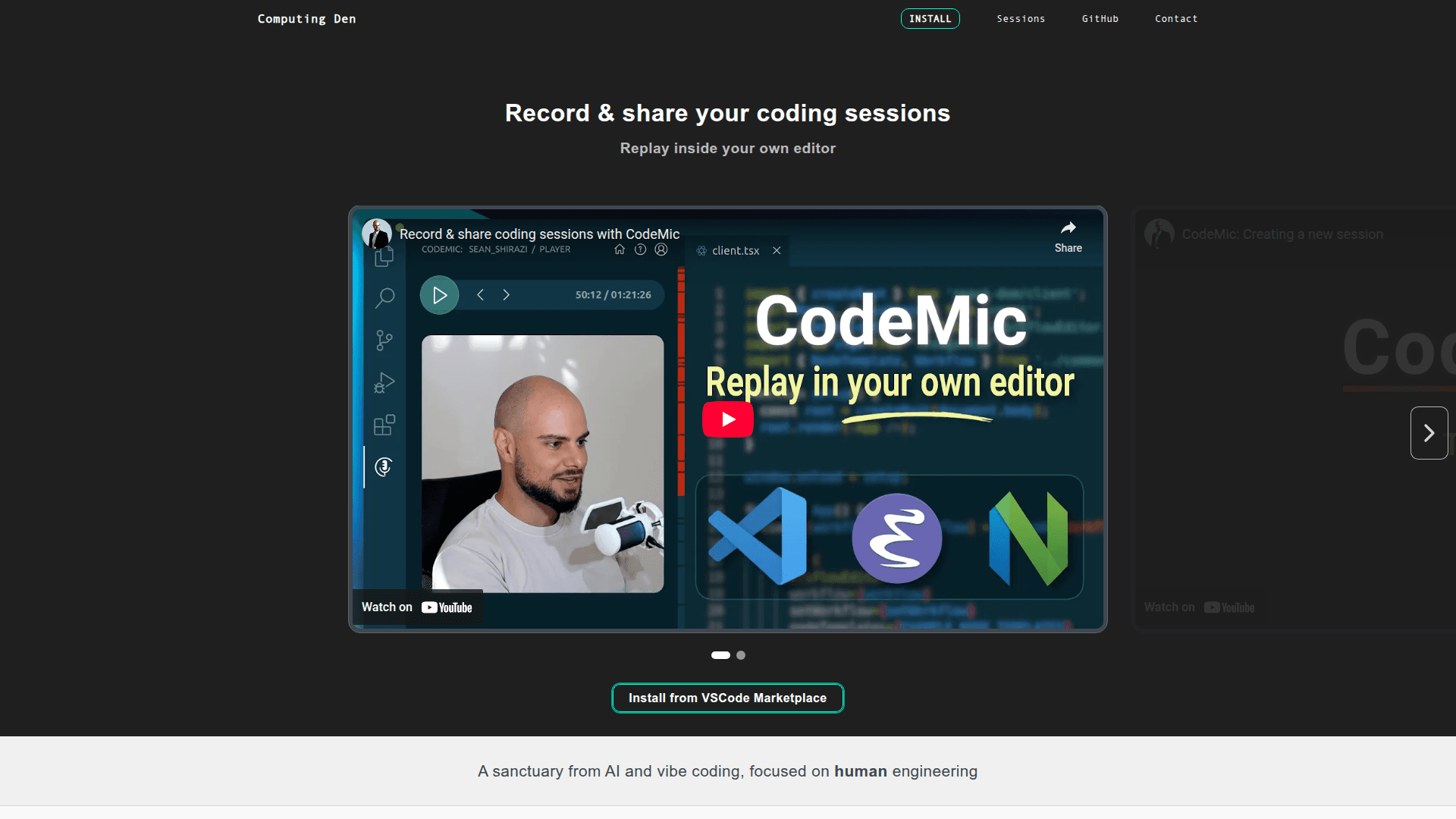
Demo Video

CodeMic Demo Video
Watch on YouTube

Reviews & Ratings

No ratings yet

Be the first to rate CodeMic and help others make informed decisions.

Developer

Computing Den

Computing Den builds CodeMic, an open-source VS Code extension for recording and sharing coding sessions. The company also operates as a software development agency specializing in complex web applications such as custom CRMs and ERPs. Founded by Sean Shirazi, the team focuses on human-centered engineering tools and professional web development services.

Read more about Computing Den
WebsiteGitHub
1 tool in directory

Similar Tools

Fireship icon

Fireship

Fireship offers fast, approachable developer courses and content focused on the JavaScript ecosystem with interactive learning experiences.

Context Engineering Intro icon

Context Engineering Intro

An introductory repository for learning context engineering techniques and best practices for AI development.

Context Engineering icon

Context Engineering

A comprehensive guide and resource collection for context engineering in AI systems, covering prompt design, memory management, and tool integration.

Browse all tools

Related Topics

AI Tutorials

Step-by-step tutorials and hands-on guides for AI tools and frameworks.

9 tools

IDE Plugins

AI-enhanced plugins for integrated development environments.

18 tools

Documentation

AI-driven tools that automatically generate, maintain, and organize technical documentation, user guides, and project artifacts with context-aware content and intelligent updating.

25 tools
Browse all topics
Back to all tools
Explore AI Tools
  • AI Coding Assistants
  • Agent Frameworks
  • MCP Servers
  • AI Prompt Tools
  • Vibe Coding Tools
  • AI Design Tools
  • AI Database Tools
  • AI Website Builders
  • AI Testing Tools
  • LLM Evaluations
Follow Us
  • X / Twitter
  • LinkedIn
  • Reddit
  • Discord
  • Threads
  • Bluesky
  • Mastodon
  • YouTube
  • GitHub
  • Instagram
Get Started
  • About
  • Editorial Standards
  • Corrections & Disclosures
  • Community Guidelines
  • Advertise
  • Contact Us
  • Newsletter
  • Submit a Tool
  • Start a Discussion
  • Write A Blog
  • Share A Build
  • Terms of Service
  • Privacy Policy
Explore with AI
  • ChatGPT
  • Gemini
  • Claude
  • Grok
  • Perplexity
Agent Experience
  • llms.txt
Theme
With AI, Everyone is a Dev. EveryDev.ai © 2026
Main Menu
  • Tools
  • Developers
  • Topics
  • Discussions
  • News
  • Blogs
  • Builds
  • Contests
Create
Sign In
    Sign in
    5views
    0saves
    0discussions