
Colab CLI
A command-line interface for Google Colab that provisions CPU, GPU, and TPU runtimes, executes local code, manages remote files, and orchestrates automated cloud pipelines from the terminal.
At a Glance
About Colab CLI
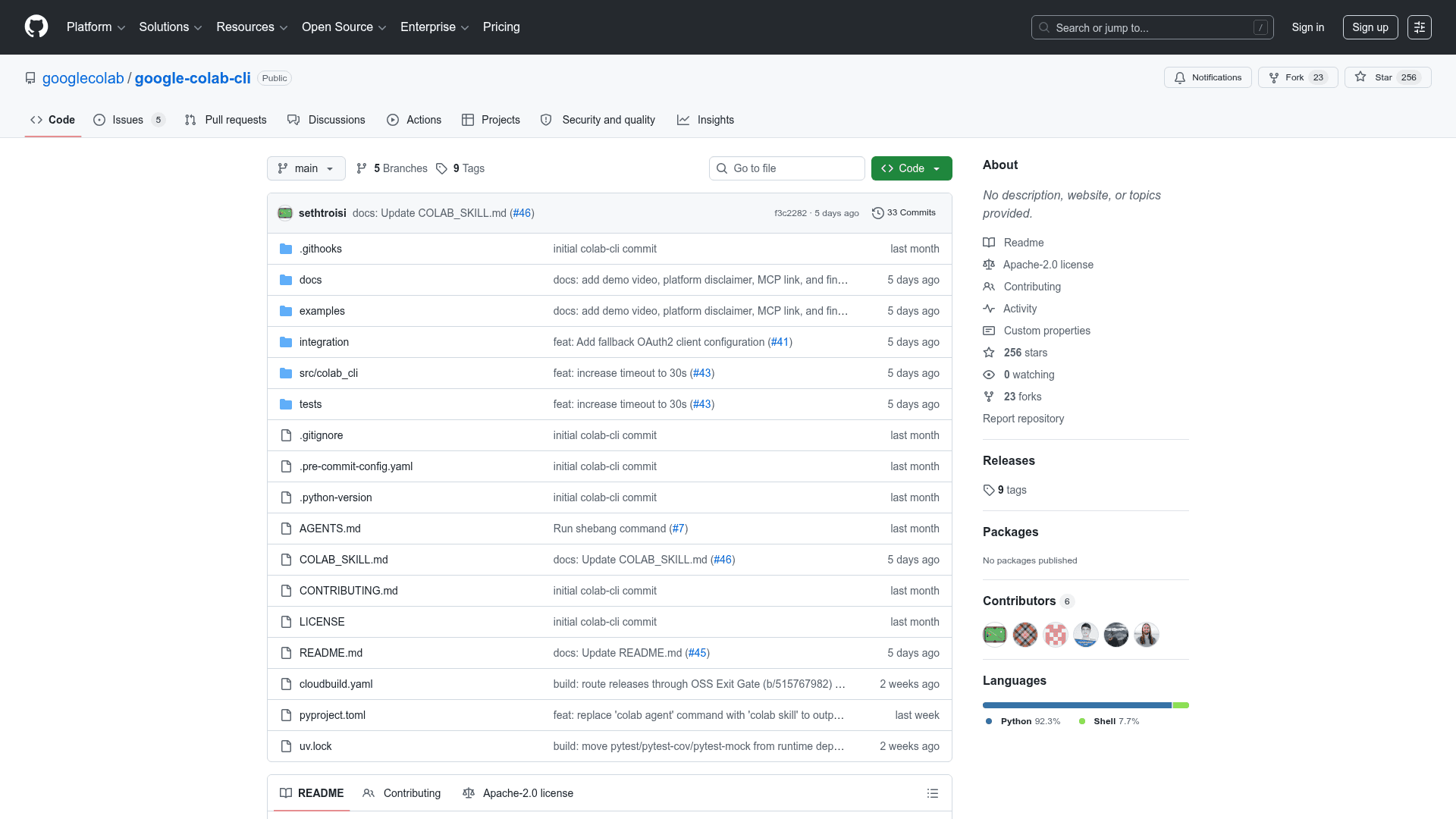
Colab CLI is an open-source command-line tool published by the googlecolab GitHub organization under the Apache License 2.0. It brings Google Colab's cloud compute capabilities — including GPU and TPU runtimes — directly into terminal workflows, enabling headless automation and AI agent integrations without requiring an open browser tab. The project is written in Python and supports Linux and macOS only; Windows is explicitly not supported at this time.
What It Is
Colab CLI is a terminal-first interface for Google Colab that lets developers provision, control, and automate cloud VM runtimes from the command line. Rather than interacting with Colab through a browser notebook, users can spin up accelerator-backed VMs, run local Python scripts or Jupyter notebooks against those VMs, transfer files, and tear down resources — all through a structured set of colab subcommands. The project also ships a companion Colab MCP Server for in-notebook, interactive agent-assisted coding workflows.
Core Capabilities
The CLI is organized into four functional areas:
- Session management:
colab new,colab sessions,colab status,colab stop, andcolab urlhandle the full lifecycle of VM runtimes, including CPU, GPU (T4, L4, G4, H100, A100), and TPU (v5e1, v6e1) variants. - Code execution:
colab execruns local.pyfiles,.ipynbnotebooks, or piped stdin against the remote kernel.colab replopens an interactive Python REPL;colab consoleconnects a raw TTY shell via tmux. - File operations:
colab upload,colab download,colab ls,colab rm, andcolab editmanage the remote VM filesystem using the Jupyter Contents API. - Automation utilities:
colab authhandles GCP credential forwarding,colab drivemountmounts Google Drive, andcolab installusesuv(with pip fallback) for fast dependency management.
Ephemeral Job Runner and Keep-Alive
Two design choices stand out for automation use cases. The colab run command provisions a fresh VM, executes a local script with forwarded arguments, retrieves output files, and automatically tears down the runtime in a single command — making it suitable for CI/CD pipelines and scheduled ML training jobs. A built-in background daemon provides automatic keep-alive, preventing idle VM termination without requiring an open browser session. Scripts can also use a shebang line (#!/usr/bin/env -S colab run --gpu L4) to run directly on remote accelerators as executable files.
Setup Path
Installation is straightforward via uv tool install google-colab-cli (recommended) or pip install google-colab-cli. Session tokens and metadata are stored at ~/.config/colab-cli/sessions.json; authentication supports both OAuth2 and Application Default Credentials (ADC). The repository includes deep-dive documentation covering session management architecture, execution design, file management, authentication providers, and the ephemeral job runner design, as well as eleven demo walkthroughs.
Current Status
The repository was created in April 2026 and last pushed in June 2026, indicating active early development. It is hosted under the official googlecolab GitHub organization and licensed Apache-2.0. The README notes that platform support is currently limited to Linux and macOS, and links to a sibling project (Colab MCP Server) for users who prefer interactive, agent-assisted notebook workflows.
Community Discussions
Be the first to start a conversation about Colab CLI
Share your experience with Colab CLI, ask questions, or help others learn from your insights.
Pricing
Open Source
Free and open-source under the Apache License 2.0. Install via pip or uv.
- CPU, GPU, and TPU runtime provisioning
- Local script and notebook execution on remote VMs
- Ephemeral job runner
- Automatic keep-alive daemon
- File management on remote VM
Capabilities
Key Features
- Provision CPU, GPU (T4, L4, G4, H100, A100), and TPU (v5e1, v6e1) runtimes
- Run local Python scripts, Jupyter Notebooks, or piped stdin on remote VMs
- Ephemeral job runner: provision, execute, retrieve outputs, and teardown in one command
- Automatic keep-alive daemon prevents idle VM termination
- Interactive Python REPL and raw TTY console shell
- File upload, download, list, delete, and in-place edit on remote VM filesystem
- Google Drive mounting
- GCP credential authentication for BigQuery, GCS, etc.
- High-performance package installation via uv with pip fallback
- Session history export to .ipynb, .md, .txt, or .jsonl
- Shebang execution support for running scripts directly on remote accelerators
- Multi-session management with named sessions