gog CLI
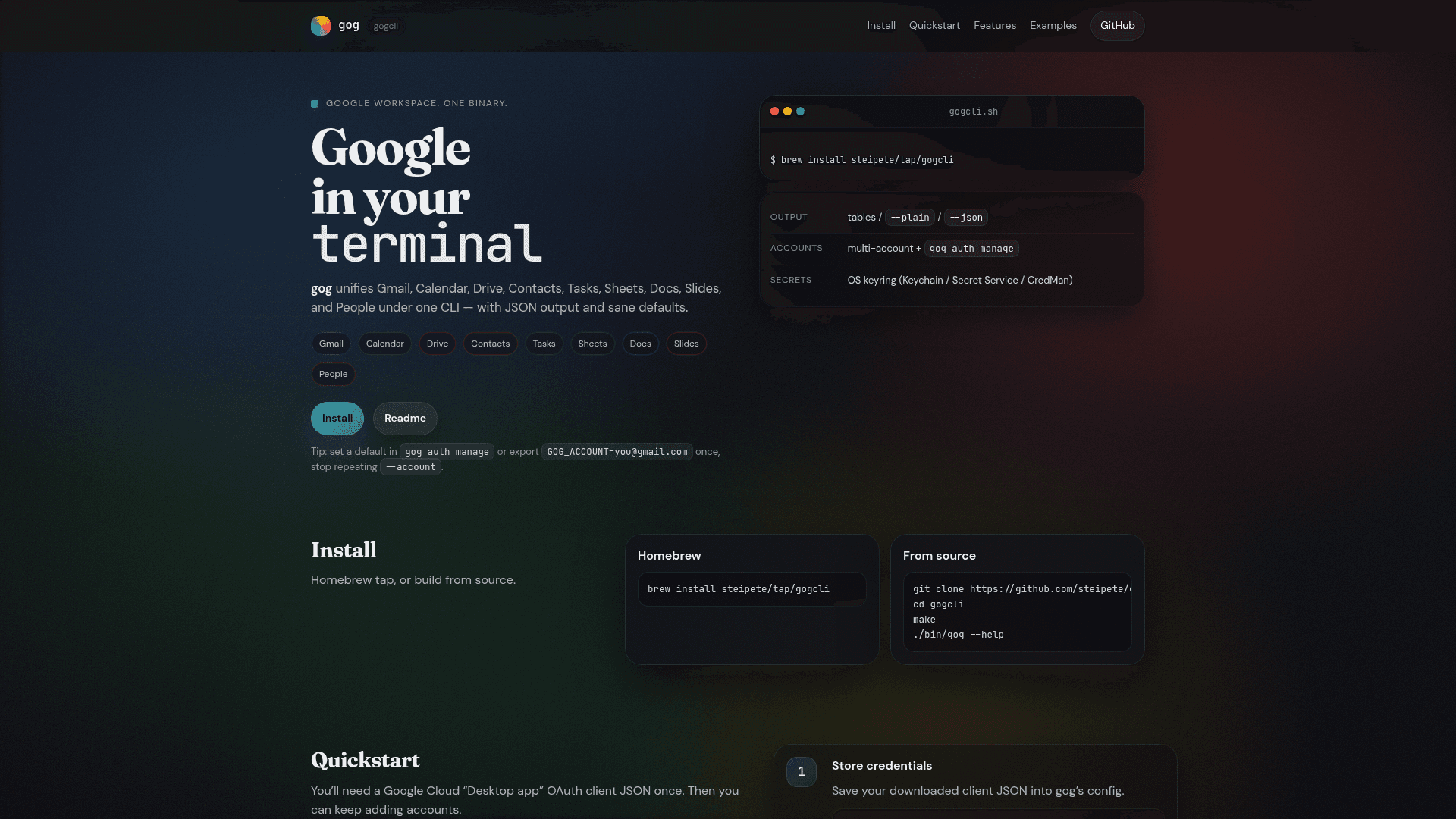
A unified command-line interface for Google Workspace services including Gmail, Calendar, Drive, Contacts, Tasks, Sheets, Docs, Slides, and People.
At a Glance
About gog CLI
gog CLI is a powerful command-line tool that unifies all major Google Workspace services under a single binary. It provides seamless access to Gmail, Calendar, Drive, Contacts, Tasks, Sheets, Docs, Slides, and People APIs with JSON output support and sensible defaults for scripting and automation workflows.
-
Multi-Service Integration - Access Gmail, Calendar, Drive, Contacts, Tasks, Sheets, Docs, Slides, and People from one unified CLI tool without switching between different utilities or APIs.
-
JSON Output Support - Use the
--jsonflag for machine-readable output that pipes directly to tools like jq, making it ideal for scripting and automation workflows. -
Multi-Account Management - Manage multiple Google accounts with
gog auth manageor set a default account viaGOG_ACCOUNTenvironment variable to avoid repeating account flags. -
Secure Credential Storage - Stores OAuth tokens securely in your OS keyring (macOS Keychain, Linux Secret Service, or Windows Credential Manager) for safe credential management.
-
Gmail Features - Search threads, send mail, manage labels, drafts, filters, settings, and set up Pub/Sub push notifications with the watch command.
-
Calendar Operations - List, create, and update events, respond to invites, detect scheduling conflicts, and check free/busy availability.
-
Drive Management - List, search, upload, and download files, export Google Docs formats, manage permissions and folders, and handle URLs.
-
Document Export - Export Sheets, Docs, and Slides to various formats including PDF, DOCX, PPTX, XLSX, and CSV via the Drive API.
-
Tasks Management - Full tasklist and task management with add, update, done, undo, delete, and clear operations with paging support.
To get started, install via Homebrew with brew install steipete/tap/gogcli or build from source. Store your Google Cloud OAuth client JSON with gog auth credentials, authorize your account with gog auth add, and start running commands with optional JSON output for scripting.
Community Discussions
Be the first to start a conversation about gog CLI
Share your experience with gog CLI, ask questions, or help others learn from your insights.
Pricing
Open Source
Free and open source under MIT license
- Full access to all Google Workspace services
- Multi-account support
- JSON output for scripting
- OS keyring credential storage
- MIT License
Capabilities
Key Features
- Unified CLI for Google Workspace services
- Gmail search, send, labels, drafts, filters, and Pub/Sub watch
- Calendar event management and conflict detection
- Drive file operations and format exports
- Sheets read/write and export to PDF/XLSX/CSV
- Docs and Slides export to PDF/DOCX/PPTX
- Contacts and People directory access
- Tasks management with full CRUD operations
- Multi-account support
- JSON output for scripting
- OS keyring credential storage
- Homebrew installation support