EveryDev.ai
Subscribe
Home
Tools

3,750+ AI tools

  • New
  • Trending
  • Featured
  • Compare
  • Arena
Categories
  • Agents2189
  • Coding1574
  • Infrastructure698
  • Marketing534
  • Projects498
  • Research456
  • Design416
  • Analytics389
  • Testing296
  • MCP290
  • Security286
  • Data262
  • Integration197
  • Prompts189
  • Communication183
  • Extensions173
  • Learning170
  • Voice151
  • Commerce135
  • DevOps123
  • Web86
  • Finance26
AI Tools by Topic
  • AI Coding Assistants
  • Agent Frameworks
  • MCP Servers
  • AI Prompt Tools
  • Vibe Coding Tools
  • AI Design Tools
  • AI Database Tools
  • AI Website Builders
  • AI Testing Tools
  • LLM Evaluations
Follow Us
  • X / Twitter
  • LinkedIn
  • Reddit
  • Discord
  • Threads
  • Bluesky
  • Mastodon
  • YouTube
  • GitHub
  • Instagram
Get Started
  • About
  • Editorial Standards
  • Corrections & Disclosures
  • Community Guidelines
  • Advertise
  • Contact Us
  • Newsletter
  • Submit a Tool
  • Start a Discussion
  • Write A Blog
  • Share A Build
  • Terms of Service
  • Privacy Policy
Explore with AI
  • ChatGPT
  • Gemini
  • Claude
  • Grok
  • Perplexity
Agent Experience
  • llms.txt
Theme
With AI, Everyone is a Dev. EveryDev.ai © 2026
    1. Home
    2. Tools
    3. Compare

    Cursor vs Visual Studio Code (VS Code)

    Cursor is a fork of VS Code rebuilt around AI-first workflows, with planning, debugging, and code review baked into the editor itself. VS Code is the open base that Cursor builds on, and it reaches similar AI capabilities through extensions like GitHub Copilot, but those capabilities are layered on rather than native.

    How to choose

    Decision axis: Native AI integration vs extension-based AI

    Pick Cursor if…

    Pick this if you want AI-assisted planning, debugging, and review to work out of the box without configuring extensions, and you are comfortable paying for a tighter, opinionated setup.

    Pick Visual Studio Code (VS Code) if…

    Pick this if you want full control over your editor, prefer to choose and swap AI tools yourself, or need to stay on a fully open-source stack with no vendor lock-in.

    Attribute
    Cursor
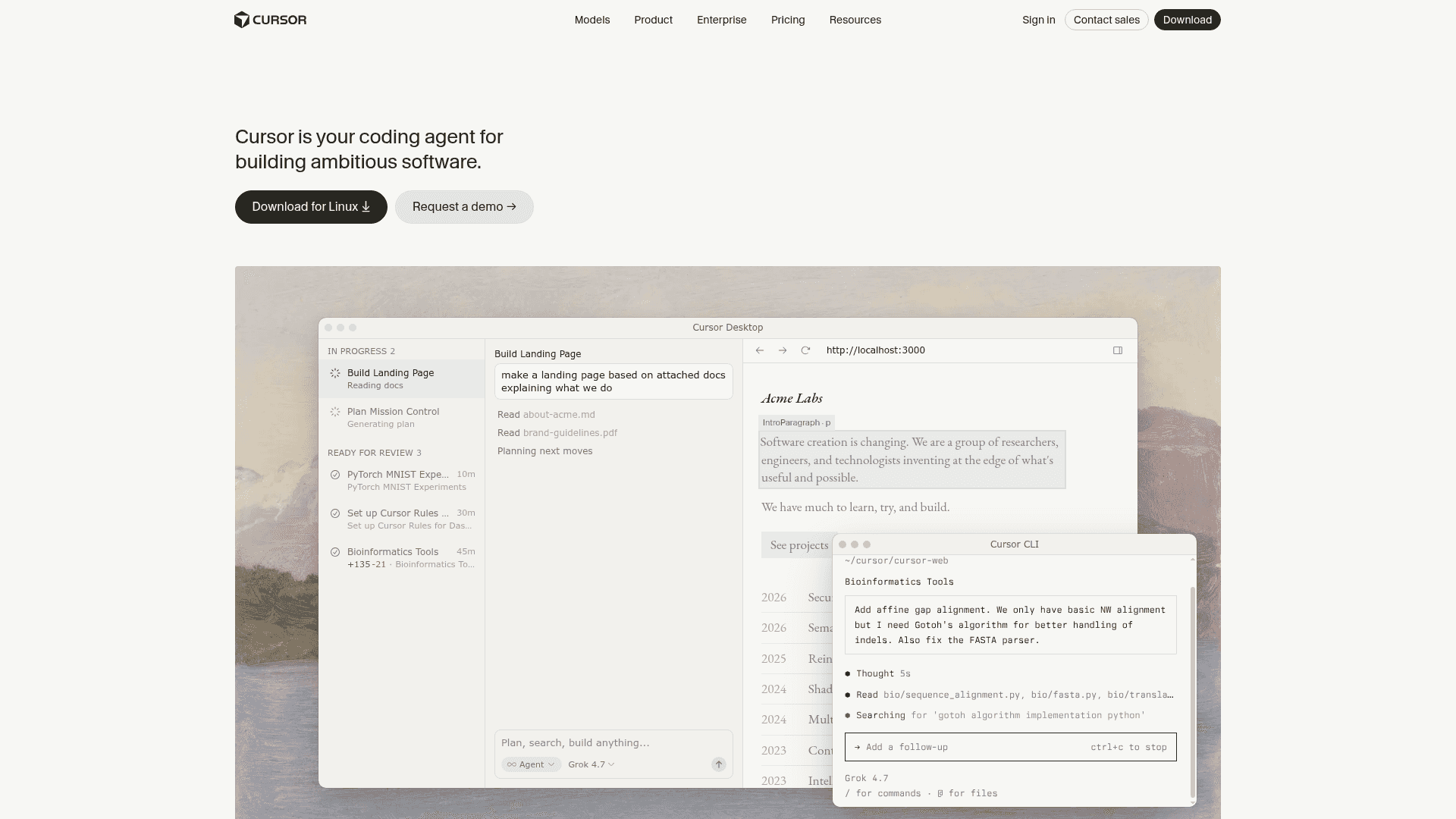
    Cursor screenshot
    Visual Studio Code (VS Code)
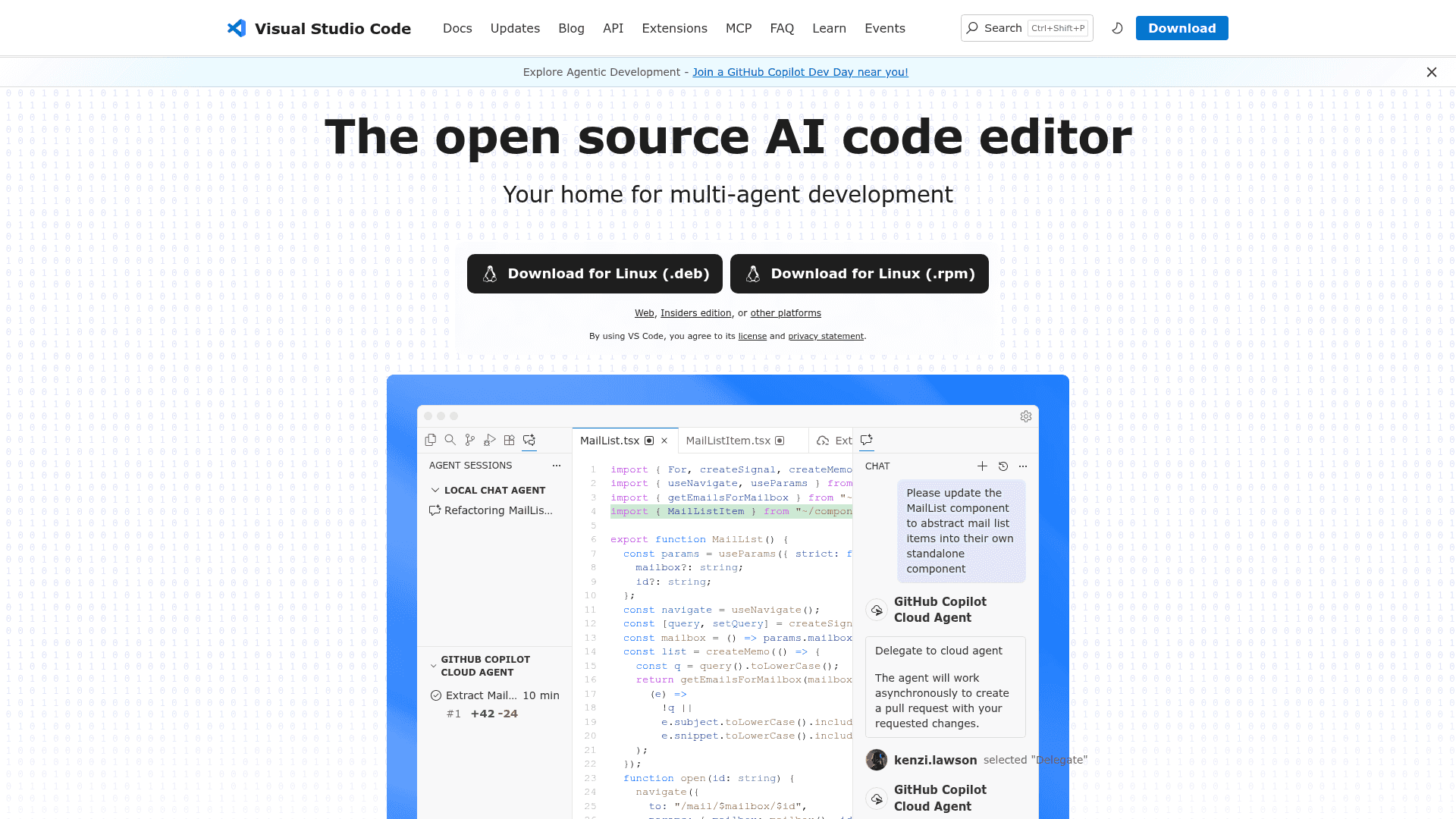
    Visual Studio Code (VS Code) screenshot
    SummaryAI Coding Agent IDEAI Code Editor for Developers
    Community Score33/10048/100
    Pricing✓ Hobby✓ Open Source
    Pro$16/mo—
    Teams Standard$32/mo—
    Pro+$48/mo—
    Teams Premium$96/mo—
    Ultra$160/mo—
    EnterpriseContact Sales—
    View pricing →View pricing →
    PlatformWINDOWS, MACOS, LINUX, IOS, Web, API, VSC_EXTENSION, JETBRAINS_PLUGIN, SDK, CLIWINDOWS, MACOS, LINUX, Web, BROWSER_EXTENSION, VSC_EXTENSION, CLI, API
    API / SDKAPI + SDKAPI
    Docs / Source
    DocsSource
    DocsSource
    DeveloperCursor, Inc.Microsoft
    Features
    • AI coding agents with autonomous task execution
    • Tab completion with context-aware inline suggestions
    • Plan mode for clarifying questions and structured task lists
    • Debug mode using real execution data
    • Design mode for visual UI editing in browser preview
    • Cloud agents running in parallel across codebases
    • Multi-agent development with local and cloud agents
    • GitHub Copilot AI-powered inline suggestions and completions
    • Agents window for parallel session management
    • MCP server integration for external tool connectivity
    • 80,000+ extension marketplace
    • Built-in Git and source control
    Integrations
    • Slack
    • GitHub
    • GitLab
    • Azure DevOps
    • Bitbucket
    • JetBrains IDEs
    • GitHub Copilot
    • GitHub Codespaces
    • Azure Repos
    • Python
    • C/C++
    • Jupyter
    Use Case Fit
    • Autonomous code generation and editing
    • Multi-agent parallel task execution
    • Codebase semantic search and indexing
    • Plan mode with clarifying questions
    • AI-powered inline code suggestions
    • Multi-agent autonomous task execution
    • GitHub Copilot chat and completions
    • Cloud and local agent modes
    System Requirements
    • Windows
    • macOS
    • Linux
    • iOS
    • Any OS with a modern web browser
    • Windows
    • macOS
    • Linux
    • Any OS with a modern web browser
    Data refreshedAug 26, 2026Aug 26, 2026