
Cursor
Cursor is an AI-powered coding agent and editor that helps developers plan, build, debug, and review software using autonomous agents and frontier language models.
At a Glance
About Cursor
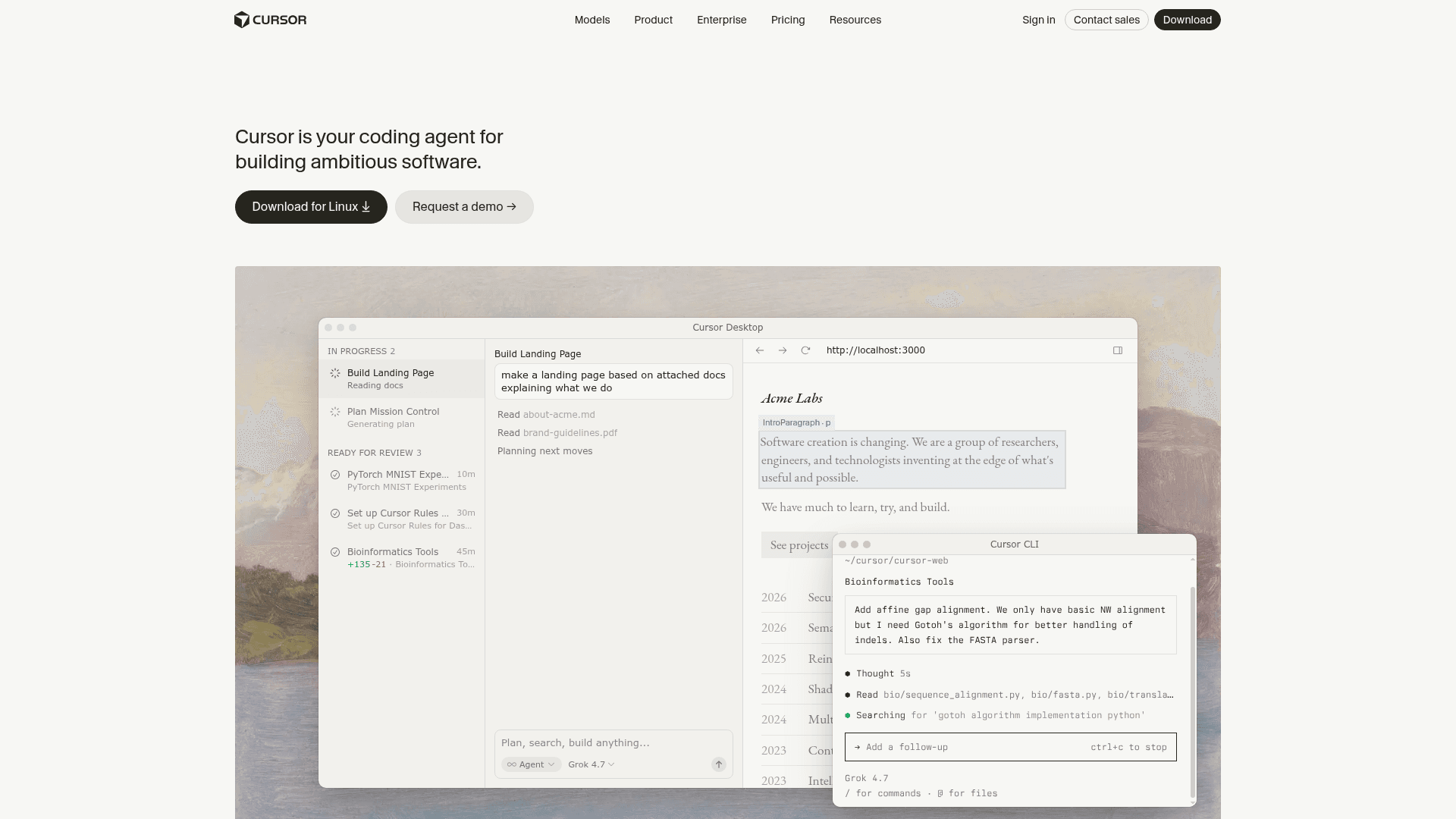
Cursor is a coding agent built by Anysphere, Inc. that combines a familiar code editor with autonomous AI agents capable of planning, writing, testing, and reviewing software end to end. It runs across desktop, CLI, web, and mobile surfaces, and integrates with tools like GitHub, Slack, Linear, and JetBrains IDEs. According to the homepage, Cursor is trusted by over half of the Fortune 500 and is described by the company as "your coding agent for building ambitious software."
What It Is
Cursor is an AI-first development environment that goes beyond autocomplete. It lets developers delegate entire implementation tasks to AI agents while retaining control over higher-level decisions. The agent can read files, run terminal commands, search the web, edit code, and interact with external tools — all within a single interface. Cursor supports a wide range of frontier models from OpenAI, Anthropic, Google, and its own Grok series, letting users choose the best model for each task.
How the Autonomy Spectrum Works
Cursor offers a spectrum of interaction modes, from targeted inline edits to fully autonomous multi-agent runs:
- Cmd+K / inline edits: Targeted, scoped code changes in the editor
- Plan Mode: Cursor asks clarifying questions, builds a structured plan, then executes in the background
- Debug Mode: Instruments code with real execution data to pinpoint fixes
- Design Mode: Visually edit any page by selecting elements to rewrite, resize, or move
- Cloud Agents: Fleets of agents that work in parallel on ambitious tasks for hours or days, running on cloud or self-hosted infrastructure
Andrej Karpathy (CEO, Eureka Labs) is quoted on the homepage describing this as "the best LLM applications have an autonomy slider."
Where It Fits in the Stack
Cursor runs in every part of the development workflow:
- Desktop: A full editor with AI-powered coding assistance
- CLI: Run agents in any terminal, script, or editor via
cursor agent - Web & Mobile: Cloud agents accessible from a browser or iOS app (public beta as of June 2026)
- Slack: Agents can be triggered from Slack channels and return finished work
- GitHub / GitLab / Azure DevOps / Bitbucket: PR review, routing, and approval agents
- JetBrains / Xcode: Integration plugins for existing IDE users
MCP (Model Context Protocol) support lets users connect external tools and data sources like Figma and GitHub directly to Cursor.
Codebase Understanding and Context
Cursor uses "Instant Grep" for fast codebase search across millions of files in milliseconds. Subagents run in parallel to explore large codebases, each using the best model for the task. Team rules let organizations encode conventions and architectural decisions that Cursor applies consistently. Context can be added via @-mentions, image uploads, and plugins from a community marketplace.
Update: Cursor Projects, Rollouts, and Grok 4.7
The changelog shows active product development through late 2026:
- Sep 23, 2026: Rollouts and Security Review — staged rollout controls and security review agents
- Sep 10, 2026: Cursor Projects — a new way to organize and manage agent work
- Sep 2, 2026: Self-hosted machines — run Cloud Agent workers on customer-managed infrastructure
- Aug 27, 2026: Start from scratch without a repo
- Aug 14, 2026: Cursor joined SpaceX (per the company blog)
- Sep 21, 2026: Grok 4.7 introduced — described as Cursor's most capable model for long-running coding and knowledge work
The current desktop version referenced in download links is 3.22. The SDK and CLI are actively maintained with their own changelogs.
Enterprise Adoption Signals
Cursor's homepage attributes several adoption claims to named individuals: Jensen Huang (NVIDIA CEO) states "every one of our engineers, some 40,000, are now assisted by AI"; Patrick Collison (Stripe CEO) notes Cursor "quickly grew from hundreds to thousands of extremely enthusiastic Stripe employees"; James Reggio (CTO, Brex) states "more than 70% of our engineers now use Cursor." These are vendor-published testimonials on the Cursor homepage. The company holds SOC 2, ISO 27001, ISO 42001, and AIUC-1 certifications.
Community Discussions

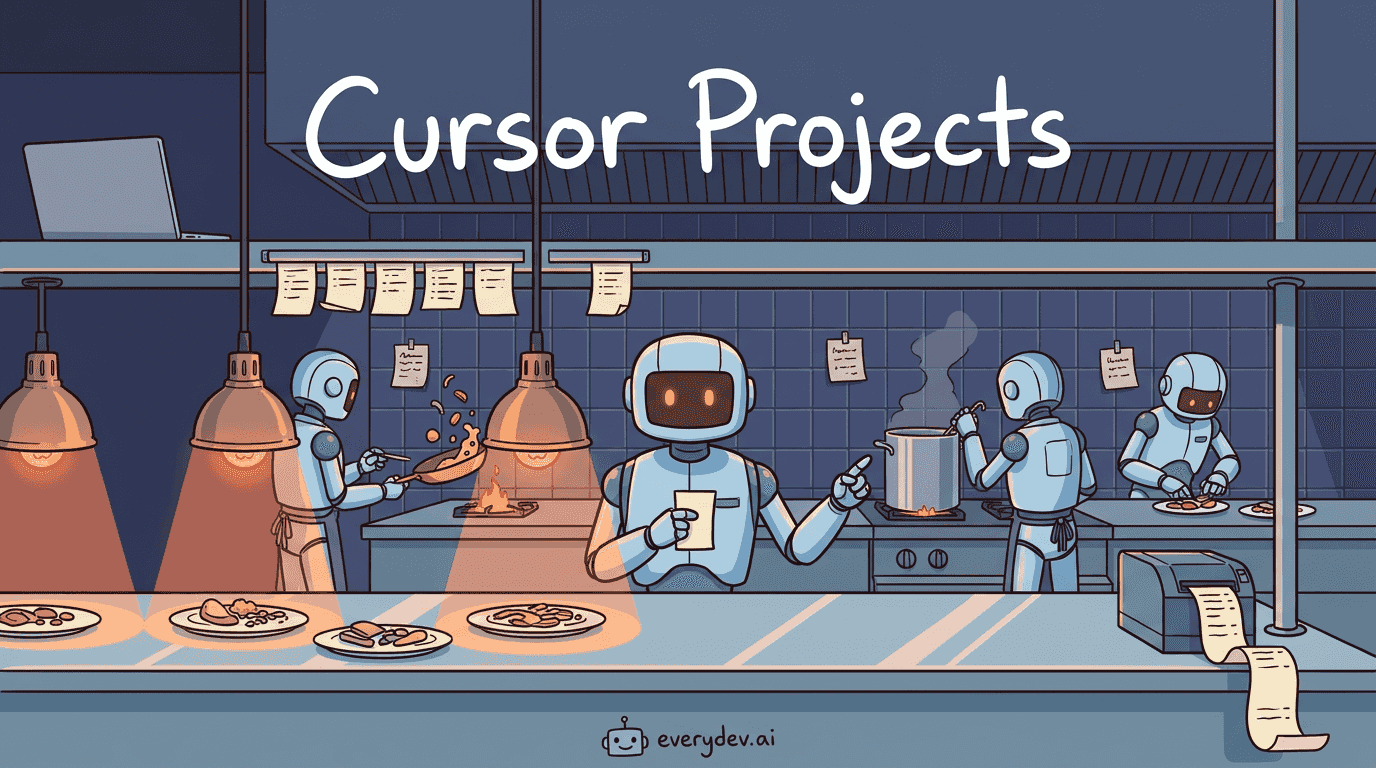
Cursor Projects: The Coordinator Agent That Never Writes Code
In January, Cursor published research on running hundreds of coding agents on a single codebase. The first design gave every agent equal rank, one shared file to coordinate through, and a lock so two agents couldn't claim the same task. Twenty agents produced about as much as two or three, because m…

Cursor 2.4 just landed today
Here’s the full changelog: So the big thing with this release is subagents. Instead of one agent doing everything in sequence, Cursor can now spin up smaller specialized agents that handle parts of your task in parallel. Each one gets its own context window so your main conversation stays focused. T…

Cursor Visual Editor in Cursor Browser: How It Works + Practical Tips
Cursor’s Browser is a built-in, agent-controlled web browser that can load local or live sites and give the AI full visibility into the rendered UI. On top of that, the Visual Editor adds a point-and-click layer for inspecting, tweaking, and applying visual changes back to your local code. Here's my…

Composer is Cursor's New Fast LLM for Agentic Coding
Cursor dropped their first custom model yesterday. Composer is built into Cursor 2.0. It's a Mixture-of-Experts model trained with reinforcement learning, positioned as the "fast frontier" option for agentic coding. They claim 4× faster than comparable models and say most tasks finish in under 30 se…
Anyone worried about using Cursor on private code?
Docs say they don't store code, but it still feels weird piping client work into a chat box. Anyone looked into this deeper? Or figured out a good workflow for sensitive projects?
Pricing
Hobby
Free tier for individual developers getting started with Cursor.
- Access to Cursor desktop editor
- Basic AI code completions
- Limited agent usage
- Community support
Pro
For individual developers who want full access to Cursor's AI capabilities.
- Unlimited code completions
- Extended agent usage
- Access to all frontier models
- Cloud agents
- Priority support
Business
For teams that need collaboration, admin controls, and enterprise-grade security.
- Everything in Pro
- Team rules and shared context
- Admin dashboard
- SSO
- SOC 2 compliance
- Priority support
Enterprise
Custom deployment for large organizations with advanced security and compliance needs.
- Everything in Business
- Self-hosted cloud agents
- Custom security review
- Dedicated support
- SOC 2 / ISO 27001 / ISO 42001 / AIUC-1 certified
- Rollouts and approval agents
Capabilities
Key Features
- Autonomous coding agents
- Plan Mode with clarifying questions
- Debug Mode with real execution data
- Design Mode for visual UI editing
- Cloud Agents running in parallel
- CLI agent for terminal and scripts
- Slack integration for triggering agents
- GitHub / GitLab / Azure DevOps / Bitbucket PR review
- JetBrains and Xcode plugins
- iOS mobile app (public beta)
- Multi-model support (OpenAI, Anthropic, Google, Grok)
- Instant Grep for fast codebase search
- Subagents running in parallel
- Team rules for conventions and architecture
- MCP (Model Context Protocol) support
- Community plugin marketplace
- Skills for domain-specific prompts
- Git checkpoints and rollback
- Terminal command execution
- Context via @-mentions and image uploads
- Self-hosted cloud agent infrastructure
- SOC 2 / ISO 27001 / ISO 42001 certified