
Main Menu
  • Tools
  • Developers
  • Topics
  • Discussions
  • Communities
  • News
  • Blogs
  • Builds
  • Contests
  • Compare
  • Arena
Create
    EveryDev.ai
    Sign inSubscribe
    Home
    Tools

    2,066+ AI tools

    • New
    • Trending
    • Featured
    • Compare
    • Arena
    Categories
    • Agents1181
    • Coding1018
    • Infrastructure446
    • Marketing412
    • Design362
    • Projects332
    • Analytics318
    • Research303
    • Testing197
    • Data169
    • Integration166
    • Security166
    • MCP158
    • Learning145
    • Communication129
    • Extensions119
    • Commerce115
    • Prompts114
    • Voice106
    • DevOps91
    • Web73
    • Finance19
    1. Home
    2. Tools
    3. container-use
    container-use icon

    container-use

    MCP Servers
    Featured

    An open-source MCP server CLI tool that gives coding agents isolated containerized environments, enabling multiple agents to work safely and independently in parallel.

    Visit Website

    At a Glance

    Pricing
    Open Source

    Fully free and open-source under the Apache License 2.0. No cost to use, modify, or distribute.

    Engagement

    Available On

    Windows
    macOS
    Linux
    API
    VS Code

    Resources

    WebsiteDocsGitHubllms.txt

    Topics

    MCP ServersDevelopment EnvironmentsMulti-agent Systems

    Alternatives

    Claude Peers MCPGitMCPSerena
    Developer
    DaggerSan Francisco, CAEst. 2018$30400000 raised

    Listed Apr 2026

    About container-use

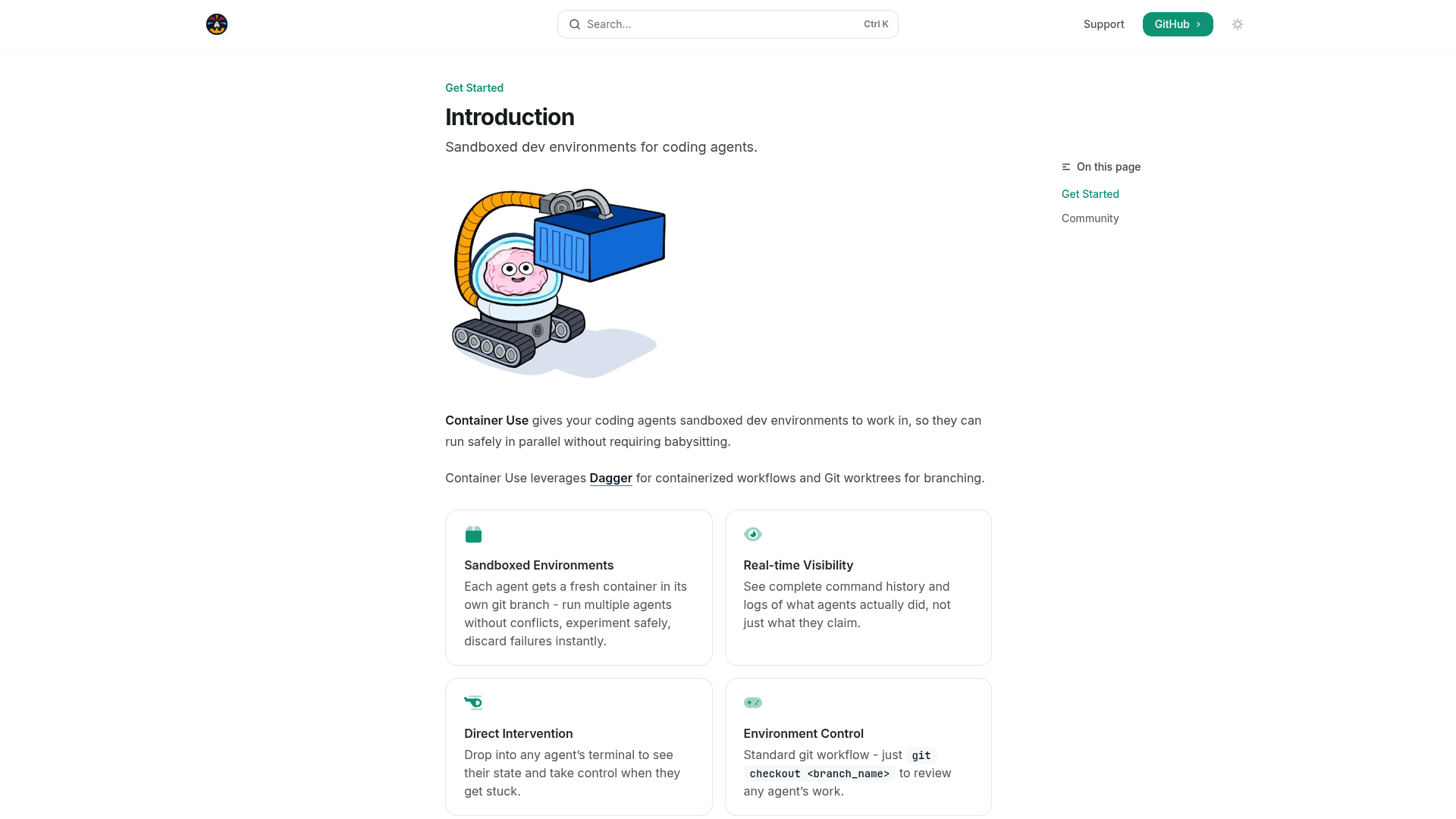
    Container Use is an open-source MCP server that provides containerized, isolated development environments for coding agents. It lets multiple AI coding agents work in parallel on separate git branches without interfering with each other or the developer's workflow. Built on top of Dagger, it works with Claude Code, Cursor, Goose, VSCode, and any other MCP-compatible agent. The project is written in Go and licensed under Apache 2.0.

    • Isolated Environments: Each agent gets a fresh container in its own git branch, so you can run multiple agents simultaneously without conflicts, experiment safely, and discard failures instantly.
    • Real-time Visibility: See the complete command history and logs of what agents actually executed, not just what they report back.
    • Direct Intervention: Drop into any agent's terminal at any time to inspect its state and take control when it gets stuck.
    • Environment Control: Uses a standard git workflow — run git checkout <branch_name> to review any agent's work at any point.
    • Universal Compatibility: Works with any agent, model, or infrastructure with no vendor lock-in, as long as the agent supports MCP.
    • Easy Installation: Install via Homebrew on macOS (brew install dagger/tap/container-use) or via a curl install script on all platforms, then add container-use stdio as an MCP server in your agent's config.
    • CLI Shortcut: The container-use command is also available as cu for convenience — both commands work identically.
    • Agent Rules Support: Optionally add agent-specific rule files (e.g., CLAUDE.md) to guide agent behavior within the containerized environment.
    container-use - 1

    Community Discussions

    Be the first to start a conversation about container-use

    Share your experience with container-use, ask questions, or help others learn from your insights.

    Pricing

    OPEN SOURCE

    Open Source

    Fully free and open-source under the Apache License 2.0. No cost to use, modify, or distribute.

    • Isolated containerized environments per agent
    • Parallel multi-agent execution
    • Git branch per agent
    • Real-time logs and command history
    • Direct terminal intervention

    Capabilities

    Key Features

    • Isolated containerized environments per agent
    • Parallel multi-agent execution
    • Git branch per agent environment
    • Real-time command history and logs
    • Direct terminal intervention into agent environments
    • Standard git workflow for reviewing agent work
    • MCP server protocol support
    • CLI shortcut (cu) for convenience
    • Agent rules file support
    • Powered by Dagger

    Integrations

    Claude Code
    Cursor
    Goose
    VSCode
    Dagger
    Any MCP-compatible agent
    API Available
    View Docs

    Reviews & Ratings

    No ratings yet

    Be the first to rate container-use and help others make informed decisions.

    Developer

    Dagger

    Dagger builds open-source tools for running software pipelines and AI agent workflows in containerized environments. The team powers container-use, an MCP server that gives coding agents isolated, reproducible environments to work safely in parallel. Dagger's infrastructure-as-code approach eliminates environment drift and vendor lock-in across any CI/CD or agent platform.

    Founded 2018
    San Francisco, CA
    $30400000 raised
    40 employees

    Used by

    Flipt
    BARR Advisory
    Read more about Dagger
    WebsiteGitHub
    1 tool in directory

    Similar Tools

    Claude Peers MCP icon

    Claude Peers MCP

    An MCP server that enables multiple Claude instances to communicate and collaborate with each other as peers in real time.

    GitMCP icon

    GitMCP

    Open-source MCP server that transforms any GitHub repository into a documentation hub for AI assistants, reducing hallucinations and improving coding accuracy

    Serena icon

    Serena

    Free, open-source coding agent toolkit that connects LLMs to your codebase using symbolic tools, editing, and execution.

    Browse all tools

    Related Topics

    MCP Servers

    Model Context Protocol servers that extend AI capabilities.

    59 tools

    Development Environments

    AI-enhanced code editors and IDEs that improve the coding experience.

    124 tools

    Multi-agent Systems

    Platforms for creating and managing teams of AI agents that can collaborate.

    111 tools
    Browse all topics
    Back to all tools
    Explore AI Tools
    • AI Coding Assistants
    • Agent Frameworks
    • MCP Servers
    • AI Prompt Tools
    • Vibe Coding Tools
    • AI Design Tools
    • AI Database Tools
    • AI Website Builders
    • AI Testing Tools
    • LLM Evaluations
    Follow Us
    • X / Twitter
    • LinkedIn
    • Reddit
    • Discord
    • Threads
    • Bluesky
    • Mastodon
    • YouTube
    • GitHub
    • Instagram
    Get Started
    • About
    • Editorial Standards
    • Corrections & Disclosures
    • Community Guidelines
    • Advertise
    • Contact Us
    • Newsletter
    • Submit a Tool
    • Start a Discussion
    • Write A Blog
    • Share A Build
    • Terms of Service
    • Privacy Policy
    Explore with AI
    • ChatGPT
    • Gemini
    • Claude
    • Grok
    • Perplexity
    Agent Experience
    • llms.txt
    Theme
    With AI, Everyone is a Dev. EveryDev.ai © 2026
    Discussions