
Context Builder
A blazing-fast CLI tool that packages your entire codebase into a single, clean, LLM-friendly markdown file for use in AI prompts.
At a Glance
Fully free and open-source under the MIT License. No usage limits.
Engagement
Available On
Alternatives
Listed Aug 2026
About Context Builder
Context Builder is an open-source command-line utility written in Rust that automates the tedious process of preparing source code for LLM prompts. It recursively processes directories and produces a single, structured markdown file optimized for AI conversations, eliminating manual copy-pasting of files. The project is licensed under the MIT License and is available on GitHub under the igorls account.
What It Is
Context Builder solves a specific, common developer pain point: getting broad codebase context into an LLM efficiently. Instead of manually selecting and pasting files, the tool scans a project directory, respects .gitignore rules, applies smart file ordering, and outputs a single markdown document ready to drop into any LLM chat or pipe directly into an LLM CLI tool. It is built in Rust for performance and ships pre-built binaries for Linux, macOS, and Windows.
Core Capabilities
- Parallel processing using all available CPU cores for fast traversal of large codebases
- Smart file ordering — config and project docs first, then source entry points, helpers, tests, documentation, build/CI files, and lockfiles last — to help LLMs build a mental model faster
- Context budgeting via
--max-tokensto cap output and fit a model's context window, with warnings at 128K tokens - Tree-Sitter AST analysis (optional) for extracting function/class signatures, structural summaries, and AST-boundary-aware truncation; supports Rust, JavaScript, TypeScript, Python, Go, Java, C, and C++
- Accurate token counting using the
tiktoken-rslibrary with support foro200k_base(GPT-4o/o-series) andcl100k_base(GPT-4/GPT-3.5) encodings - Auto-diff mode that compares timestamped snapshots and outputs only what changed, reducing token usage
- Memory-efficient streaming for handling large files line-by-line
- Configuration file support via
context-builder.tomlfor repeatable, project-specific settings
Workflow and Usage
The typical workflow is straightforward: run context-builder --init to generate a context-builder.toml tailored to the detected file types in the project, then run context-builder to produce output.md. The tool can also stream directly to stdout for piping into other LLM tools (context-builder -o - | llm). Advanced options include filtering by file extension (-f rs -f toml), ignoring directories, adding line numbers to code blocks, and preview mode to inspect what will be processed before generating output.
Installation and Platform Support
Context Builder ships pre-built binaries with full Tree-Sitter AST support for Linux and macOS via a one-line curl installer with SHA256 checksum verification. Windows users can download a zip from the GitHub releases page. It is also installable from crates.io via cargo install context-builder --features tree-sitter-all or built from source. The tool runs on Windows, macOS, and Linux.
Update: v0.9.0
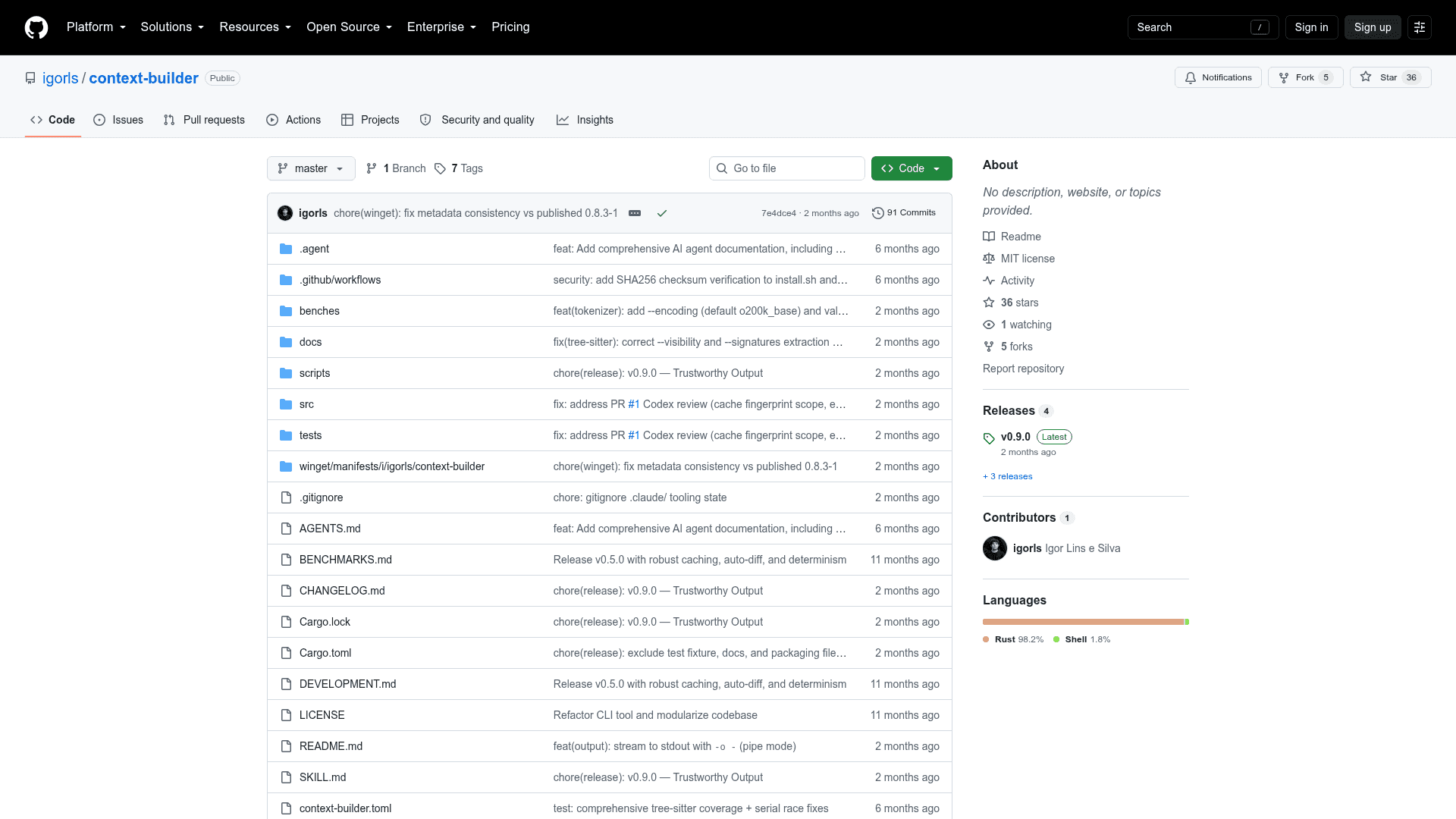
The latest release is v0.9.0, published on June 4, 2026. The repository was created in September 2025 and has seen active development, with the last push in June 2026. Recent feature additions visible in the README include diff-only mode, Tree-Sitter AST analysis, smart truncation, visibility filtering for signatures, and the --init command for auto-detecting project file types. The project has 36 stars and 5 forks on GitHub as of the last recorded update.
Community Discussions
Be the first to start a conversation about Context Builder
Share your experience with Context Builder, ask questions, or help others learn from your insights.
Pricing
Open Source
Fully free and open-source under the MIT License. No usage limits.
- Parallel codebase processing
- Smart file ordering for LLM context
- Token budgeting and counting
- Tree-Sitter AST analysis
- Auto-diff and diff-only modes
Capabilities
Key Features
- Parallel directory processing using all CPU cores
- Smart relevance-based file ordering for LLM context
- Context budgeting with --max-tokens flag
- Respects .gitignore and custom ignore patterns
- Tree-Sitter AST analysis for signatures and structure
- Accurate token counting via tiktoken-rs
- Auto-diff mode with timestamped snapshots
- Diff-only mode to minimize token usage
- Memory-efficient streaming for large files
- Directory tree visualization in output
- Configuration via context-builder.toml
- -init command for auto-detecting project file types
- Preview mode to inspect files before processing
- Stdout streaming for piping to LLM tools
- Line numbers in code blocks
- Supports o200k_base and cl100k_base tokenizer encodings