
Coolify
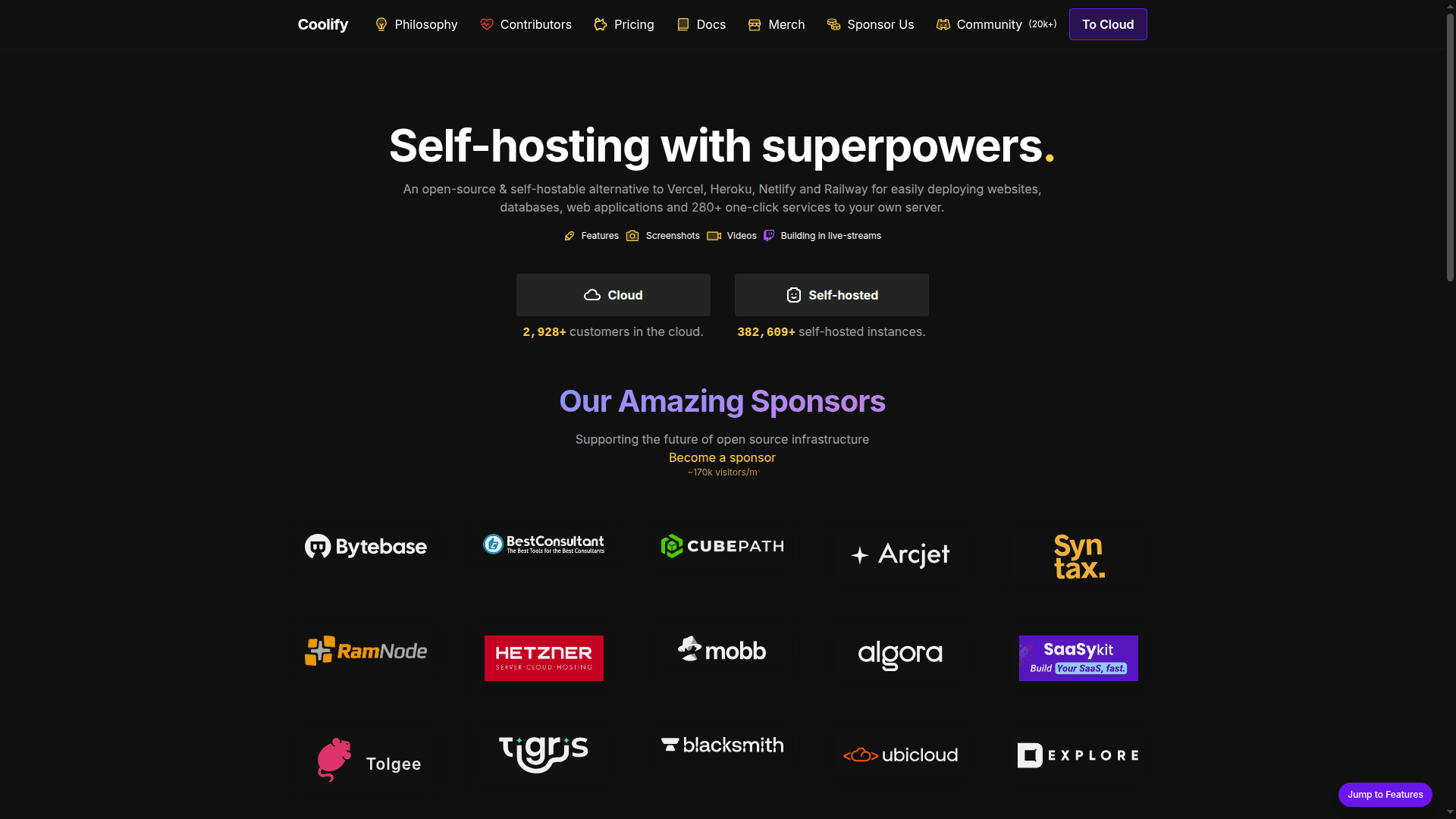
An open-source, self-hostable alternative to Vercel, Heroku, and Netlify for deploying websites, databases, and 280+ services to your own server.
At a Glance
About Coolify
Coolify is an open-source, self-hostable platform that provides a powerful alternative to cloud deployment services like Vercel, Heroku, Netlify, and Railway. It enables developers and teams to easily deploy websites, databases, web applications, and over 280 one-click services to their own servers while maintaining complete control over their infrastructure and data.
-
Any Language Support allows deployment of static websites, APIs, backends, databases, and services across a wide range of programming languages and frameworks without restrictions.
-
Any Server Deployment enables you to deploy resources to any server with SSH access, including VPS, Raspberry Pi, EC2, DigitalOcean, Linode, Hetzner, and more.
-
Push to Deploy provides seamless Git integration with hosted and self-hosted platforms like GitHub, GitLab, Bitbucket, and Gitea for automatic deployments.
-
Free SSL Certificates automatically sets up and renews Let's Encrypt SSL certificates for custom domains without manual intervention.
-
Automatic DB Backups backs up your data to any S3-compatible solution with easy one-click restoration capabilities.
-
No Vendor Lock-in ensures all settings are saved on your own servers, giving you complete control over your data even if you stop using Coolify.
-
Powerful API enables automation of deployments, resource management, and integration with existing tools for limitless customization possibilities.
-
Real-time Terminal allows you to run commands on your servers directly from your browser without leaving the interface.
-
Pull Request Deployments automatically deploys new commits and pull requests separately for quick contribution reviews and faster teamwork.
-
Monitoring and Notifications keeps track of deployments, servers, and disk usage while notifying you through Discord, Telegram, or email when issues arise.
-
Collaborative Features let you share projects with team members while controlling permissions and roles for each member.
-
Command Line Tool enables control from your terminal and integration with AI assistants like Claude for debugging deployments and managing infrastructure.
To get started, you can either use Coolify Cloud for a managed experience or self-host the platform on your own infrastructure. The platform supports Docker-compatible services and provides webhooks for CI/CD pipeline integration with GitHub Actions, GitLab CI, Bitbucket Pipelines, and other tools.
Community Discussions
Be the first to start a conversation about Coolify
Share your experience with Coolify, ask questions, or help others learn from your insights.
Pricing
Self-hosted
Self-host Coolify on your own infrastructure for free
- Unlimited servers
- Unlimited deployments
- All features included
- No vendor lock-in
- Complete data control
Capabilities
Key Features
- Any language and framework support
- Deploy to any server with SSH
- 280+ one-click services
- Push to deploy with Git integration
- Free SSL certificates with Let's Encrypt
- Automatic database backups to S3
- No vendor lock-in
- Webhooks for CI/CD integration
- Powerful API for automation
- Command line tool
- Real-time terminal in browser
- Team collaboration with permissions
- Pull request deployments
- Server automations
- Monitoring and notifications
- Docker-compatible service deployment