
Coze Studio
Open-source visual AI agent development platform for building, debugging, and deploying agents, apps, and workflows.
At a Glance
Self-hosted open-source version of Coze Studio under Apache 2.0. Certain features, such as tone customization, are limited to the commercial version.
Engagement
Available On
Alternatives
Listed Oct 2026
About Coze Studio
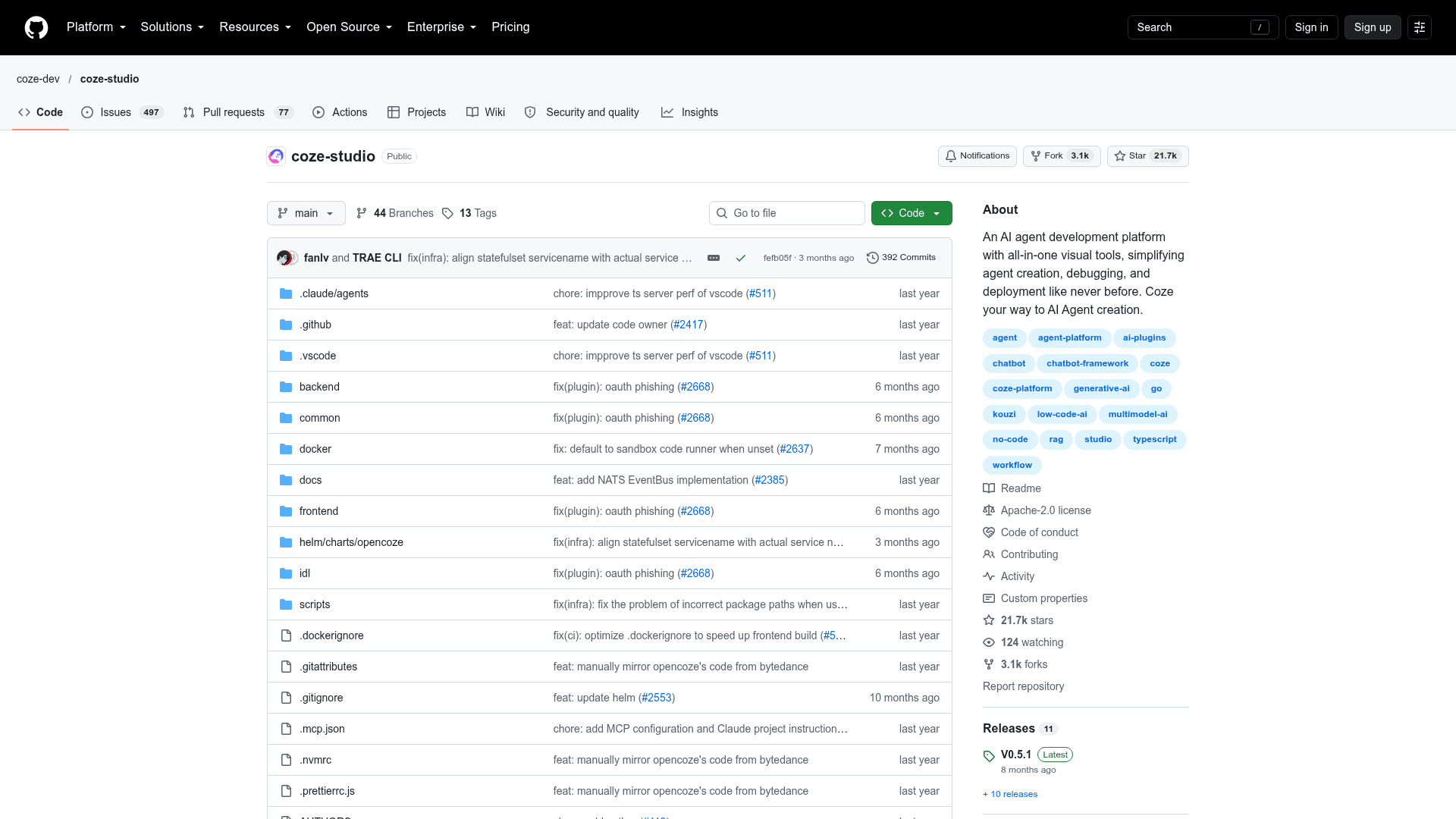
Coze Studio is an open-source AI agent development platform from ByteDance's coze-dev organization, released under the Apache 2.0 license. It provides visual tools for creating, debugging, and deploying agents, apps, and workflows with no-code or low-code approaches. The latest listed release is v0.5.1, published 2026-02-05.
What It Is
Coze Studio is an all-in-one environment for building AI agents. It bundles the core building blocks of agent development: prompts, RAG (knowledge bases), plugins, and workflows. The README says it derives from the Coze Development Platform, whose core engine was opened up as this project. Developers can build agents and apps, manage resources such as plugins, knowledge bases, databases, and prompts, and publish the results.
Workflow and Resources
Workflows are built on a visual canvas by dragging and dropping nodes. They structure data flow and task processing for agents or apps. Agents can be configured with workflows, knowledge bases, plugins and memory features. A model service module manages the model list and integrates services such as OpenAI and Volcengine. Models must be configured before they can be selected when building agents, workflows, and apps.
APIs and Integration
The platform exposes OpenAPI endpoints for conversations, chats and workflows, authenticated with Personal Access Tokens. A Chat SDK lets teams embed agents or apps into their own applications, for example to build web-based online customer service.
Setup Path
Deployment uses Docker and Docker Compose, and the README lists minimum requirements of 2 cores and 4 GB of memory. After cloning the repository, users start the services with make web on macOS or Linux, or with docker compose on Windows. They then register an account and add a model in the admin page before using the studio at localhost:8888. The README advises assessing security risks before exposing a deployment on a public network. It names account registration, the Python execution environment in workflow code nodes, SSRF and some API privilege escalation issues. It also notes that certain features, such as tone customization, are limited to the commercial version.
Architecture
The backend is written in Go, the frontend uses React and TypeScript, and the architecture is microservices built on domain-driven design principles. The README credits the Eino framework for agent and workflow runtimes, FlowGram for the workflow canvas, and Hertz as the HTTP framework.
Community Discussions
Be the first to start a conversation about Coze Studio
Share your experience with Coze Studio, ask questions, or help others learn from your insights.
Pricing
Open Source (Community Edition)
Self-hosted open-source version of Coze Studio under Apache 2.0. Certain features, such as tone customization, are limited to the commercial version.
- Model service management
- Build agents, apps and workflows
- Plugins, knowledge bases, databases, prompts
- API and Chat SDK
- Self-hosted via Docker (min 2 Core, 4 GB)
Capabilities
Key Features
- Visual agent builder
- Visual workflow canvas with drag-and-drop nodes
- Model service management (OpenAI, Volcengine)
- Plugin, knowledge base, database and prompt resources
- App creation and publishing
- Agent memory features
- OpenAPI for conversations and workflows
- Chat SDK for embedding agents
- Docker Compose deployment