CSS Studio
A visual CSS editor that lets you design in the browser and syncs every change directly to your source code via a local AI agent.
At a Glance
About CSS Studio
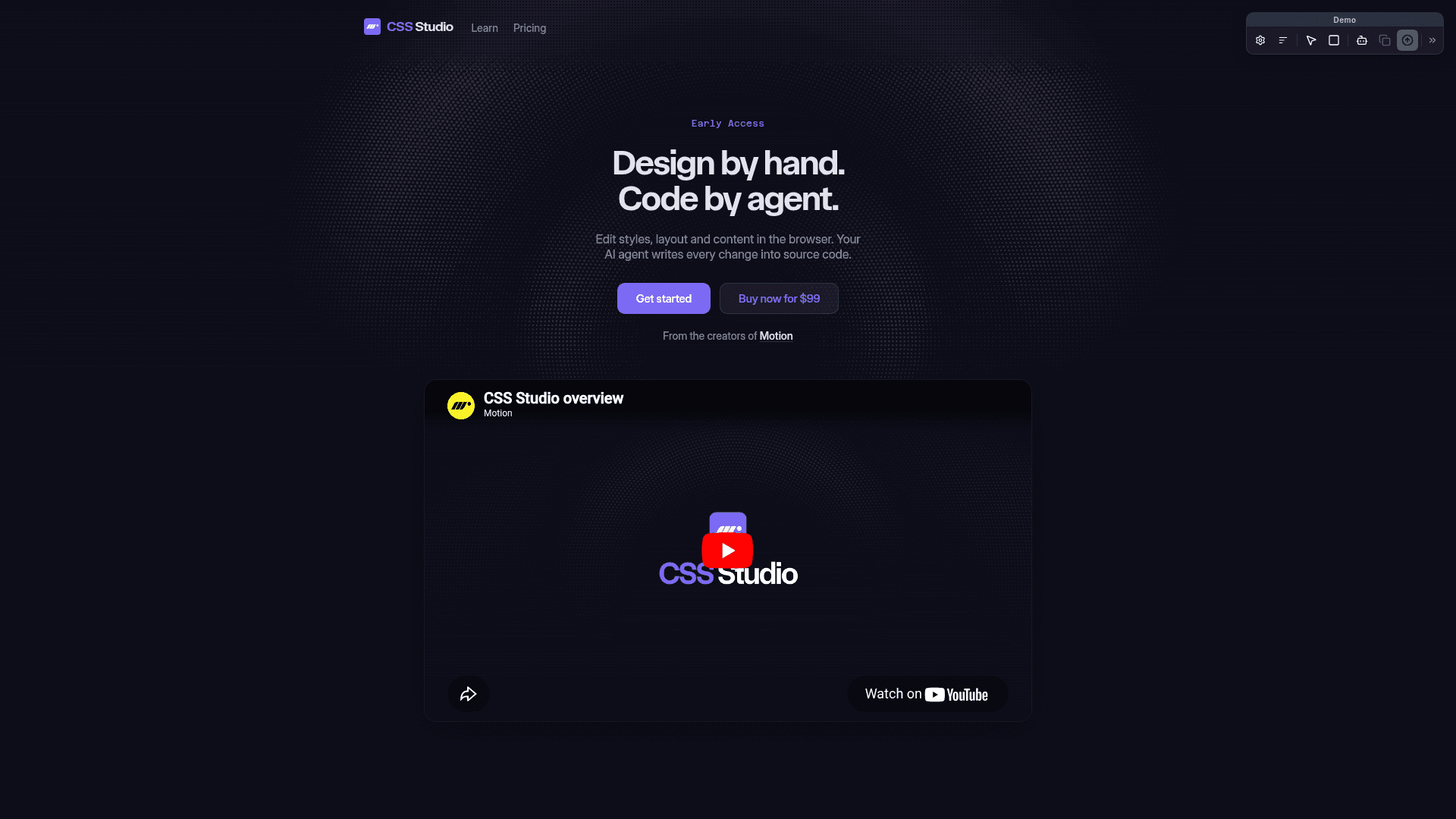
CSS Studio is a browser-based visual design tool that lets developers and designers edit styles, layout, animations, and content directly on any webpage. Every change made through the visual interface is sent to a local AI agent, which finds the right source files and writes the code — no copy-pasting or context switching required. Built by the creators of Motion, it works with any framework, plain CSS, and any MCP-compatible AI agent like Cursor or Claude Code.
- On-page editing — Use visual controls to edit layout, styles, transforms, and more directly on your live webpage, then sync changes to your AI agent for implementation.
- Animations timeline — Scrub through CSS
@keyframesanimations on a visual timeline; add, move, edit, and delete keyframes, and adjust duration, delay, direction, and easing including CSS springs. - CSS variables support — CSS Studio detects CSS variables available on any element; edit a variable and watch it propagate across the entire site, or apply variables to styles with a single click.
- DOM editing — Add elements, rename tags, reorder with drag-and-drop, duplicate and delete nodes, and double-click text to edit inline.
- Spring easings — Design spring animations with a visual curve editor; CSS Studio uses Motion to generate real CSS springs.
- Gradient editor — Build linear, radial, and conic gradients with a familiar visual tool; add, move, and delete color stops.
- Color picker — Pick colors with a visual HSL/RGB picker, hex input, eyedropper, and alpha channel control.
- AI agent bridge via MCP — Sync visual edits to any MCP-compatible agent (Cursor, Claude Code, VS Code, and more); the agent writes the code, you review the diff, commit, and deploy.
- Lifetime updates — One-time purchase includes all future updates to CSS Studio's core features at no extra cost.
- Works offline — Use CSS Studio for visual inspection and CSS exploration without an internet connection; agent-based source file updates require online access.
Community Discussions
Be the first to start a conversation about CSS Studio
Share your experience with CSS Studio, ask questions, or help others learn from your insights.
Pricing
Personal
One-time purchase. Visual CSS editor with AI agent bridge. All future updates included.
- Visual CSS editor
- Animation editor
- CSS variable support
- Sync with agent via MCP
- Lifetime updates included
Team
One-time purchase for 5 seats at the same email domain. Team admin manages seats from account page.
- 5 seats for members at the same email domain
- Team admin manages seats
- Visual CSS editor
- Animation editor
- CSS variable support
- Sync with agent via MCP
- Lifetime updates included
Capabilities
Key Features
- Visual CSS editor
- On-page style editing
- Animation timeline editor
- CSS variable support
- DOM editing
- Spring easing editor
- Gradient editor
- Color picker with eyedropper
- AI agent sync via MCP
- Inline text editing
- Works with any framework or plain CSS
- Lifetime updates included
- Offline visual inspection
Integrations
Demo Video