ctx
An Agentic Development Environment (ADE) that unifies multiple coding agents like Claude Code, Codex, and Cursor in one interface with containerized workspaces and unified review.
At a Glance
About ctx
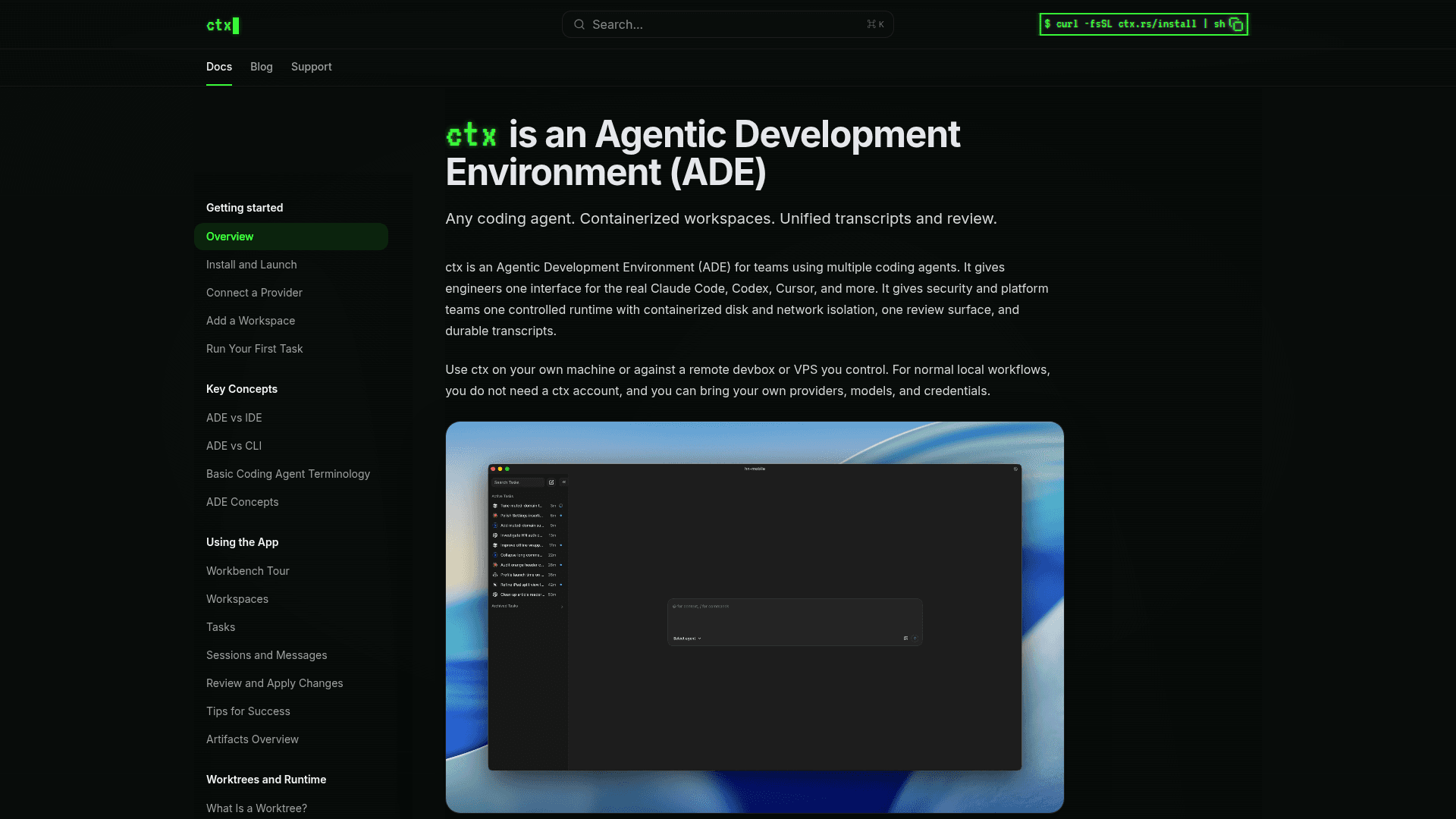
ctx is an Agentic Development Environment (ADE) designed for engineering teams that use multiple coding agents. It provides a single interface for running Claude Code, Codex, Cursor, and other agents, while giving security and platform teams a controlled runtime with containerized disk and network isolation, a unified review surface, and durable transcripts.
Unlike traditional IDEs or CLI tools, ctx standardizes the environment around the agent workflow rather than the editor, letting engineers choose their preferred agents without fragmenting team processes. It can run locally on your own machine or against a remote devbox or VPS you control, and does not require a ctx account for local workflows.
- Unified Agent Interface — Run Claude Code, Codex, Cursor, and other coding agents from one workbench instead of switching between fragmented tools.
- Containerized Workspaces — Each task runs in an isolated container with explicit disk and network controls, preventing agents from making unintended changes.
- Bounded Autonomy — Let agents work with configurable autonomy levels instead of requiring constant approval prompts for every action.
- Unified Review Surface — Tasks, sessions, diffs, transcripts, and artifacts are all kept in one place for easy review and provenance tracking.
- Worktrees and Agent Merge Queue — Run parallel tasks in isolated worktrees and land them cleanly using the built-in agent merge queue.
- Local or Remote Execution — Use ctx on your own machine or connect to a remote devbox or VPS you already control.
- Provider and Model Flexibility — Bring your own providers, models, and credentials; swap harnesses and models over time without rebuilding team workflows.
- Permissions and Safety Controls — Configure network egress policies and permissions to enforce security boundaries across all agent sessions.
- Install via curl — Get started by running
curl -fsSL ctx.rs/install | shin your terminal, then connect a provider and open a workspace.
Community Discussions
Be the first to start a conversation about ctx
Share your experience with ctx, ask questions, or help others learn from your insights.
Pricing
Free
Use ctx locally with your own providers, models, and credentials. No ctx account required for local workflows.
- Use Claude Code, Codex, Cursor, and other coding agents in one interface
- Run agents in isolated containers with disk and network controls
- Unified review surface for tasks, sessions, diffs, and transcripts
- Worktrees and agent merge queue
- Local or remote machine support
Capabilities
Key Features
- Unified interface for multiple coding agents (Claude Code, Codex, Cursor)
- Containerized workspaces with disk and network isolation
- Bounded autonomy for agents without constant approval prompts
- Unified review surface for tasks, sessions, diffs, and transcripts
- Worktrees for parallel task isolation
- Agent merge queue for clean task landing
- Local and remote machine support
- Bring-your-own provider, model, and credentials
- Network egress policy controls
- Permissions and safety configuration
- Durable task and session transcripts
- Artifact management