CueNotch
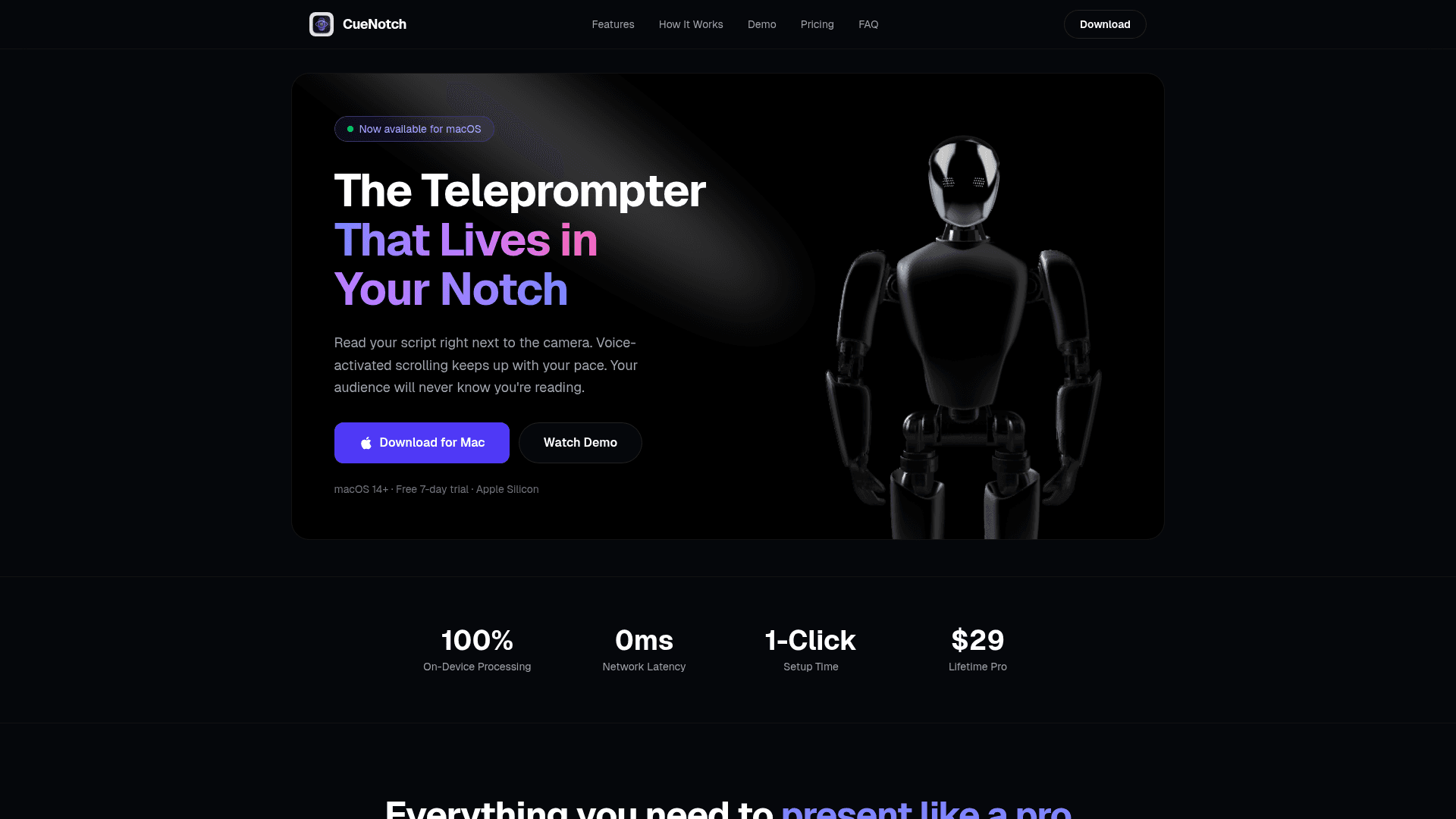
A macOS teleprompter that displays your script inside the MacBook notch with voice-activated scrolling for natural eye contact during video calls and recordings.
At a Glance
Forever free tier with limited daily activations and script length.
7-day free trial of all Pro features. No credit card required.
Engagement
Available On
Alternatives
Listed Mar 2026
About CueNotch
CueNotch is a macOS teleprompter app that places your script directly inside the MacBook notch — the small black area at the top of the screen where the camera lives — so your eyes naturally align with the camera while reading. It features 100% on-device voice-activated scrolling powered by Apple's native speech recognition, requiring no internet connection and keeping all your data private. With a one-time $29 lifetime purchase, it's designed for creators, professionals, and anyone who speaks on camera and wants to eliminate the tell-tale signs of reading from notes.
- Voice-Activated Scrolling — CueNotch listens to your microphone and automatically scrolls the script to match your speaking pace, with no foot pedals or clickers needed.
- Perfect Eye Contact — The script sits right next to the camera in the MacBook notch, so your audience sees confident, natural eye contact every time.
- Ghost Mode (Pro) — CueNotch stays completely invisible during Zoom, Teams, Google Meet, and any other screen sharing tool, keeping your teleprompter a secret.
- 100% Private & Offline — All speech processing runs on-device using Apple's native frameworks; your scripts and voice data are never sent to any server.
- Smart Script Editor — A built-in markdown editor with live preview lets you write, edit, and organize scripts with recent-file access and clean formatting.
- Hotkey Control — Toggle CueNotch with Cmd+Shift+Space and use arrow keys for manual scrolling without leaving your flow.
- AI Humanize (Pro) — Rewrites your scripts to sound more natural and conversational before you present.
- Liquid Pulse & Emotion-Aware Colors (Pro) — Animated voice-reactive border and emotion-aware color highlighting add visual feedback while you speak.
- Quick Setup — Download the DMG, drag to Applications, paste your script, and start speaking — no sign-ups or accounts required for the free tier.
- Free Tier Available — The free plan includes 3 daily activations, scripts up to 100 words, voice-activated scrolling, hotkey controls, and the built-in editor.
Community Discussions
Be the first to start a conversation about CueNotch
Share your experience with CueNotch, ask questions, or help others learn from your insights.
Pricing
Free
Forever free tier with limited daily activations and script length.
- 3 activations per day
- 100-word script limit
- Voice-activated scrolling
- Hotkey controls
- Built-in script editor
Pro Trial
7-day free trial of all Pro features. No credit card required.
- Unlimited activations
- Unlimited script length
- Voice-activated scrolling
- Hotkey controls
- Built-in script editor
Lifetime Pro
One-time payment for lifetime access to all Pro features. No subscriptions.
- Unlimited activations
- Unlimited script length
- Voice-activated scrolling
- Hotkey controls
- Built-in script editor
- Ghost Mode — invisible to screen share
- AI Humanize — natural script rewriting
- Liquid Pulse — animated voice border
- Emotion-aware color highlighting
- Priority support
Capabilities
Key Features
- Voice-activated scrolling
- MacBook notch display
- Ghost Mode (invisible to screen share)
- 100% on-device processing
- Built-in markdown script editor
- Hotkey controls (Cmd+Shift+Space)
- AI Humanize script rewriting
- Liquid Pulse animated voice border
- Emotion-aware color highlighting
- Free tier with daily activations
- 7-day free trial for Pro
- No sign-up required for free tier
- Works on Macs without a notch as overlay
- Apple Silicon and Intel support