
Data annotation platform for labeling images, video, audio and 3D point clouds, available as open-source Community, cloud-hosted Online, and self-hosted Enterprise editions.
At a Glance
Free, self-hosted open-source edition under the MIT License. Some serverless assets and dependencies may have separate licenses.
Engagement
Available On
Alternatives
Listed Oct 2026
About CVAT
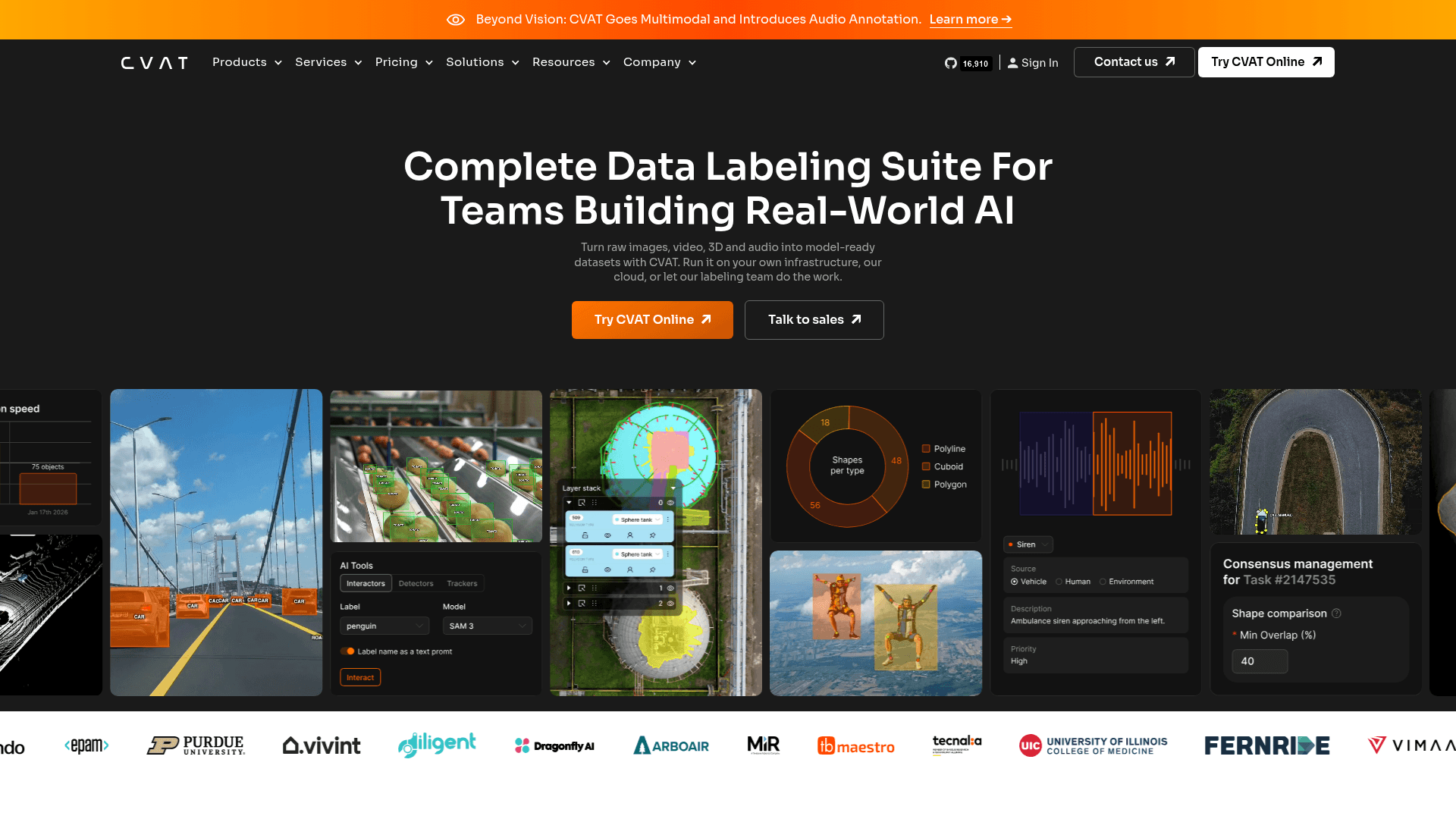
CVAT (Computer Vision Annotation Tool) is a data annotation platform from CVAT.ai Corporation for turning raw images, video, audio and 3D point clouds into model-ready datasets. It began as an internal Intel tool in 2017, was open-sourced in 2018, and became an independent company in 2022. It is offered as a free MIT-licensed self-hosted Community edition, the cloud-hosted CVAT Online, and the self-hosted CVAT Enterprise, plus managed labeling services.
What It Is
CVAT is a web-based annotation workspace for machine learning teams. Users upload data or connect cloud storage, organize work into projects, tasks and jobs, label with boxes, polygons, masks, skeletons, cuboids, tags, tracks and intervals, and export datasets for training. The repository contains the source and deployment assets for the Community edition, which underpins the Online and Enterprise products.
Annotation Workflow
Data can be imported from local files or from Amazon S3, Azure Blob Storage, Google Cloud Storage and S3-compatible storage. Work is assigned to annotators and reviewers with roles and permissions. Labeling can be sped up with automatic annotation: the Community edition supports pre-built serverless models via Nuclio (such as SAM, YOLO v7 and others) and custom models through the CLI, while the vendor lists SAM 2, SAM 3, Ultralytics and Hugging Face models in its hosted and enterprise products. Quality control covers review stages, ground truth, honeypots and consensus. Progress and workload analytics are included, and datasets export in 20+ formats including COCO, YOLO, Pascal VOC, KITTI, Cityscapes and MOT.
Editions and Deployment
Community runs locally with Docker Compose and requires Docker Engine, Docker Compose and Git. After starting the stack, an admin account is created and the UI is opened in a browser; the README says CVAT is primarily tested with Chromium-based browsers. Enterprise is self-hosted in a VPC, on-premises or air-gapped, runs on Kubernetes, and adds SSO (OIDC/SAML), RBAC, audit logs, white labeling and dedicated support. CVAT Online is a managed cloud service.
Developer Tools
CVAT can be automated through a REST API, a Python SDK (pip install cvat-sdk) and a CLI (pip install cvat-cli). Enterprise also supports webhooks. CVAT.ai additionally sells professional image, video, 3D and audio annotation services.
Update: Audio Annotation
The site announces that CVAT has gone multimodal with audio annotation, including time-aligned speech transcription and detection and segmentation of speech and sound events. The latest GitHub release listed is v2.78.0.
Community Discussions
Be the first to start a conversation about CVAT
Share your experience with CVAT, ask questions, or help others learn from your insights.
Pricing
Community
Free, self-hosted open-source edition under the MIT License. Some serverless assets and dependencies may have separate licenses.
- Self-hosted in your own infrastructure
- MIT-licensed core
- Image, video, 3D point cloud and audio annotation
- Team collaboration, cloud storage integration, API/SDK/CLI
- Manual review and Ground Truth jobs
Enterprise Basic
Single-instance deployment with essential support for critical issues.
- 1 private instance
- Standard deployment configuration
- Email support with 24-hour SLA
- Private helpdesk for critical issues
- SSO via OIDC / SAML, RBAC, audit logs
- Security updates and reports
Enterprise Premium
Advanced deployment, customization, and priority expert support.
- Up to 3 private instances
- Custom deployment configuration
- Dedicated support engineer and priority SLAs
- Live chat support for critical issues
- Access to experts
- Professional and training services up to 100 hours annually
- Onboarding
Capabilities
Key Features
- Image annotation with bounding boxes, polygons, masks, keypoints and skeletons
- Video object tracking across frames
- 3D point cloud annotation and tracking
- Audio annotation including time-aligned transcription and sound event segmentation
- Model-assisted auto-annotation (SAM, YOLO, Hugging Face, custom models)
- Projects, tasks, jobs and role-based team collaboration
- Quality control with ground truth, honeypots and consensus
- Analytics and progress reporting
- Export and import in 20+ formats (COCO, YOLO, Pascal VOC, KITTI, Cityscapes)
- REST API, Python SDK and CLI
- Cloud storage integration
- Self-hosted, cloud and air-gapped deployment options
- Enterprise SSO, RBAC, audit logs and white labeling
- Managed labeling services