Data Formulator
Microsoft Research's open-source AI-powered tool for exploring data and building visualizations through natural language and UI interactions.
At a Glance
About Data Formulator
Data Formulator is a Microsoft Research project for exploring data with visualizations powered by AI agents. Analysts start from CSV, Excel, JSON, screenshots, text, or databases and combine natural language with UI interactions to build charts. It is MIT-licensed, with a hosted demo at data-formulator.ai and local installation options. The latest release listed is 0.8 beta 1.
What It Is
Data Formulator is an AI-assisted data analysis and visualization workspace. Users load data, ask questions in natural language, and review the results as explanations, tables, and editable charts. The README says charts are built on Flint, an open-source visualization language that compiles compact chart specs into visualizations.
How the Workflow Works
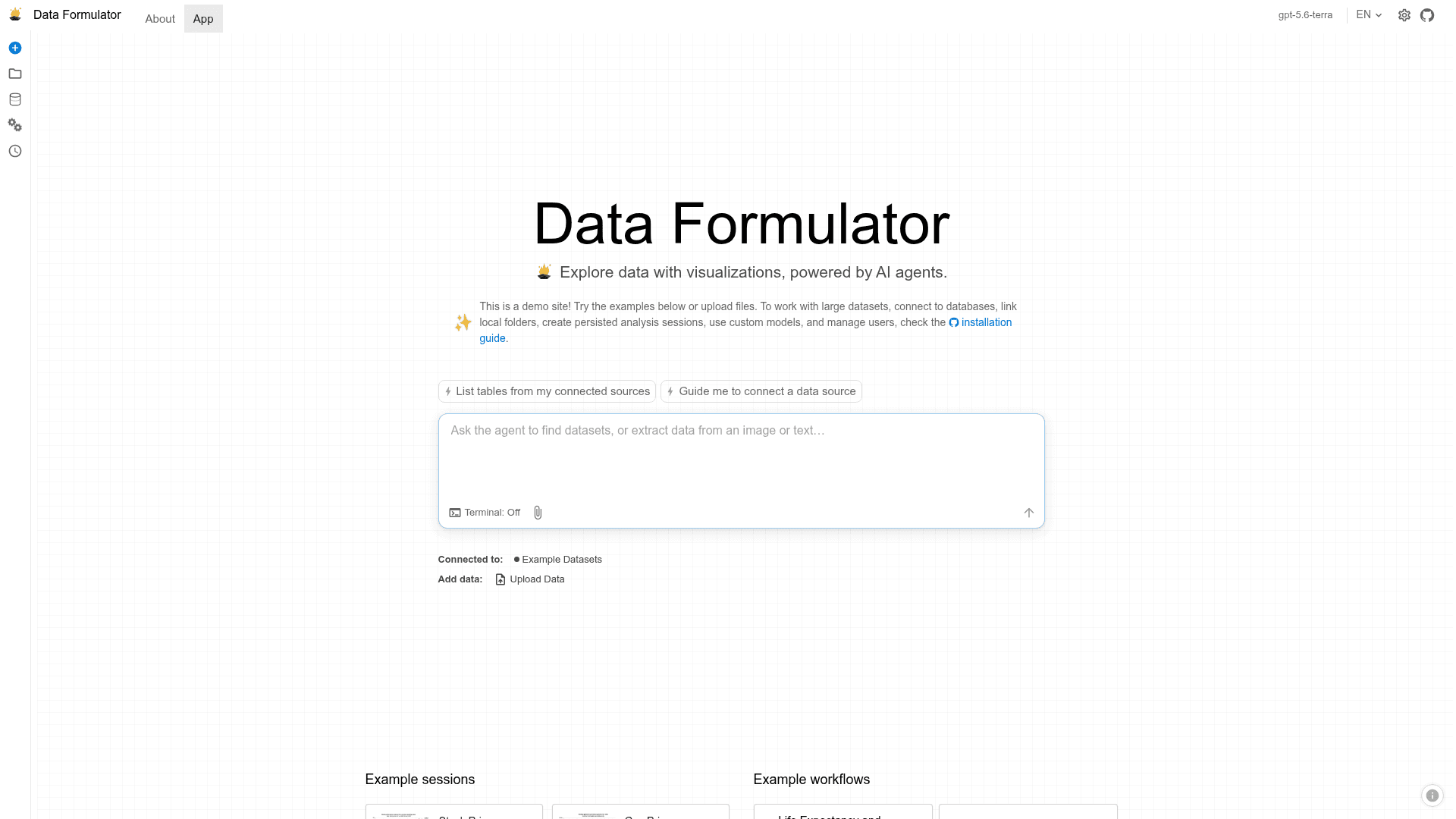
Data can come from uploaded files (CSV, TSV, Excel, JSON), screenshots or text, databases and data platforms, or from an analyst agent that discovers sources, clarifies the request, and proposes a loading plan for review. Questions are asked in the Data Thread, which keeps one history of the reasoning. Users can refine a result directly, branch from any earlier step to explore alternatives, or delegate the next investigation to the analyst. Finished analyses can be composed into a report to share.
Data Connectors and Models
Data connectors give agents a common way to reach different sources, and the system keeps a data memory of the relationships between them. Earlier releases added loaders for MySQL, PostgreSQL, MSSQL, Azure Data Explorer, S3, and Azure Blob, DuckDB support for large data, and Databricks is mentioned for 0.8. Model support covers OpenAI, Azure, Ollama, and Anthropic via LiteLLM.
Setup Path
The hosted site is a demo with example datasets and uploads. Local use unlocks database connections, local folders, persisted sessions, custom models, and user management. It can be run with uvx, pip, or Docker, and opens in the browser at localhost:5567. Preview desktop builds for Windows and macOS are available through CI artifacts and releases; the README notes they are not code-signed or notarized.
Current Status
The 0.8 beta 1 release (0.8.0b1) unifies loading data, asking questions, reviewing results, and branching in the Data Thread. It adds more data sources and more Flint-powered charts, recommendations, themes, and styling tools. The README names 0.7 as the latest stable release.
Community Discussions
Be the first to start a conversation about Data Formulator
Share your experience with Data Formulator, ask questions, or help others learn from your insights.
Pricing
Open Source (MIT)
Self-hosted Data Formulator core released under the MIT License; install locally via uvx, pip, or Docker. Bring-your-own model/LLM costs are external.
- MIT License
- Install via uvx, pip, or Docker
- Connect to databases and link local folders
- Persisted analysis sessions
- Custom models
Capabilities
Key Features
- Natural language and UI-based chart creation
- Data Threads for branching analyses
- Data connectors with data memory
- Upload CSV, TSV, Excel, JSON, screenshots, or text
- Database and platform connections
- Agent-guided data discovery and loading
- 30+ chart types via Flint
- Style-refinement agent and chart themes
- Shareable reports
- Persistent sessions and workspaces
- Multilingual UI (English/Chinese)
- Multiple LLM providers via LiteLLM
Integrations
Demo Video