Desktop Commander
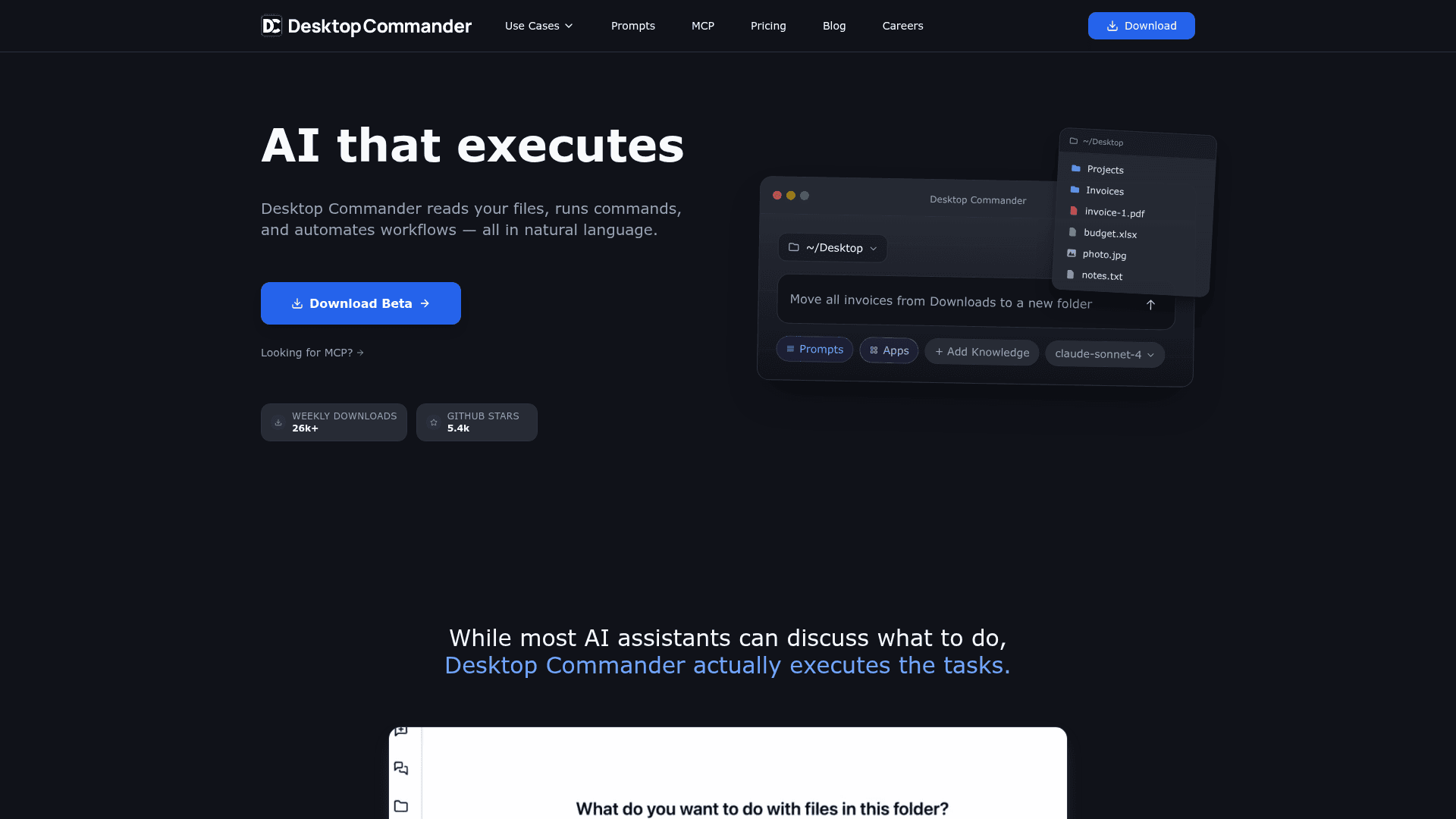
AI-powered desktop app that reads files, runs commands, and automates workflows on your local machine using natural language.
At a Glance
About Desktop Commander
Desktop Commander is an AI operator for your local machine that executes tasks in natural language — reading files, running commands, and automating workflows without requiring coding knowledge. It supports multiple AI models (Claude, GPT-4, Gemini, and more) and provides live visualization of file changes as they happen. With 26k+ weekly downloads and 5.4k GitHub stars, it has become a popular alternative to AI coding IDEs like Cursor and Windsurf for developers who want direct machine-level AI execution.
- Natural Language Execution — Describe tasks in plain English and Desktop Commander reads, writes, and runs them directly on your machine.
- Model-Agnostic — Use Opus 4.5, GPT-4.5, Gemini 2.5, or any supported model; bring your own API key or use DC credits.
- File Management — Move, rename, convert, and organize files and folders through conversation.
- Code Generation & Prototyping — Describe what you want built; the AI writes the code and saves it locally without manual IDE setup.
- Knowledge Base Building — Write and organize markdown files by talking to the AI, creating searchable local knowledge bases.
- Prompt Library — Access 60+ curated prompts organized by workflow, covering codebase exploration, documentation, deployment, and task automation.
- MCP Integration — Built on the Model Context Protocol; extend with custom MCP servers and additional context sources.
- Built-in Markdown Editor — Edit and preview markdown files in one place without switching apps.
- Live File Change Visualization — See exactly what files are being modified in real time as the AI executes tasks.
- Cross-App Automation — Connect and operate any installed tool to automate multi-step workflows across applications.
To get started, download the Desktop Commander app for macOS (M-chip or Intel) or Windows, then connect your preferred AI model via API key or DC credits. Use the built-in prompt library or type your own instructions to begin automating tasks immediately.
Community Discussions
Be the first to start a conversation about Desktop Commander
Share your experience with Desktop Commander, ask questions, or help others learn from your insights.
Pricing
Free
Start free with 100 messages per week and $10 in free AI credits.
- 100 messages/week
- All AI models
- $10 free AI credits
- Bring your own keys
Unlimited
Unlimited messages with no weekly limits and priority support.
- Unlimited messages
- No weekly limits
- Your keys or DC credits
- Priority support
Capabilities
Key Features
- Natural language file management
- Multi-model AI support (Claude, GPT-4, Gemini)
- Bring your own API key
- Live file change visualization
- Built-in markdown editor
- 60+ prompt library
- MCP server integration
- Custom MCP and context extension
- Code generation and prototyping
- Cross-app workflow automation
- Knowledge base creation
- Diff-based file editing
Integrations
Demo Video