
DingTalk Workspace CLI
An open-source cross-platform CLI tool that unifies DingTalk's full suite of enterprise capabilities into a single command-line interface designed for humans and AI agents.
At a Glance
About DingTalk Workspace CLI
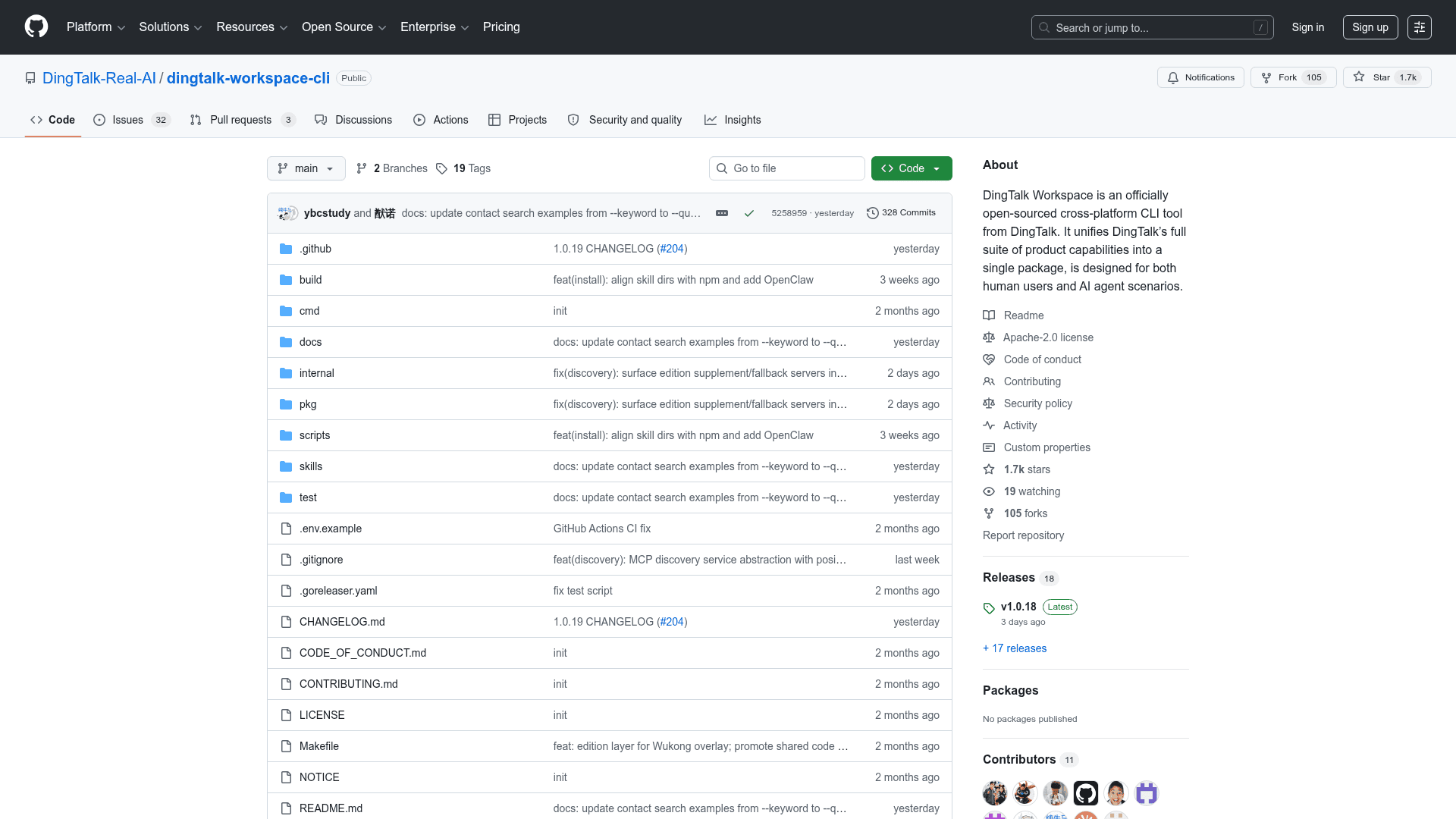
DingTalk Workspace CLI (dws) is an officially open-sourced, cross-platform command-line tool from DingTalk that brings the entire DingTalk enterprise platform to the terminal. Built with Go, it covers 163 commands across 14 products — from contacts and calendar to AI Tables, documents, and meeting minutes. It is designed equally for human operators and AI agent workflows, with structured JSON output, built-in Agent Skills, and smart input correction for LLM-generated commands.
- AI-native design — structured JSON responses,
--dry-runpreviews,--jqfiltering, and--yesflags make it ready for autonomous agent pipelines out of the box. - Agent Skills system — ships a complete
skills/directory with a master skill, per-product references, intent guides, error codes, and 13 ready-made Python scripts for common multi-step workflows; integrates with Claude Code, Cursor, and other AI tools. - Schema introspection — use
dws schemato dynamically discover all available products and tool parameter schemas without pre-built knowledge. - Smart input correction — built-in pipeline normalizes camelCase/snake_case/UPPER flag names, splits sticky arguments, fuzzy-matches typos, and normalizes boolean/number/date/enum values — correcting common AI model mistakes automatically.
- Raw API access —
dws apicalls any DingTalk OpenAPI directly with automatic token acquisition, refresh, and dual-form (api.dingtalk.com / oapi.dingtalk.com) auto-detection. - Security by design — PBKDF2 + AES-256-GCM encrypted token storage keyed by device MAC address, domain allowlisting, path traversal protection, CRLF injection blocking, Unicode spoofing filtering, and full-chain audit through DingTalk Open Platform.
- 14 product areas — Contact, Chat/IM, Calendar, Todo, Approval, Attendance, Ding, Report, AI Tables, Doc, Drive, Minutes, Mail, and raw API — with video conferencing, AI apps, and wiki coming soon.
- Self-upgrade — built-in
dws upgradewith SHA256 integrity verification, atomic two-phase apply, automatic backup, and rollback support. - Enterprise admin controls — OAuth device-flow auth, least-privilege scoping, allowlist gating, and full call-chain audit logs accessible in real time.
- Cross-platform installation — install via shell script, PowerShell, npm, or pre-built binary for macOS, Linux, and Windows (amd64/arm64).
Community Discussions
Be the first to start a conversation about DingTalk Workspace CLI
Share your experience with DingTalk Workspace CLI, ask questions, or help others learn from your insights.
Pricing
Open Source
Fully free and open-source under Apache License 2.0. All features included.
- 163 commands across 14 DingTalk products
- AI Agent Skills system
- Schema introspection
- Smart input correction
- Raw API access
Capabilities
Key Features
- 163 commands across 14 DingTalk product areas
- AI-native CLI with structured JSON output
- Built-in Agent Skills for Claude Code, Cursor, and other AI tools
- Schema introspection via dws schema
- Smart input correction for AI-generated commands
- Raw DingTalk OpenAPI access with automatic token management
- jq filtering for fine-grained output control
- Dry-run preview mode
- Self-upgrade with SHA256 verification and rollback
- PBKDF2 + AES-256-GCM encrypted token storage
- Domain allowlisting and zero credential persistence
- OAuth device-flow authentication
- 13 ready-made Python scripts for multi-step workflows
- Cross-platform: macOS, Linux, Windows (amd64/arm64)
- Pipe and file input support