
dotfactory
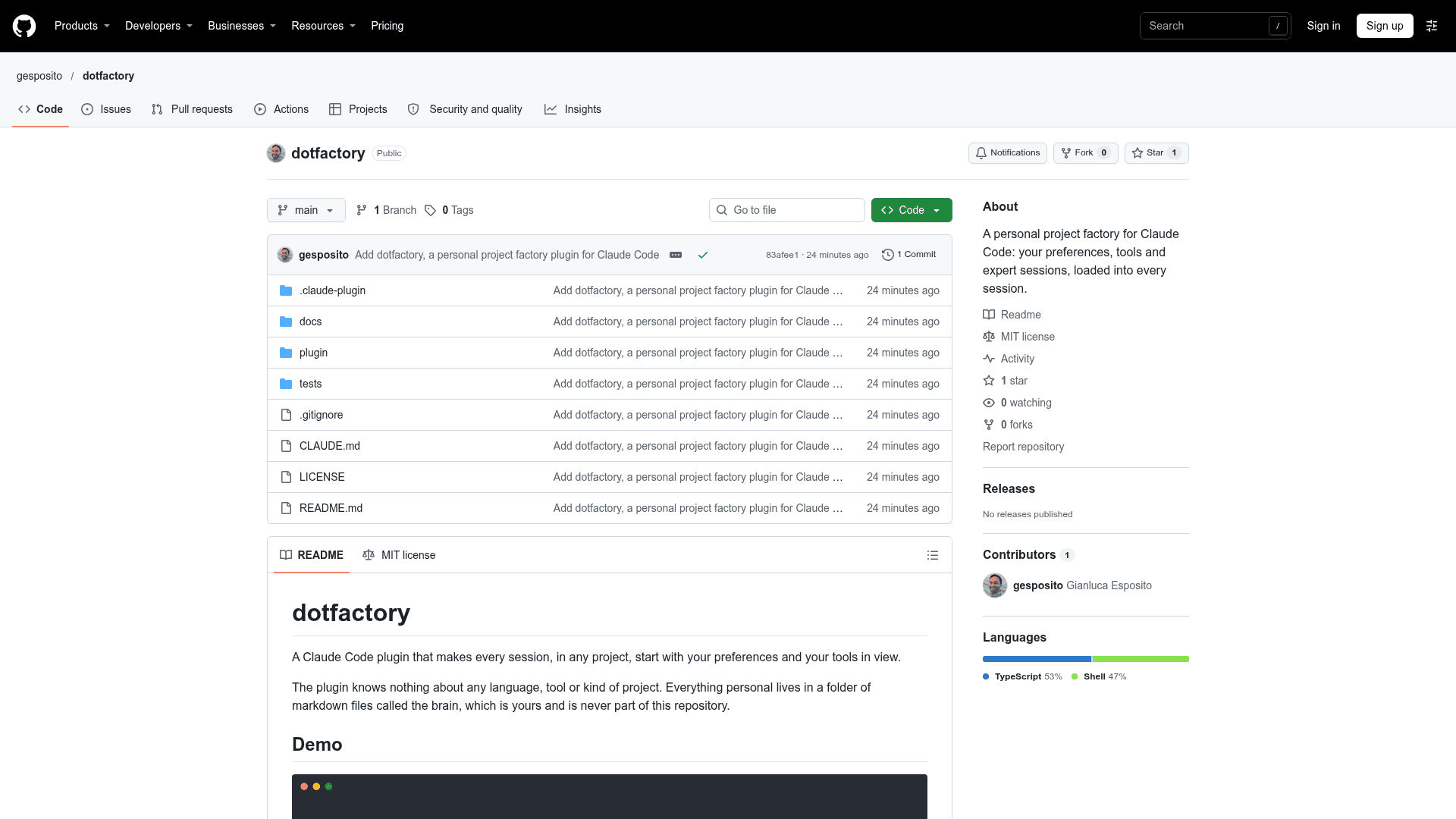
A Claude Code plugin that loads your preferences, tools and expert sessions from a personal markdown brain into every session.
At a Glance
MIT-licensed Claude Code plugin; free to use, copy, modify and distribute. Requires Claude Code (external cost).
Engagement
Available On
Listed Nov 2026
About dotfactory
dotfactory is an open-source Claude Code plugin by gesposito that makes every session, in any project, start with the user's preferences and registered tools in view. The plugin itself knows nothing about specific languages or project types; everything personal lives in a folder of markdown files called the brain, which is kept outside the repository.
What It Is
dotfactory is a personal project factory for Claude Code. The brain holds three kinds of content: preferences (prefs/*.md, applied to every project or only to projects containing a marker file such as Cargo.toml), tools (tools/*.md), and a record of projects started with /dotfactory:new. At session start, the plugin loads each applicable preferences file and one line per tool, with its name, how it is reached and when to use it.
How Tools Are Reached
A tool can be a repo (code in a folder that a session reads and runs), an expert (another running Claude Code session that any session can message by name with a question and wait for the reply), or notes (steps written in the entry itself). The same job can be backed differently by different people, and the plugin does not care which.
Commands and Pane
The commands are /dotfactory:new (applies preferences, uses registered tools, scaffolds and records a project), /dotfactory:remember (saves a lasting preference), /dotfactory:add-tool (registers a repo, expert session or notes) and /dotfactory:status (shows brain contents and flags problems). /dotfactory opens a pane beside the conversation with a button for each command, plus preferences, tools, projects and any problems. The pane is built on Claude Code's mods API, which the README describes as early access and subject to change; the commands and session-start note do not depend on it.
Setup Path
Install by adding the GitHub marketplace and installing the plugin with the Claude Code CLI, or from a local checkout so edits take effect in the next session. The brain location is taken from the DOTFACTORY_BRAIN environment variable, a brain folder next to the checkout's plugin folder, or ~/.config/dotfactory/brain. It can be made its own git repository to keep history. It was tested with Claude Code 2.1.330, and the pane needs 2.1.287 or later.
Community Discussions
Be the first to start a conversation about dotfactory
Share your experience with dotfactory, ask questions, or help others learn from your insights.
Pricing
Open Source
MIT-licensed Claude Code plugin; free to use, copy, modify and distribute. Requires Claude Code (external cost).
- MIT License
- Preferences, tools and projects stored in a personal markdown 'brain'
- Slash commands: /dotfactory:new, :remember, :add-tool, :status
- Pane built on Claude Code's mods API (early access)
Capabilities
Key Features
- Markdown-based brain storing preferences, tools and projects
- Marker-file-scoped preferences (e.g. Cargo.toml)
- Tools reachable as repo, expert session or notes
- /dotfactory:new project scaffolding using preferences and registered tools
- /dotfactory:remember to save lasting preferences
- /dotfactory:add-tool to register repos, sessions or notes
- /dotfactory:status to inspect the brain and flag problems
- Pane with command buttons and keyboard shortcuts
- Session-start loading of applicable preferences and tool summaries
- Configurable brain location via DOTFACTORY_BRAIN