
Droidline
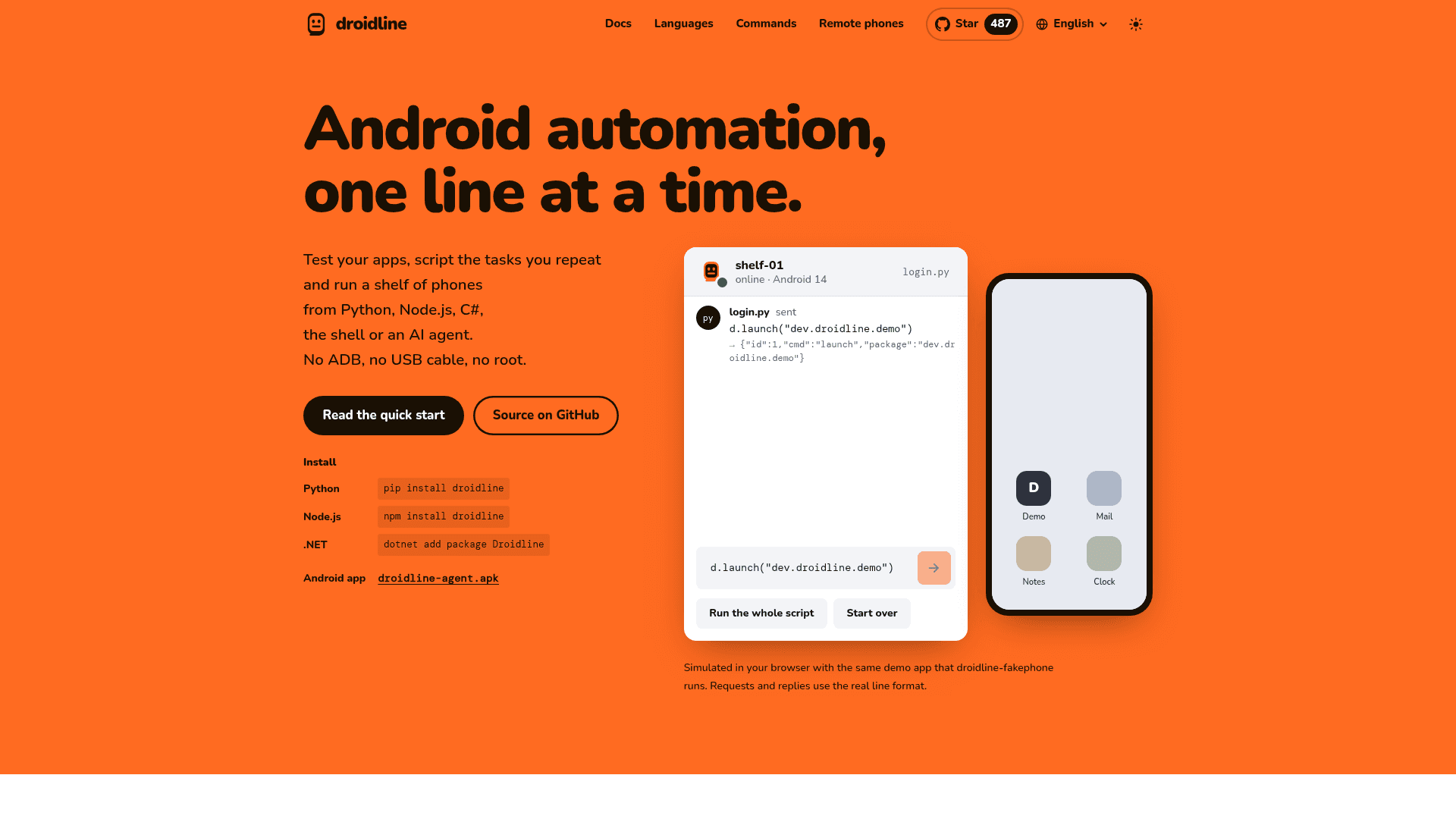
Open-source Android automation from Python, Node.js, C#, the shell, HTTP or MCP agents, with no ADB, USB cable or root.
At a Glance
Droidline core (server, CLI, SDKs and Android app) is released under the MIT license and free to use, modify and distribute.
Engagement
Available On
Alternatives
Listed Nov 2026
About Droidline
Droidline is an open-source tool by KnifeLemon for automating real Android phones from code. A program on your PC opens apps, taps, types, scrolls, reads the screen tree and takes screenshots, one line per action. The docs describe it as version 0.1, and the GitHub release listed is v0.1.13.
What It Is
Droidline controls Android phones without ADB, a USB cable or root. A small server, droidline serve, runs on Windows, macOS or Linux and listens on localhost:8780. The Droidline app on each phone (Android 9 or later) connects out to that server and carries out commands through Android's accessibility service, its own keyboard and an optional per-app VPN. Your code sends one JSON line per command and reads one line back.
Documented uses include testing your own app on real phones, running a shelf of phones through their own networks or proxies, giving an AI agent control of a phone over MCP, and small personal automations.
Interfaces and Commands
The same command names are available in Python, Node.js and TypeScript, C#/.NET, the CLI, plain HTTP, a raw TCP socket and as MCP tools. They are generated from a single spec file, commands.json. dump() returns the screen as a tree of elements with text, id and desc, and commands such as touch take a field and value, wait up to 10 seconds for the element, and fall back to a coordinate tap if a click is refused.
Optional tools include an inspector and recorder, a WebDriver endpoint for Appium clients, a pytest plugin, leases for sharing phones between scripts, and image and OCR matching for screens without elements.
Phones Anywhere
Because the phone always connects out, it works on the same Wi-Fi, through a forwarded port, a tunnel such as cloudflared or ngrok, or a relay you deploy to Cloudflare Workers or a VPS. After the handshake, lines are encrypted end to end with P-256 key exchange and AES-256-GCM. Phones can be named and driven in parallel, with per-app proxies and notifications delivered as events or signed webhooks.
Limits to Know
Droidline uses only permissions an ordinary app can get. It cannot open another app's non-exported screens, unlock PIN, pattern or password lock screens, or read one-time codes from notifications on Android 15 and later. It cannot tap elements that games and some custom UIs do not expose, so coordinates are used there. There is also no single command to force stop apps, clear their data or switch the network; the docs give recipes that press the Settings buttons instead.
Current Status
The docs say the server, CLI, MCP adapter, relay and SDKs pass their tests against a phone simulator, and the app has been tested on an Android 13 emulator. Testing on real phone brands is listed as the next step. The Android app is distributed as a signed APK on GitHub Releases, not Google Play.
Community Discussions
Be the first to start a conversation about Droidline
Share your experience with Droidline, ask questions, or help others learn from your insights.
Pricing
Open Source (MIT)
Droidline core (server, CLI, SDKs and Android app) is released under the MIT license and free to use, modify and distribute.
- MIT-licensed open-source core
- Python, Node.js and C# SDKs, CLI, HTTP and MCP
- No ADB, no USB cable, no root
- Optional inspector, WebDriver/Appium support and pytest plugin
- Self-hosted: you run droidline serve on your PC; no public relay is provided
Capabilities
Key Features
- Android automation without ADB, USB cable or root
- Element tree dump with text, id and desc selectors
- Built-in waiting and automatic fallback to coordinate tap
- SDKs for Python, Node.js and C#, plus CLI, HTTP and raw socket interfaces
- MCP server exposing every command as a tool for AI agents
- Multi-phone control with named devices and leases
- Remote phones over Wi-Fi, port forward, tunnel or self-hosted relay
- End-to-end encryption using P-256 and AES-256-GCM
- Per-app proxy through a local VPN
- Notifications as events or signed webhooks
- Inspector and script recorder
- Appium/WebDriver compatibility via droidline webdriver
- pytest plugin with failure artifacts
- Image template matching and OCR
- droidline-fakephone phone simulator