
DS Bot
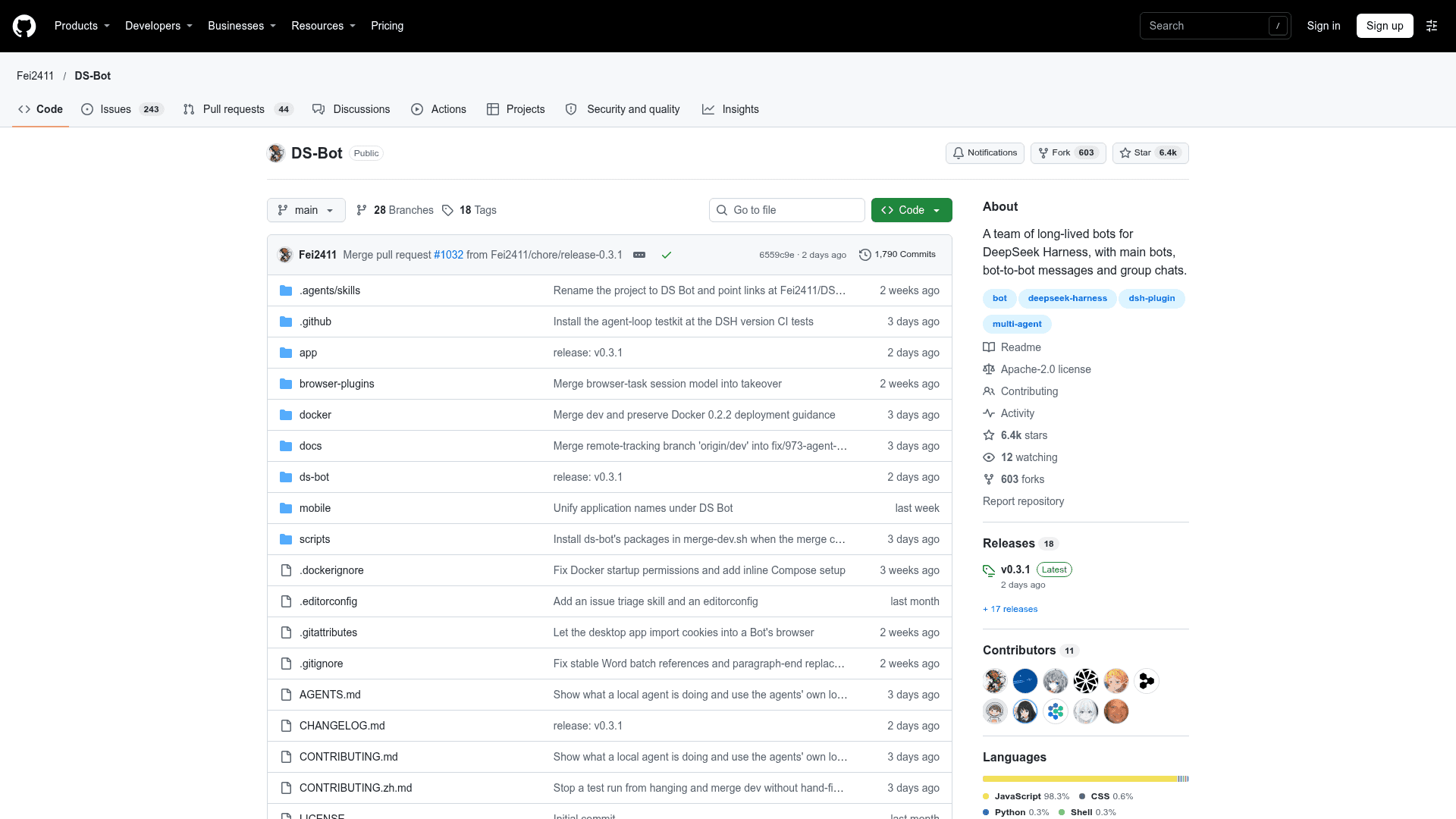
A community desktop app and DeepSeek Harness plugin for creating long-lived bots that work together through group chats and bot-to-bot handoffs.
At a Glance
DS Bot desktop app and DSH plugin released under the Apache License 2.0. DeepSeek API usage is billed separately by DeepSeek.
Engagement
Available On
Listed Nov 2026
About DS Bot
DS Bot is an independent, open-source community project by Fei2411, built on DeepSeek Harness (DSH). It turns DSH into a team of long-lived bots you create, talk to, and put to work, available as a desktop app for Windows, macOS and Linux and as a DSH plugin. The README states it is not an official DeepSeek product.
What It Is
DS Bot is a multi-bot workspace. Each bot has its own chat, selectable model, and Markdown-based memory that you can manage from the bot's details page or by telling the bot. A main bot called Chief is created on first launch; it manages the other bots and group chats and walks you through setup.
How Bots Work Together
Every group chat has an admin that answers by default and calls in other bots. You can also @ a bot directly, and any bot can hand work to another with @. Group chats have their own memory, and for larger work a group can run a goal: the admin agrees with you on what done means, splits the work into stages across members, and checks each stage against evidence.
Tools, Connectors and Channels
- Capabilities: a shared library of MCP servers, skills and packs that can be added to individual bots. Local MCP commands a bot adds need your approval.
- Connectors: services such as GitHub, Gmail and remote MCP servers, signed in once with OAuth or a key. Credentials stay in DS Bot's Secrets and do not reach a bot.
- Local agents: coding-agent CLIs such as Claude Code, Codex CLI and OpenCode can run a bot.
- Computer use: bots can operate apps on your computer at levels and for apps you allow.
- IM: bots can be linked to Telegram, WeChat, Feishu, DingTalk, WeCom, QQ, Discord or Slack.
- Office files: bots can create and edit .docx, .pptx and .xlsx files.
Setup Path
The Windows installer is unsigned, so Windows may show warnings. You need a DeepSeek account or API key. A Docker image with DSH Web and DS Bot is also provided for always-on machines. Data is stored locally in the DSH home folder.
Community Discussions
Be the first to start a conversation about DS Bot
Share your experience with DS Bot, ask questions, or help others learn from your insights.
Pricing
Open Source (Apache-2.0)
DS Bot desktop app and DSH plugin released under the Apache License 2.0. DeepSeek API usage is billed separately by DeepSeek.
- Apache License 2.0 core product
- Windows installer, macOS and Linux desktop app, and DSH plugin
- Requires a DeepSeek account or DeepSeek API key; DeepSeek bills by usage (external cost)
- Can run Bots via local coding-agent CLIs using the CLI's own sign-in and plan
- Installer is not yet signed
Capabilities
Key Features
- Long-lived bots with selectable models and Markdown memory
- Main bot (Chief) that manages other bots and group chats
- Group chats with admin, @mentions and bot-to-bot handoffs
- Goal mode with staged work and evidence checks
- Shared Capabilities library for MCP servers, skills and packs
- Connectors for GitHub, Gmail and remote MCP servers
- Local coding-agent CLIs can run bots
- Computer use with per-bot permission levels
- IM integration with Telegram, WeChat, Feishu, DingTalk, WeCom, QQ, Discord and Slack
- Office file creation and editing (.docx, .pptx, .xlsx)
- Token usage view by time, bot and model
- Local data storage