
DSH Office Kit
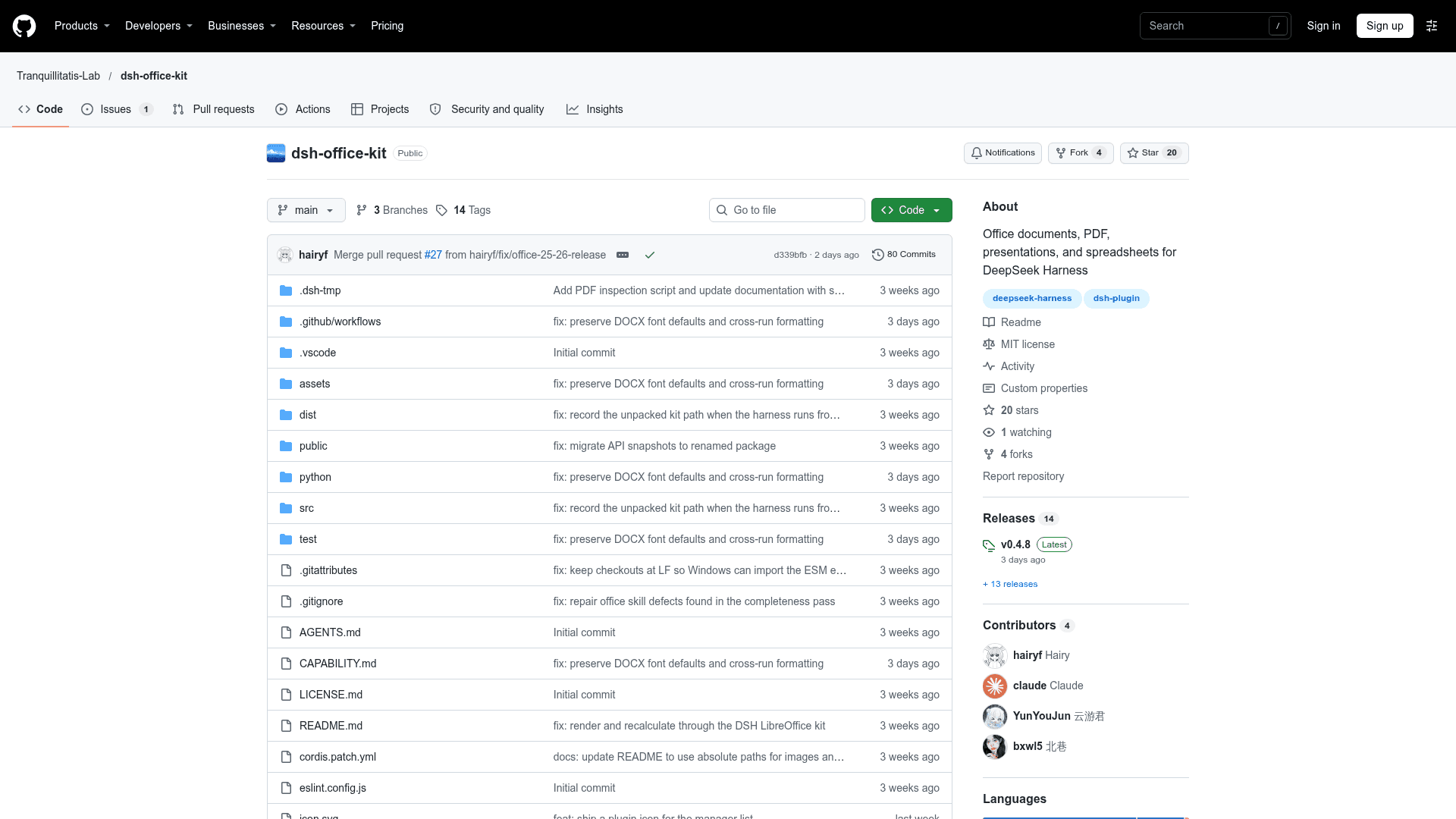
A DeepSeek Harness plugin that creates, reads, and edits Word, PDF, PowerPoint, and Excel files locally, with preview annotations for requesting changes.
At a Glance
DSH Office Kit plugin for DeepSeek Harness, released under the MIT license; free to install and use.
Engagement
Available On
Listed Nov 2026
About DSH Office Kit
DSH Office Kit is an open-source plugin for DeepSeek Harness (DSH) that adds local handling of Word, PDF, presentation, and spreadsheet files. It is published under the Tranquillitatis-Lab GitHub organization with an MIT license. The latest release listed is v0.4.8.
What It Is
The kit extends DeepSeek Harness with document skills reachable from the / menu in the input box. Users pick Documents, PDF, Presentations, or Spreadsheets, which inserts a reference chip. They then describe a create, read, or edit task, and open the resulting file in the sidebar preview. It works on local files only; Google Docs, Slides, Sheets, and remote editing are not supported.
Supported Document Work
- Word: create, read, and edit DOCX, including tables, images, formulas, and headers and footers.
- PDF: create, read, and edit, including merging, rotating, deleting pages, and metadata.
- Presentations: PPTX with bullets, tables, charts, and images.
- Spreadsheets: XLSX with formulas, styles, charts, frozen panes, and recalculation.
- Live spreadsheets: an
excel-live-controlskill drives an already-open Excel or WPS sheet through COM.
Annotation and Review in Preview
In PDF and DOC/DOCX previews, a Request Changes mode lets users snap to paragraphs or box-select regions, type requirements, and send a batch of annotations to the conversation. PDF annotations attach a screenshot of the selection, while DOC/DOCX sends text and location information. Annotation is limited to PDF and DOC/DOCX, and scanned PDFs get screenshots but no OCR. Rendering checks rasterize DOCX, PPTX, and XLSX through the LibreOffice Kit bundled with DeepSeek Harness, and PDFs through PyMuPDF. Missing fonts are named in the report.
Setup Path
Install from the official plugin list or run dsh plugin add dsh-office-kit, then enable it under Settings → Plugins. It requires DSH 0.2.1-rc.2 or later and Python 3.10–3.13. On Windows a compatible Python is installed automatically if missing, while macOS and Linux use the existing Python. The DSH_OFFICE_PYTHON variable can point to a specific interpreter.
Community Discussions
Be the first to start a conversation about DSH Office Kit
Share your experience with DSH Office Kit, ask questions, or help others learn from your insights.
Pricing
Open Source (MIT)
DSH Office Kit plugin for DeepSeek Harness, released under the MIT license; free to install and use.
- Word, PDF, presentation and spreadsheet creation, reading and editing
- Sidebar annotation and modification requests in previews
- Session reference chips
- Render verification
- Live Excel/WPS control via COM
Capabilities
Key Features
- Create, read, and edit DOCX with tables, images, formulas, headers and footers
- Create, read, and edit PDF with merge, rotate, page deletion, and metadata
- Create, read, and edit PPTX with bullets, tables, charts, and images
- Create, read, and edit XLSX with formulas, styles, charts, frozen panes, and recalculation
- Sidebar preview annotations for requesting changes on PDF and DOC/DOCX
- Slash-menu chips and conversation references with hover details
- Render validation via LibreOffice Kit and PyMuPDF with missing-font reporting
- Live control of open Excel/WPS spreadsheets via COM
- Configurable Python interpreter via DSH_OFFICE_PYTHON