
Ekko Studio
A local-first AI workspace for multi-agent chat, coding, and visual workflows on desktop, web, and mobile.
At a Glance
Engagement
Available On
Listed Nov 2026
About Ekko Studio
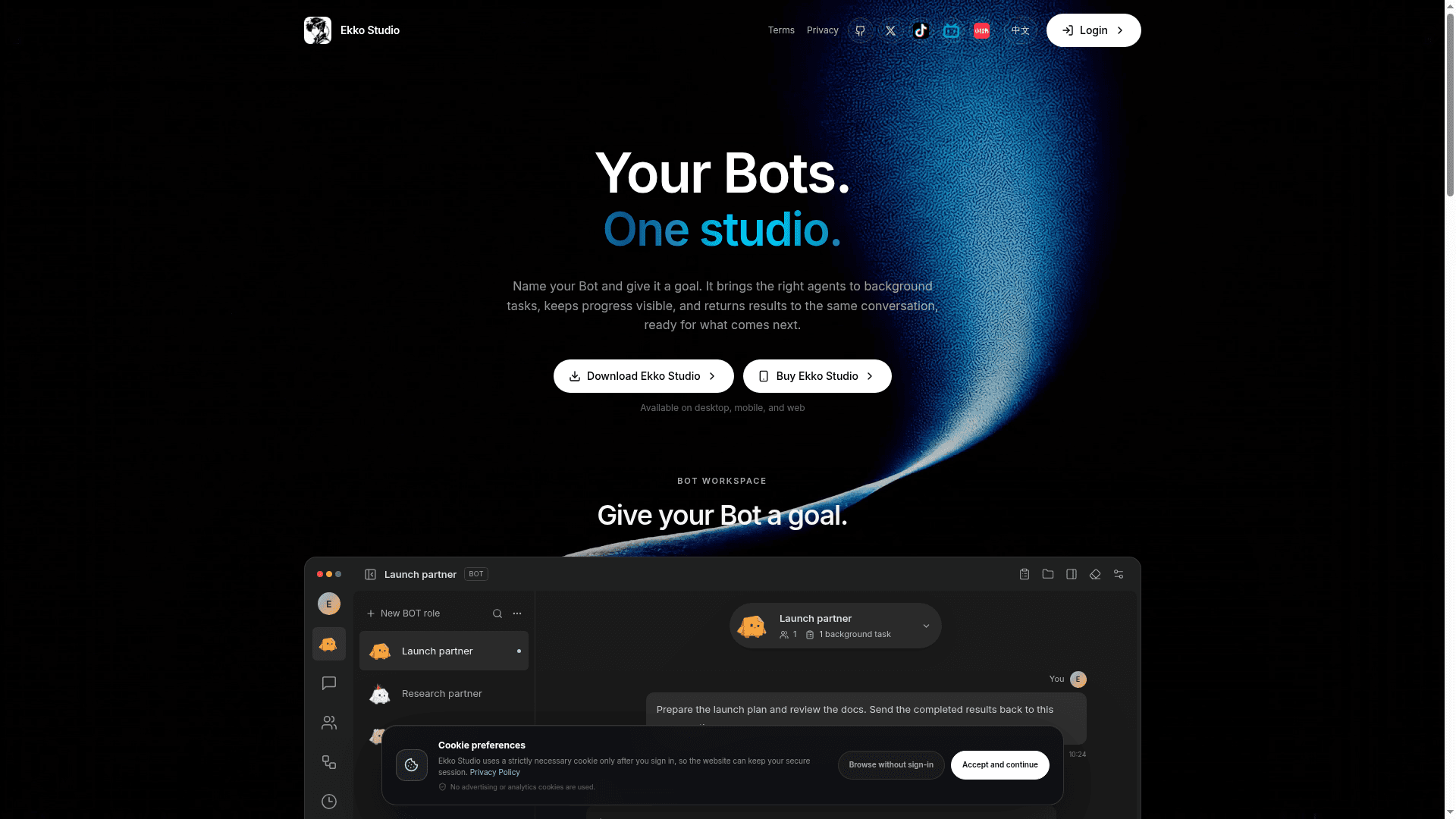
Ekko Studio, from EKKOLearnAI (formerly Hermes Studio / Hermes Web UI), is a local-first AI workspace where users name a Bot, give it a goal, and let it hand work to coding agents running in the background. Results come back to the same conversation. It ships as a desktop app, an npm or Docker self-hosted web console, and a companion mobile app. The latest listed release is v0.8.29.
What It Is
Ekko Studio is an agent workspace that sits on top of several agent runtimes: Ekko Agent, Hermes Agent, and 14 coding-agent integrations including Claude Code, Codex, Cursor, OpenCode, GitHub Copilot CLI, Qwen Code and Kimi Code. Single chats, group chats, and workflows share the same agent catalog. Coding agents run on the machine hosting the Studio backend, so their CLIs must be installed there; Agent Manager can install and update supported ones.
How the Workflow Works
Users start a chat from agent cards, with streaming responses, tool traces, generated-file previews, and persistent sessions. Group chat rooms route @mentions to specific agents. Visual workflows use a canvas with edges, conditions, loops, approval gates, run budgets, and execution history. Scheduled jobs, a Kanban board, a file browser, a web terminal, and platform channels (Telegram, Discord, Slack, WhatsApp, Matrix, Feishu, DingTalk, QQBot, WeChat, WeCom) extend the workspace.
Desktop, Web and Mobile
The desktop app is an Electron shell for Windows, macOS, and Linux that bundles the Studio runtime and includes a Desktop Agent Browser agents can drive through a managed MCP server, plus screenshot capture and annotation. The web console installs with npm (Node.js 23 or newer) or Docker Compose. The mobile app connects over LAN or cloud relay for chat, voice, jobs, and task progress. Voice input and output support multiple TTS and STT provider adapters.
Model and Access Management
Studio manages providers and models, including OpenAI-compatible custom endpoints and OAuth flows for several providers. It offers multiple Hermes profiles, token and username/password authentication, usage analytics, and skill and memory management.
Licensing
The source is public under the Business Source License 1.1. Non-commercial use is granted, commercial use requires a separate license, and it converts to Apache 2.0 on 2029-05-10. The Studio Plugin SDK is separately MIT-licensed.
Community Discussions
Be the first to start a conversation about Ekko Studio
Share your experience with Ekko Studio, ask questions, or help others learn from your insights.
Pricing
Ekko Studio Lifetime Access
One-time payment for permanent Ekko Studio access for local use, same-LAN connections and self-deployed servers; excludes official Ekko Studio Cloud.
- Use Ekko Studio locally on your own device
- Connect devices that are on the same local network
- Connect to a server that you deploy and maintain yourself
- No automatic renewal
- Not included: official Ekko Studio Cloud remote connection service
- Mainland China price: CN¥68 one-time
Ekko Studio Cloud (Monthly auto-renewal)
Monthly auto-renewing cloud plan that keeps remote device connections and Ekko Studio access active.
- Secure remote device connections over the internet
- Includes Ekko Studio access while active
- Cancel from Stripe billing management and keep access until the current period ends
- Not included: permanent Ekko Studio ownership
Ekko Studio Cloud 31-day pass
One-time prepaid pass adding 31 days of cloud and Ekko Studio access; does not renew automatically.
- Each payment adds 31 days of cloud and Ekko Studio access
- Stackable after current expiry
- Does not renew automatically
Ekko Studio Cloud (China prepaid)
Prepaid stackable cloud time in CNY, redeemed by code, no automatic renewal.
- Monthly CN¥25 (1 month)
- Quarterly CN¥68 (3 months)
- Half-year CN¥128 (6 months)
- Yearly CN¥228 (12 months)
- 31 days per month, stackable, no automatic renewal
- App access included while active
Capabilities
Key Features
- Multi-agent chat with streaming, tool traces and persistent sessions
- Group chat rooms with @mention routing
- Visual workflow canvas with approval gates, loops and run history
- 14 coding-agent integrations managed via Agent Manager
- Background tasks with results returned to the conversation
- Desktop Agent Browser via managed MCP server
- Platform channels for 10 messaging platforms
- Voice input and real-time voice mode with TTS/STT adapters
- Scheduled jobs and Kanban board
- File browser and web terminal
- Model and provider management with multi-profile support
- Usage analytics
- Mobile app over LAN or cloud relay with session sharing
- Screenshot capture and annotation