
Email Header Analyzer
Free web tool that analyzes pasted email headers to show SPF, DKIM, DMARC results, delivery hops and Microsoft 365 spam stamps.
At a Glance
Free Email Header Analyzer tool with no sign-up; nothing pasted is stored.
Engagement
Available On
Alternatives
Listed Nov 2026
About Email Header Analyzer
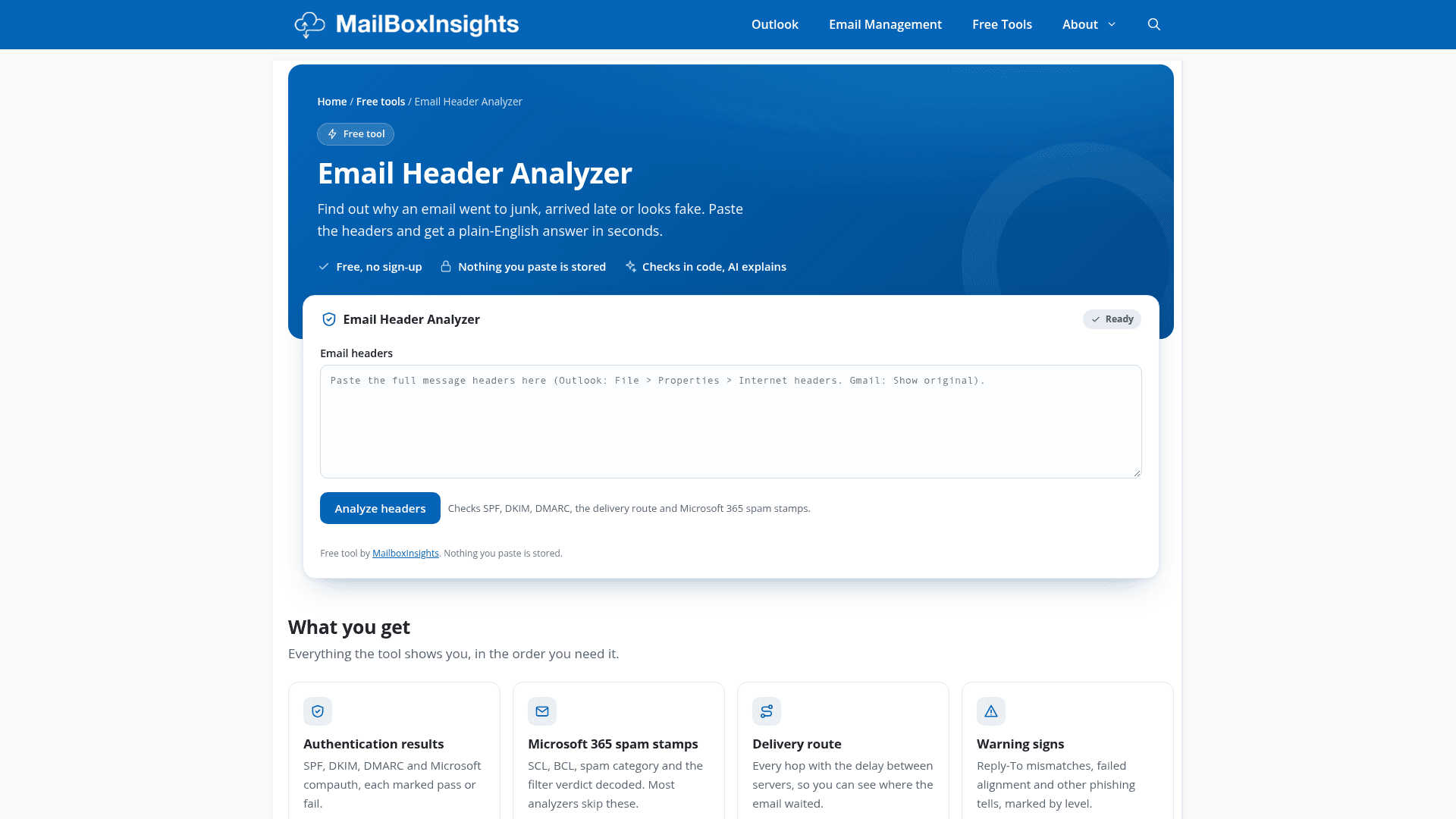
Email Header Analyzer is a free web tool from MailboxInsights that reads pasted email headers and explains why a message went to junk, arrived late or looks fake. According to the site, nothing pasted is stored and no sign-up is needed.
What It Is
The tool takes raw Internet headers copied from an email and reports authentication results, the delivery route and warning signs. The site says the checks run in code and AI then explains the findings in plain English.
What the Analysis Covers
- Authentication results: SPF, DKIM, DMARC and Microsoft compauth, each marked pass or fail.
- Microsoft 365 spam stamps: SCL, BCL, spam category and the filter verdict decoded.
- Delivery route: every hop with the delay between servers, showing where the email waited.
- Warning signs: Reply-To mismatches, failed alignment and other phishing tells, marked by level.
How to Use It
Copy the headers from the email: in Outlook for Windows use File > Properties, in new Outlook or Outlook on the web use View message details, and in Gmail use Show original. Paste them into the box and select Analyze headers. The page also includes short explanations of terms such as SCL and Reply-To mismatch, and links to related Outlook guides.
Community Discussions
Be the first to start a conversation about Email Header Analyzer
Share your experience with Email Header Analyzer, ask questions, or help others learn from your insights.
Pricing
Free
Free Email Header Analyzer tool with no sign-up; nothing pasted is stored.
- Free, no sign-up
- Nothing you paste is stored
- Checks SPF, DKIM, DMARC and Microsoft compauth
- Microsoft 365 spam stamps (SCL, BCL, spam category)
- Delivery route with delay at each hop
Capabilities
Key Features
- SPF, DKIM, DMARC and Microsoft compauth results
- Microsoft 365 spam stamp decoding (SCL, BCL, spam category)
- Delivery route with per-hop delays
- Phishing warning signs such as Reply-To mismatch and failed alignment
- Plain-English AI explanation of findings
- Free, no sign-up, pasted data not stored