Expo Simulators
Cloud iOS simulators and Android emulators that coding agents can drive on demand to install builds, test apps, and capture proof.
At a Glance
Engagement
Available On
Alternatives
Listed Nov 2026
About Expo Simulators
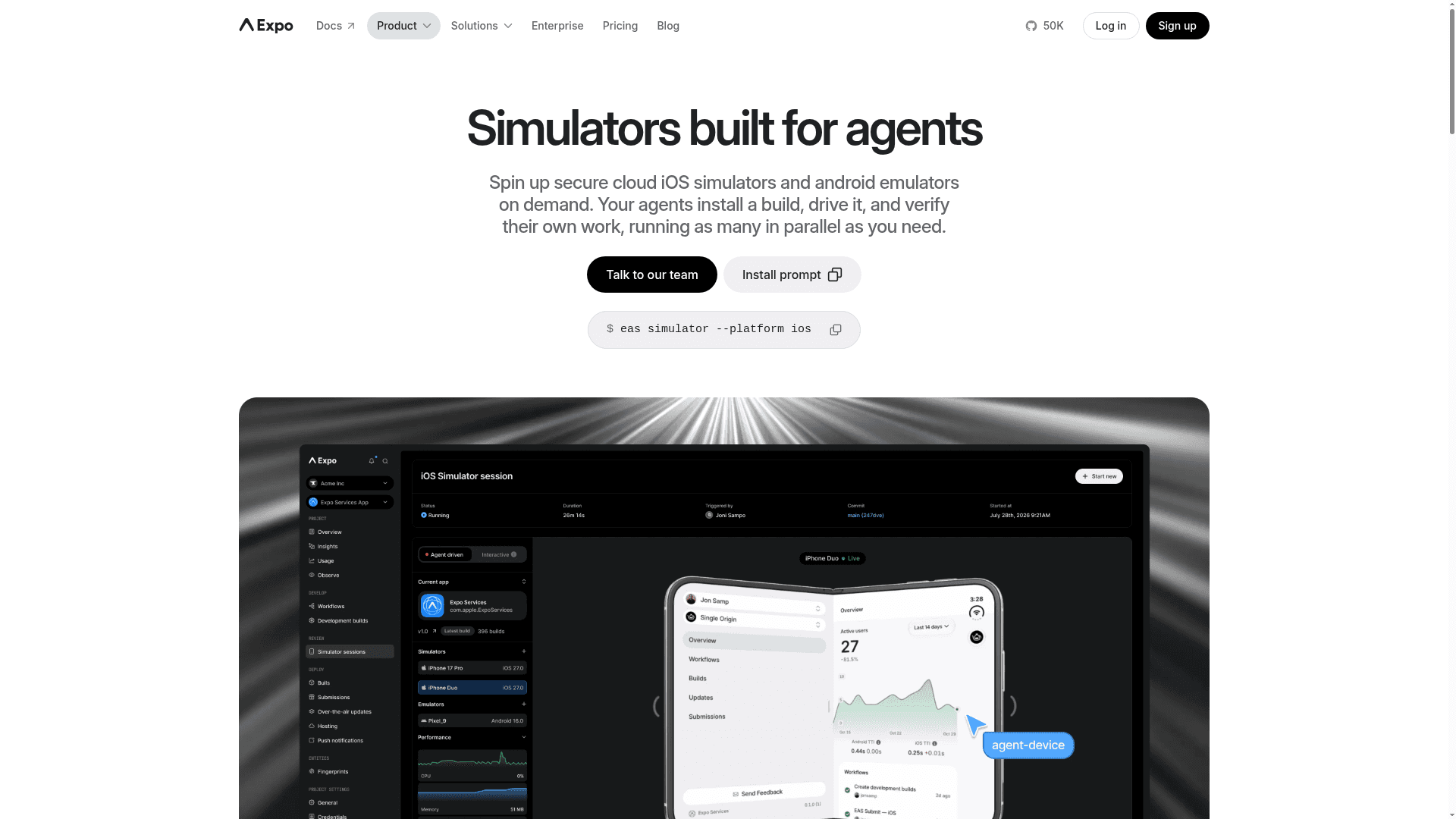
Expo Simulators is a service from Expo (650 Industries, Inc.) that gives coding agents and teams on-demand cloud iOS simulators and Android emulators. An agent installs a build, interacts with the app, and verifies its own work, with screenshots, recordings, and logs captured as evidence. The page labels it as new.
What It Is
Expo Simulators provisions isolated cloud devices that agents control from the command line, for example with eas simulator --platform ios. Any coding agent that can run shell commands can start a session, install a build, and interact with the app; the page names Claude Code, Codex, and Cursor as working. An eas-simulator skill is available to help agents handle setup, device control, and evidence collection. Apps do not need to be built with Expo: React Native, Swift, Kotlin, Flutter, Unity, and other frameworks work if the build runs on an iOS Simulator or Android Emulator and the project is linked to Expo Services.
Agentic Workflows
The page describes several loops built on simulator sessions:
- Agentic CI: on each pull request, an agent simulates app flows, posts replay links, and fixes failing checks.
- Issue to PR: an agent builds a feature from an idea and validates it on a simulator, with a preview link to see the result.
- Bug triage: an agent reproduces a reported bug, writes and verifies a fix, and opens a pull request with before-and-after proof.
Sessions can start from GitHub Actions, Expo Workflows, or other CI through the EAS CLI or REST API. Appium test suites can connect to an Appium server provisioned for the session, and a subset of Maestro commands runs through agent-device.
Isolation, Parallelism, and Review
Each session runs in an isolated environment on Expo infrastructure. Account roles control who can start, view, or stop sessions, and preview links require an Expo login with project access by default. Multiple sessions can run in parallel across iPhone, iPad, and Android devices, sharing the account's job concurrency. Teams can share a live session in a browser, and screenshots, recordings, and job logs can be attached to pull requests. For Expo and React Native apps, Workflows can use fingerprinting to reuse an existing native build and repack the latest JavaScript.
Community Discussions
Be the first to start a conversation about Expo Simulators
Share your experience with Expo Simulators, ask questions, or help others learn from your insights.
Pricing
Starter
Includes access to Simulators; usage-based simulator pricing with 60 min/month included until 2027.
- Access to Simulators
- Simulator minutes: Usage-based pricing, 60 min/month included until 2027
- High priority queue
- 5 concurrencies, up to 2 on macOS, $50/extra, up to 5 extra
- Max session length 115 minutes
- Artifact retention 30 days
- $45 of build credit
Production
For teams building and distributing production apps; includes Simulators access.
- Access to Simulators
- Simulator minutes: Usage-based pricing, 60 min/month included until 2027
- High priority queue
- 15 concurrencies, up to 10 on macOS, $50/extra, up to 5 extra
- Max session length 115 minutes
- Embed sessions
- Priority support
- Single sign-on (SSO)
- $225 of build credit
Enterprise
For apps with scale, security, and compliance needs; includes Simulators access.
- Access to Simulators
- Simulator minutes: Custom, 60 min/month included until 2027
- 20 concurrencies, up to 15 on macOS, $50/extra
- Max session length 115 minutes
- Service Level Agreements
- $1,000 of build credit
Capabilities
Key Features
- On-demand cloud iOS simulators and Android emulators
- Agent-driven sessions started via the EAS CLI
- Parallel simulator sessions
- Screenshots, session recordings, and job logs as PR proof
- Shareable live sessions and preview links in a browser
- Appium server provisioned per session
- Maestro YAML flows via agent-device (subset of commands)
- CI integration via GitHub Actions, Expo Workflows, or REST API
- Isolated sessions with role-based access control
- eas-simulator skill for coding agents
Integrations
Demo Video