
FigCraft
Open-source interface design and prototyping app built in pure Rust, with auto layout, components, vector networks, and a CLI and MCP server for agents.
At a Glance
FigCraft is free and open source (dual-licensed MIT or Apache-2.0); no account or subscription required.
Engagement
Available On
Alternatives
Listed Nov 2026
About FigCraft
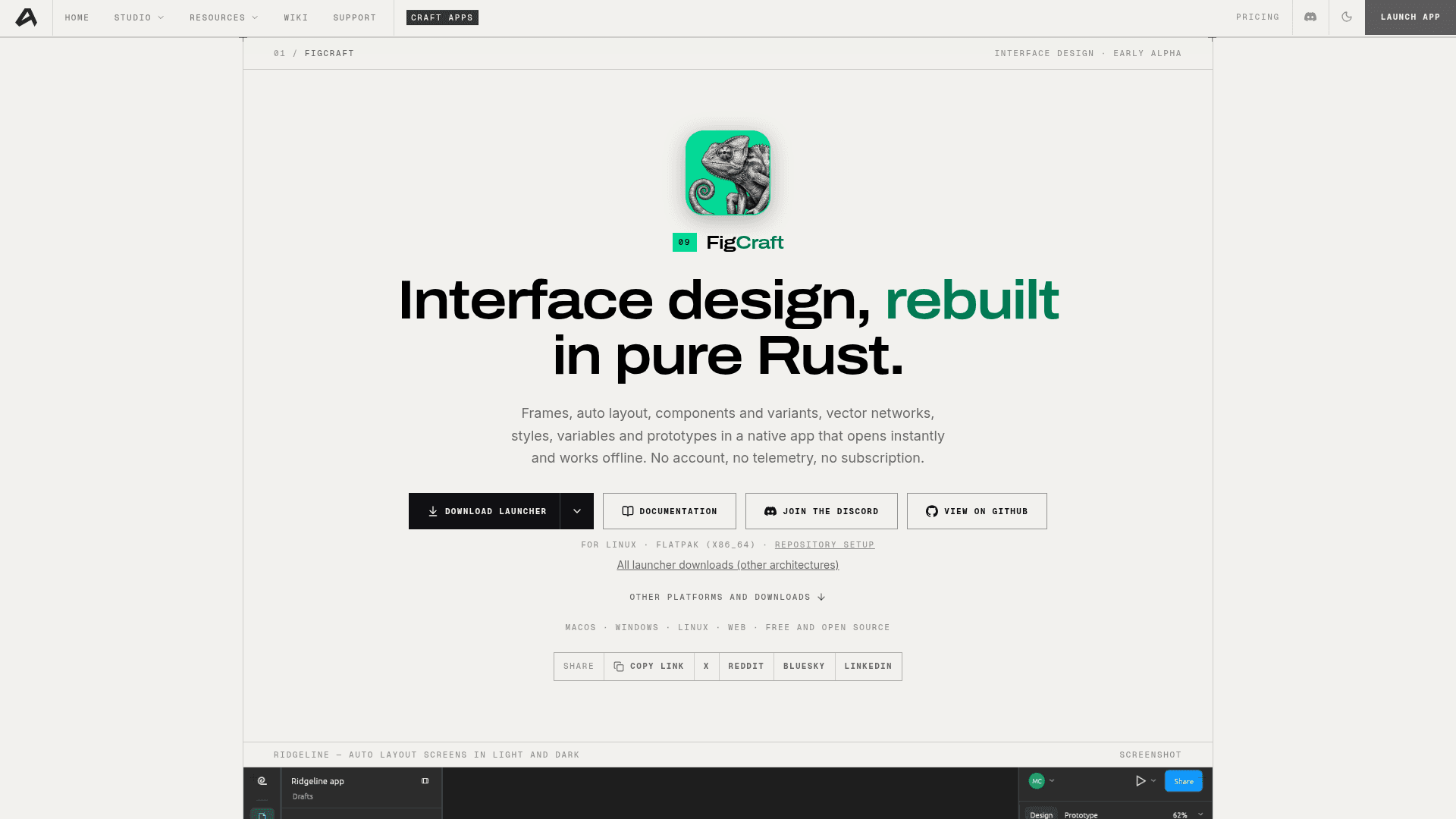
FigCraft is an open-source interface design and prototyping app from the ArtCraft team, written in Rust. It covers frames, auto layout, components and variants, vector networks, styles, variables and prototypes in a native app that works offline. It is currently labeled early alpha, and version 0.18.1 is the latest release listed.
What It Is
FigCraft is a desktop and web design editor for building app screens, design systems and clickable prototypes. Files are plain .figcraft archives stored on the user's own disk, with no account and no telemetry according to the README. It imports and exports SVG, PNG, JPG, WebP and PDF, and opens .fig files on a best-effort basis.
Design and Handoff Workflow
Layouts are built with auto layout in both directions (including wrap and grid), constraints and layout grids. Components support instances with overrides, component sets with variants, and styles and variables with modes such as light and dark. Vector work uses real vector networks, a shape builder, editable booleans and variable-width strokes. Prototypes use connections, triggers and animated transitions, with a presentation view. Dev Mode adds measurements, annotations and generated code in CSS, HTML, React, Vue, SwiftUI, Compose, Flutter and other targets.
Agents and Collaboration
Every menu item, tool and gesture runs one of more than 400 commands, so the same engine can be driven from the UI, the figcraft-cli command line, a JSON control channel or an MCP server. Live sessions, described as a preview, let several people edit one file with cursors, selections and cursor chat. Files can be shared through a public server or a self-hosted figcraft-server. Online sharing is not end-to-end encrypted. Sandboxed WebAssembly plugins are also supported.
Setup Path
Installers cover macOS, Windows, Linux (Flatpak, AppImage, deb, rpm, tarball), FreeBSD and a self-hostable web build. The ArtCraft Launcher can install and update it. Building from source needs Rust 1.95 or newer. The project is dual-licensed MIT or Apache-2.0.
Community Discussions
Be the first to start a conversation about FigCraft
Share your experience with FigCraft, ask questions, or help others learn from your insights.
Pricing
Open Source
FigCraft is free and open source (dual-licensed MIT or Apache-2.0); no account or subscription required.
- Dual-licensed under MIT or Apache-2.0, at your option
- Free for macOS, Windows, Linux and Web
- No account, no telemetry, no subscription
- Currently in early alpha
- Trademarks and brand assets are not covered by the open-source license
Capabilities
Key Features
- Auto layout with wrap and grid, constraints and layout grids
- Components, variants, styles and variables with modes
- Vector networks, shape builder and variable-width strokes
- Prototyping with triggers and animated transitions
- Dev Mode with measurements, annotations and code generation
- Real-time live sessions with cursors and cursor chat
- Self-hostable collaboration server
- 400+ commands exposed via CLI, JSON control channel and MCP server
- Sandboxed WebAssembly plugins
- Export to PNG, JPG, WebP, SVG and PDF
- Offline operation with no account or telemetry