
DESIGN:OS Studio
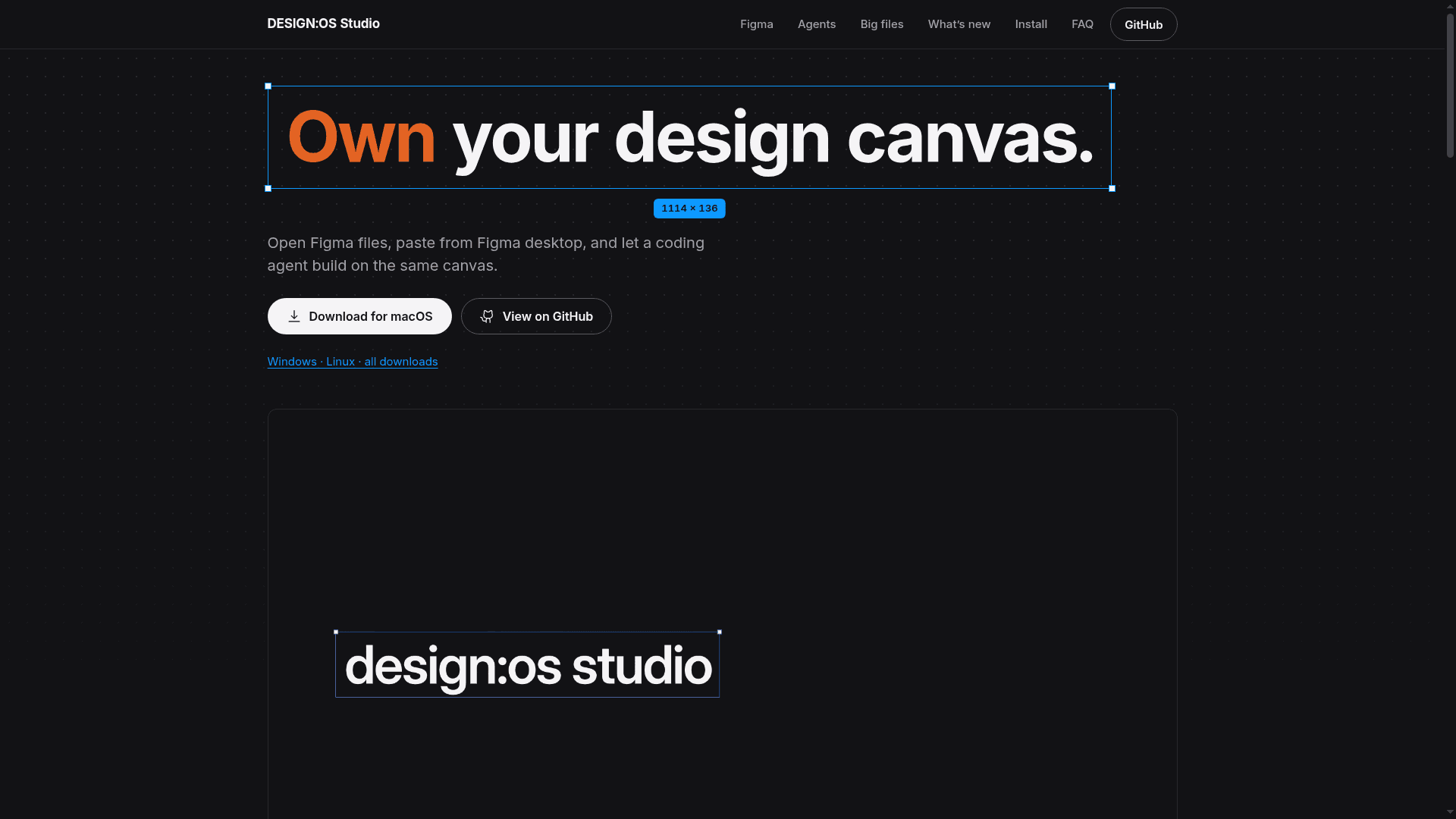
A native Rust desktop design editor that opens and saves Figma .fig files and bundles a local MCP server so coding agents can edit the open document.
At a Glance
Native desktop design editor, dual-licensed MIT OR Apache-2.0; free to use, modify and distribute.
Engagement
Available On
Listed Nov 2026
About DESIGN:OS Studio
DESIGN:OS Studio is an open-source native desktop design editor by Jang Trinh, written in Rust and drawing on the GPU through wgpu. It opens and saves Figma .fig files, accepts layers pasted from Figma desktop, and bundles a local MCP server so coding agents can work on the document that is open on the canvas. The latest release listed is v0.5.0, with downloads for macOS, Windows and Linux.
What It Is
DESIGN:OS Studio is a local-first interface design tool in the same space as Figma desktop. The project site describes it as a native editor for Figma files and coding agents. It runs offline as a desktop application and is dual-licensed MIT or Apache-2.0. The project states it is independent and not affiliated with Figma, Inc.
Working with Figma files
Users can copy layers in Figma desktop and paste them onto the Studio canvas with Cmd+V. The layers land centered in the view as a single undo step, images included. .fig files open, can be edited and are saved back as .fig, and carry their effect and grid styles. The 0.3.0 release notes list effect and grid styles, auto layout Space evenly with vertical wrap, text wrap Balance and Pretty, opacity bound to number variables, and multi-page PDF export (pages are raster images for now).
Agent integration
Studio bundles designos-mcp, a local MCP server with 22 tools, and has built-in presets for Claude Code, Codex and Antigravity. Agent edits replay into the open document as node operations, wait while the user is dragging or editing text, and each lands as its own undo step. The README also describes an Agents panel that runs a locally installed agent CLI in a pseudo-terminal, plus an agent skill installable for Claude Code, Codex and Gemini CLI.
Dev Mode and verification
Dev Mode shows code for selected layers, with targets named in the README including CSS, Tailwind, React, SwiftUI, UIKit, Jetpack Compose and Android XML; variables print in their platform code syntax. A command-line designos tool applies declarative NodeSpec JSON and exports .fig, and headless --screenshot plus the designos-diff tool support visual comparison in CI.
Scale and platforms
The project says the Untitled UI PRO v8.0 Figma kit, 208,610 nodes on 113 pages, opens and renders. Releases are verified on macOS; Windows and Linux builds are tested by users.
Community Discussions
Be the first to start a conversation about DESIGN:OS Studio
Share your experience with DESIGN:OS Studio, ask questions, or help others learn from your insights.
Pricing
Open Source
Native desktop design editor, dual-licensed MIT OR Apache-2.0; free to use, modify and distribute.
- Dual MIT OR Apache-2.0 license, your choice
- Opens and saves Figma .fig files
- Bundled designos-mcp local MCP server with 22 tools
- Built-in Dev Mode code generation
- Zero telemetry, 100% local offline execution
Capabilities
Key Features
- Open and save Figma .fig files
- Paste layers from Figma desktop with Cmd+V
- GPU canvas rendering through wgpu
- Bundled designos-mcp server with 22 tools
- Agent edits as individual undo steps
- Effect and grid styles
- Auto layout with Space evenly and vertical wrap
- Text wrap Balance and Pretty
- Variables with mode switching
- Dev Mode code generation for CSS, Tailwind, React, SwiftUI, UIKit, Jetpack Compose and Android XML
- Multi-page PDF export
- Headless screenshots and designos-diff visual comparison
- Declarative NodeSpec JSON apply and .fig export from CLI