
Firebase Studio
Agentic cloud-based development environment for building and shipping full-stack AI-infused applications
At a Glance
Get started with Firebase Studio at no cost with Free version available.
Try Firebase Studio for 14 days with access to Free trial available.
Engagement
Available On
Alternatives
Updated Sep 2026
About Firebase Studio
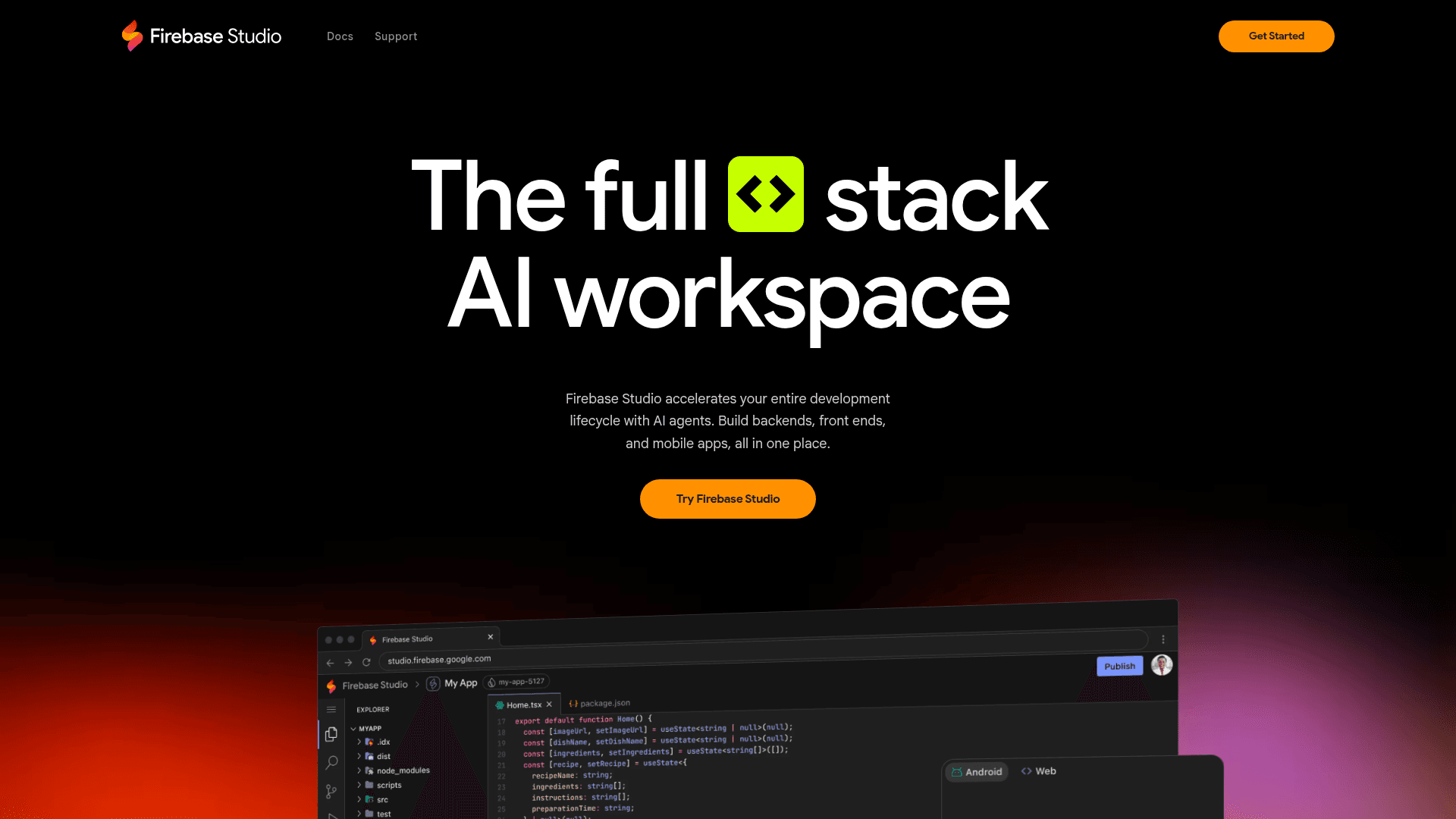
Firebase Studio is an innovative cloud-based development environment created by Google that transforms the way developers build and deploy full-stack AI-powered applications. Evolving from Project IDX, Firebase Studio combines a familiar coding interface with powerful AI capabilities through Gemini in Firebase, providing a seamless experience for developers to prototype, build, and ship production-quality applications entirely within their web browser.
The platform's standout feature is its App Prototyping agent, which enables developers to rapidly generate functional web applications from natural language descriptions, images, or even hand-drawn sketches. Within seconds, Firebase Studio can create a complete Next.js application with UI components, backend logic, and pre-configured AI capabilities through Genkit, complete with an automatically provisioned Gemini API key for immediate functionality.
For developers who prefer a more collaborative approach to coding, Firebase Studio provides integrated AI chat functionality through Gemini in Firebase. This allows developers to request changes to their application through natural conversation, such as adding authentication, modifying layouts, or implementing new features, without necessarily diving into the code themselves. Gemini understands the application''s codebase context, making suggestions that are relevant and immediately applicable.
When more hands-on development is needed, Firebase Studio offers a full-featured coding workspace based on Code OSS (the open-source core of Visual Studio Code), enhanced with powerful AI coding assistance. Developers benefit from intelligent code completion, debugging help, explanations, and full terminal access, along with deep integration with Firebase services. The environment runs on a customizable Google Cloud virtual machine that developers can configure extensively with Nix, including system packages, language tooling, and IDE settings.
Firebase Studio supports a wide range of programming languages and frameworks, including Go, Java, .NET, Node.js, Python Flask, Next.js, React, Angular, Vue.js, Android, and Flutter. Developers can start with any of the 60+ official templates, import existing projects from their local machine or git repositories (GitHub, GitLab, Bitbucket), or create and share custom templates with their preferred tech stacks.
Testing and previewing applications is streamlined with built-in emulators and preview capabilities directly in the browser. Developers can generate public URLs for web previews or QR codes for instant mobile device testing. Once ready for deployment, Firebase Studio leverages Firebase App Hosting for one-click publishing that handles building, CDN configuration, and server-side rendering automatically.
Collaboration is a core strength of Firebase Studio, with real-time multi-user editing capabilities. Developers can share their entire workspace via URL, allowing teams to collaborate within the same environment simultaneously and push updates instantly.
The platform seamlessly integrates with Firebase and Google Cloud services, including Firebase Authentication, Cloud Functions, Cloud Firestore, Cloud Storage, and Firebase Hosting. It also provides built-in access to the Firebase Local Emulator Suite for comprehensive testing before deployment.
With its combination of AI-powered development tools, extensive framework support, and seamless deployment capabilities, Firebase Studio represents a significant advancement in cloud-based development environments, particularly for teams looking to incorporate AI features into their applications quickly and efficiently.
Community Discussions
Be the first to start a conversation about Firebase Studio
Share your experience with Firebase Studio, ask questions, or help others learn from your insights.
Pricing
Free
Get started with Firebase Studio at no cost with Free version available.
- Free version available
Free Trial
Try Firebase Studio for 14 days with access to Free trial available.
- Free trial available
Capabilities
Key Features
- App Prototyping agent for rapid application generation
- Integrated Gemini AI chat for code assistance
- Code OSS-based IDE with AI code completion
- Support for 60+ programming languages and frameworks
- Customizable development environment via Nix
- Built-in emulators and preview capabilities
- One-click deployment through Firebase App Hosting
- Real-time collaboration features
- Seamless integration with Firebase and Google Cloud services
- Ability to import existing projects from local machine or git repositories