
Flisk
A CLI that turns a docker-compose.yml or per-service service.json manifests into a locally running, hot-reloading stack with routing and an MCP server.
At a Glance
Free, MIT-licensed Flisk CLI for starting services locally.
Engagement
Available On
Listed Oct 2026
About Flisk
Flisk is an MIT-licensed command-line tool from the flisk-sh organization that runs an application's services on a developer's own machine. Each service is described in a small service.json, or imported from an existing docker-compose.yml with flisk import, and flisk up builds, runs and routes the stack. It runs on Docker and Tilt, needs no Kubernetes, and is not a deploy tool.
What It Is
Flisk is a local development runtime. For each service it generates the Dockerfile, Compose entries, Traefik routes, health checks, environment files and Tilt configuration, then keeps those generated files in sync and checks for drift with flisk config verify. Services with a command in their manifest can instead run as plain local processes, with no Docker needed. Each service gets a route and an MCP server that an AI agent can drive, and a service rebuilds when its files change.
How the Workflow Runs
A developer installs the CLI with npm, runs flisk project to scaffold, flisk resource to add services, and flisk up <stack> to start them. flisk doctor checks the machine, flisk status and flisk ui inspect running services, and flisk up --dry-run previews what would start. Generated output includes layered golden Docker images, Traefik *.localhost URLs, per-service Postgres databases with Prisma, and AGENTS.md files telling coding agents not to edit generated files.
Working With AI Agents
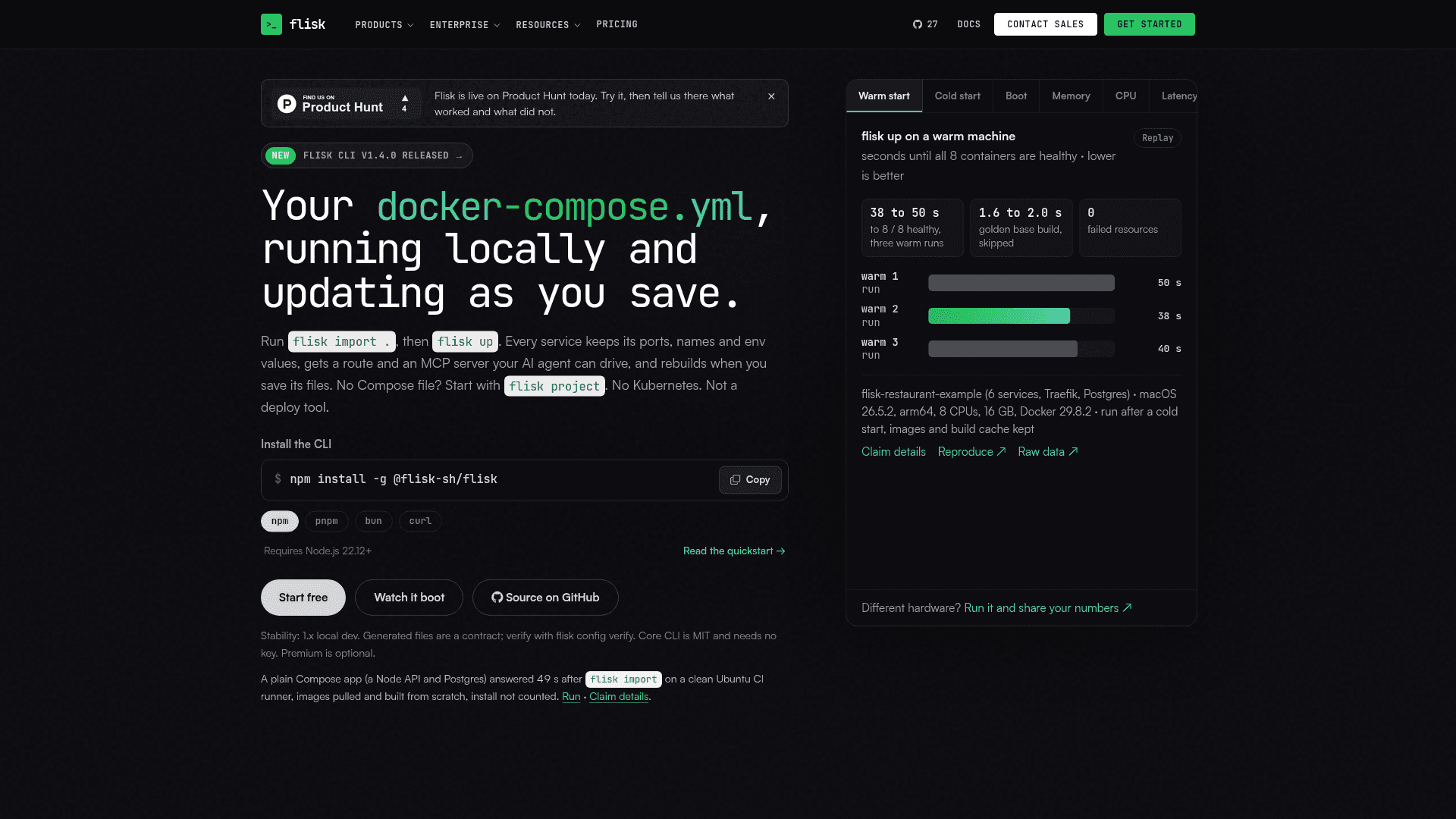
flisk connect claude, cursor or codex adds the flisk mcp server and Flisk skills to a project. Agent-type services get checkpoint volumes, session routing and readiness checks. The site's benchmark panels are vendor-published; for example, it reports a plain Compose app answering 49 s after import on a clean CI runner.
Requirements and Scope
The CLI needs Node.js 22.12+. The Docker and Tilt path also needs Docker and Tilt; macOS and Linux are supported, and Windows through WSL2. Native Windows supports inspection commands only. Production deployment is left to tools such as Helm, Argo CD or Kustomize. The core CLI is free and needs no license key, while optional Premium extras use a separate key.
Community Discussions
Be the first to start a conversation about Flisk
Share your experience with Flisk, ask questions, or help others learn from your insights.
Pricing
Free
Free, MIT-licensed Flisk CLI for starting services locally.
- MIT-licensed open-source core CLI
- flisk import and flisk up for local stacks
- MCP server for AI agents
Premium
Team extras on a license key; extras only.
- Per developer pricing
- Team extras on a license key
Capabilities
Key Features
- Import docker-compose.yml into per-service service.json manifests
- Generates Dockerfiles, Compose files, Traefik routes, Tiltfile and env files
- Hot reload via Tilt live update
- Golden L1-L4 Docker image layers
- Selective stack startup
- Run simple services as local processes without Docker
- flisk doctor environment checks
- flisk config verify drift detection
- Terminal UI via flisk ui
- MCP server for AI agents (flisk mcp)
- Generated AGENTS.md and agent skills
- Per-service PostgreSQL with Prisma
- Health-checked dependency ordering