
FramePaste
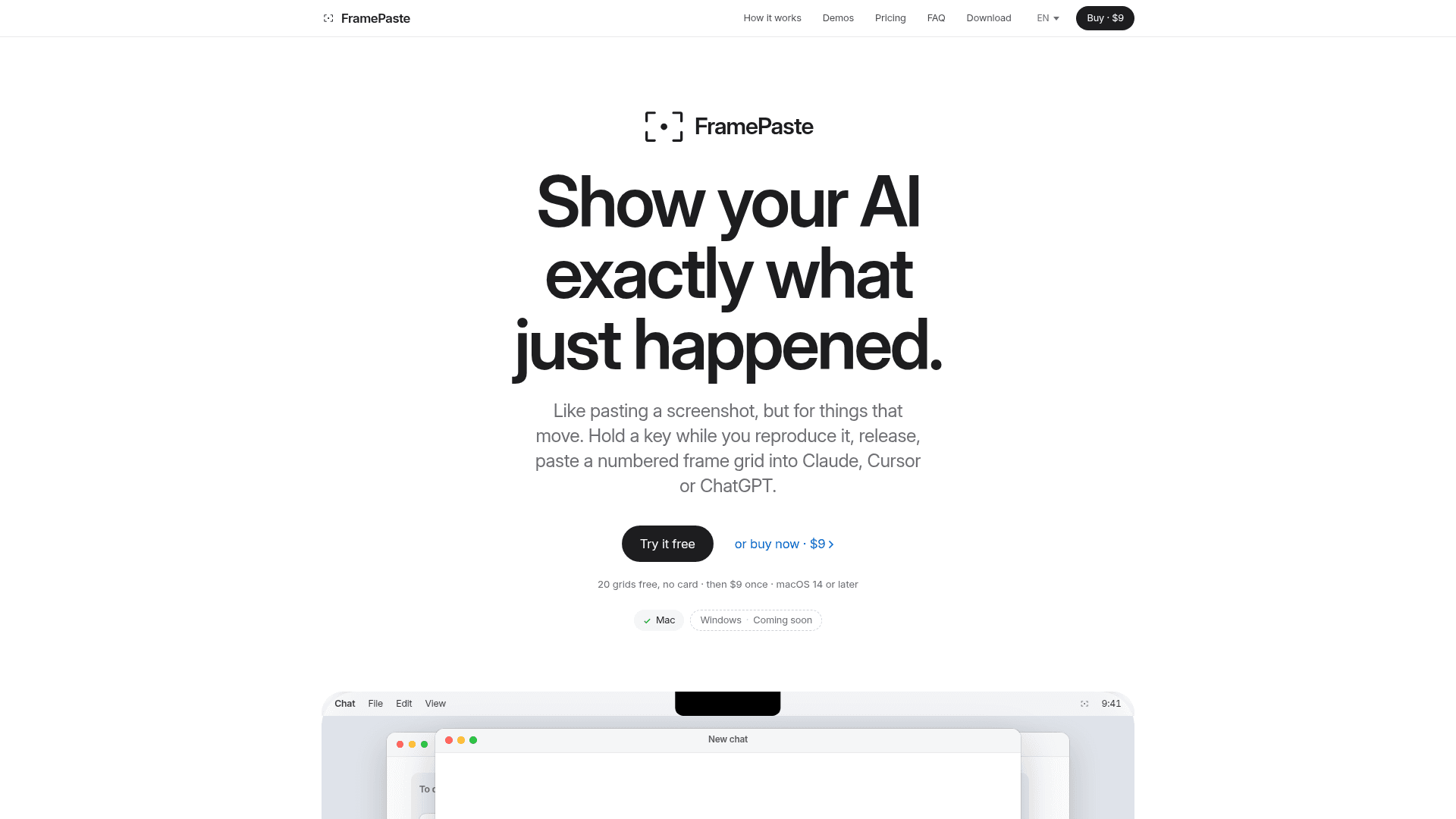
A macOS menu bar app that captures a few seconds of your screen and copies it as a numbered frame grid image to paste into AI tools.
At a Glance
Full app with the first 20 grids free, no time limit. After that it keeps working, but each grid carries a trial header until a key is entered.
Engagement
Available On
Listed Nov 2026
About FramePaste
FramePaste is a macOS app from Jakub Schinko (invoiced through Typico Games s.r.o.) that turns a short screen capture into a numbered grid of frames on your clipboard. You paste the grid into any AI tool that accepts images, so the model sees a sequence of what happened instead of a single screenshot. The app currently targets macOS 14 or later, and the site lists a Windows version as coming soon.
What It Is
FramePaste is a one-key frame grab for AI prompts, aimed at bugs, animations, gestures and timing problems that a still screenshot cannot show. It is not a screen recorder: it outputs images only, with no video or audio. The grids can be pasted into Claude, Cursor, ChatGPT, Claude Code, Codex, Gemini, Copilot, Windsurf or anything else that takes an image.
How the capture workflow works
Double-tap Option to start a session, then hold Command to capture only while held, or tap Command once to start and again to stop. Press Option to end the session; the frames become a numbered grid on the clipboard, and you paste it with Cmd+V. Capture runs at intervals of 1s, 0.5s, 0.2s or 0.1s, switchable with Control during a session, and a frame identical to the previous one is skipped. Each grid holds up to 16 frames, and a recording can fill up to five grids (80 frames) by default. Apps that accept files get all grids in one paste, while apps that take one image at a time receive the next grid on each Cmd+V.
Scoping the capture
While in the Ready state, double-tapping Shift lets you drag a rectangle, or press Space to pick a window, for a smaller grid with sharper detail and fewer tokens. Capture starts on the display under your cursor.
Privacy and permissions
The site states that frames are processed locally and never uploaded, and that nothing runs in the background outside a session. The app runs in the macOS sandbox and goes online only to activate a license key and check for updates. It needs Screen Recording permission but not Accessibility permission, includes no account or in-app analytics, and is signed and notarized by Apple.
Limits to know
Capture is interval-based rather than smart detection. It is built for motion and timing; for a still image, the standard macOS screenshot shortcut is enough. There is no Linux plan.
Community Discussions
Be the first to start a conversation about FramePaste
Share your experience with FramePaste, ask questions, or help others learn from your insights.
Pricing
Free trial
Full app with the first 20 grids free, no time limit. After that it keeps working, but each grid carries a trial header until a key is entered.
- First 20 grids free
- No time limit, no card, no account
- After 20 grids, each grid says "FramePaste trial · framepaste.com" in its header until you enter a key
FramePaste for macOS
One-time purchase license for the macOS app; one key for up to 3 Macs, free updates for every 1.x version.
- The app, macOS 14 or later
- All four capture speeds: 1s, 0.5s, 0.2s, 0.1s
- Up to 80 frames per recording, in numbered grids of 16
- One key for up to 3 of your Macs
- Free updates for every 1.x version, installed by the app
- No account, no subscription
- 14-day refund
Capabilities
Key Features
- Numbered frame grid copied to the clipboard
- Hold-to-record or tap-to-start and tap-to-stop capture
- Selectable capture intervals of 1s, 0.5s, 0.2s and 0.1s
- Up to 16 frames per grid and five grids per recording by default
- Area or window selection for focused capture
- Records the display under the cursor
- Skips frames identical to the previous one
- Local frame processing with no account or in-app telemetry
- Visible status pill while watching or recording
- Signed and notarized by Apple