
fusion-runtime
A self-hosted, open-source voice agent runtime that runs speech-to-text, an LLM, and text-to-speech together in one Python process on your own GPU, streaming into each other for low-latency replies.
At a Glance
Fully free and open-source under Apache-2.0. Install via pip, self-host on your own hardware.
Engagement
Available On
Alternatives
Listed Sep 2026
About fusion-runtime
fusion-runtime is an Apache-2.0-licensed, self-hosted voice agent runtime that runs speech-to-text, a language model, and text-to-speech together in a single Python process on hardware you control. Released as v0.1.1 in late September 2026, it is in early development and installable today via pip install fusion-runtime.
What It Is
fusion-runtime eliminates the need to rent each stage of a voice pipeline from separate cloud APIs. Instead of calling Deepgram for STT, OpenAI or Groq for the LLM, and ElevenLabs or Cartesia for TTS, the runtime runs all three stages locally with open-weight models — Whisper for speech-to-text, llama.cpp/vLLM/SGLang for the language model, and Kokoro for text-to-speech — streaming each stage's output into the next so a reply starts playing while it is still being generated. Audio and transcripts stay on your machine by default; no third-party inference call is required in the default path.
How the Pipeline Works
The pipeline runs as a single process: microphone audio passes through Silero VAD (speech-only filtering), then faster-whisper (rolling-window transcription), then turn detection (silence plus resume logic), then the LLM, then Kokoro TTS, which speaks each sentence as it is written. A barge-in watcher runs alongside: if the caller talks over the reply, generation and playback stop immediately. Echo cancellation happens on the device — in the browser or terminal client — so the server hears clean audio and can distinguish a real interruption from the agent's own playback.
- STT: faster-whisper (any CTranslate2-converted Whisper model, tiny through large-v3)
- LLM: llama.cpp in-process, or any OpenAI-compatible endpoint (vLLM, SGLang, llama-server, Ollama, hosted APIs)
- TTS: Kokoro (ONNX), with multiple voices
- VAD: Silero VAD
Update: v0.1.1 — Agents with Tool Calling
Version 0.1.1, published 26 September 2026, adds tool-calling support. A tool is a plain Python function decorated with @tool; the model reads its name, docstring, and type hints, calls it when needed, and answers with the result. Key behaviors:
- What the model says before a lookup ("Let me check.") is spoken while the tool runs — no dead air.
- Talking over the wait cancels the lookup.
- A tool that fails or times out tells the model what went wrong rather than ending the call.
- Lookup results stay in the conversation history so the model doesn't re-invent answers.
- Tools require a model server that supports function calling: vLLM, SGLang,
llama-server --jinja, or a hosted API. The in-process llama.cpp runtime cannot yet call tools, andfrun upsays so at startup.
Measured Performance and Concurrency
The homepage publishes benchmark figures from the runtime's own per-turn telemetry, measured on an RTX 3090 with Qwen 7B q4, Whisper small, and Kokoro all on one card, through the browser client on 21 September 2026:
| Metric | Median |
|---|---|
| Processing (turn end to first audio) | ~490 ms |
| Stopwatch from last syllable | 991 ms |
| Speech-to-text | 119 ms |
| LLM first token | 27 ms |
| TTS real-time factor | 0.09 (~11× faster than real time) |
| LLM tokens/sec | 127 |
For concurrent callers (measured 26 September 2026, same 3090, three turns each): with the model in-process via llama.cpp, four callers is the practical ceiling before queuing degrades response time significantly. With vLLM or SGLang batching the LLM, twelve callers answered in about one second; at sixteen callers, the speech stages (not the LLM) become the bottleneck, as Kokoro is not yet batched across callers.
Deployment and Setup Path
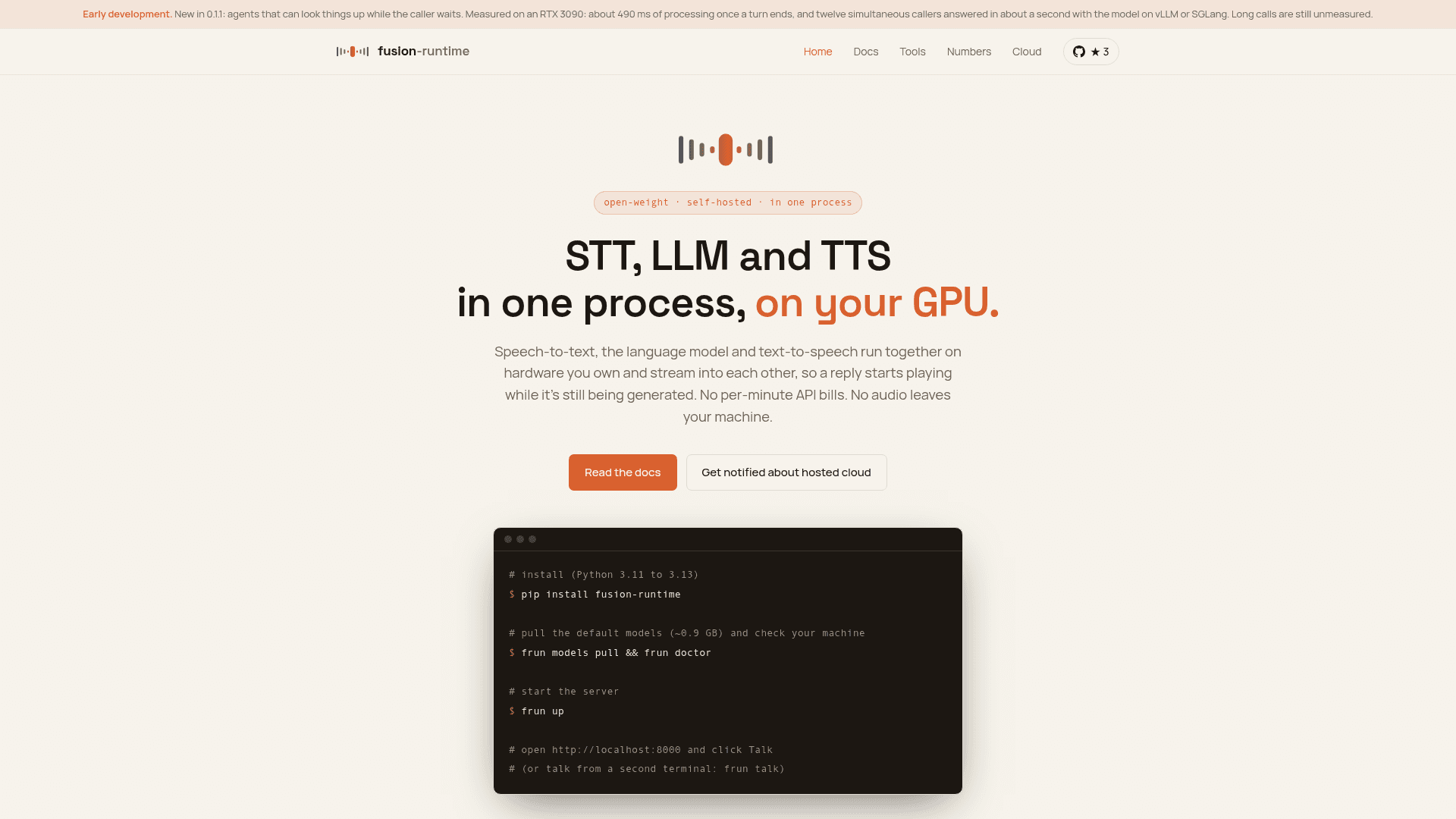
Installation requires Python 3.11–3.13. An agent is defined in a single Python file; frun models pull downloads exactly the models it names; frun up starts the server. The frun doctor command checks Python, libraries, GPU support, models, port, and audio, and reports how to fix any issues.
For browser embedding, the runtime serves its own client JavaScript — two script tags and no build step. Browsers require https:// for microphone access, so production deployments need TLS and wss://. Authentication uses short-lived, single-use session tokens minted by the backend; API keys are never held in the browser.
Deployment targets include any NVIDIA GPU machine, Docker containers, or systemd units on GPU VMs. The docs are written against RunPod as a reference host. A hosted cloud version is planned but not yet built.
Who It Fits and Honest Tradeoffs
The project's own documentation explicitly names the tradeoffs: open-weight models are behind the best closed APIs today. Whisper is not Nova-3; Qwen 0.5B/7B is not GPT-4o; Kokoro is not ElevenLabs. The runtime is described as a good fit for narrow-domain agents (reservations, order status, IVR replacement), privacy- or data-residency-sensitive teams, cost-sensitive high-volume deployments, and local-first developers (kiosks, robots, desktop apps). It is not yet suited for open-ended assistants requiring frontier-model reasoning, phone/telephony deployments, or workloads beyond about twelve simultaneous callers on a single GPU.
Community Discussions
Be the first to start a conversation about fusion-runtime
Share your experience with fusion-runtime, ask questions, or help others learn from your insights.
Pricing
Open Source
Fully free and open-source under Apache-2.0. Install via pip, self-host on your own hardware.
- Full voice agent runtime (STT + LLM + TTS in one process)
- Tool calling support
- Browser client included
- CLI (frun up, talk, doctor, models, key, token)
- vLLM and SGLang integration for concurrent callers
Capabilities
Key Features
- Speech-to-text, LLM, and TTS in one process on one GPU
- Streaming pipeline: reply starts playing while still being generated
- Barge-in / interruption detection with echo cancellation
- Tool calling via plain Python functions with @tool decorator
- No dead air during tool lookups — pre-lookup speech is spoken immediately
- Silero VAD for speech-only filtering
- faster-whisper STT (any CTranslate2 Whisper model)
- Kokoro TTS (ONNX) with multiple voices
- llama.cpp in-process LLM or any OpenAI-compatible endpoint (vLLM, SGLang, Ollama)
- Browser client served by the runtime itself — two script tags, no build step
- Short-lived single-use session tokens for browser authentication
- frun CLI: up, talk, doctor, models pull/list, key new, token
- Per-turn telemetry: TTFA, tokens/sec, per-stage timings
- Prometheus metrics endpoint
- Structured JSON logging
- Configurable turn detection (silence wait, interrupt threshold)
- Multi-language STT via multilingual Whisper models
- Docker and systemd deployment support
- Library/SDK mode for use inside existing Python processes
- Apache-2.0 license, commercial use permitted