
A terminal AI coding agent distributed as a single static binary, with cost-aware routing and automatic failover across LLM providers.
At a Glance
Free for everyone; AI coding agent in your terminal with usage-based model calls.
Engagement
Available On
Alternatives
Listed Oct 2026
About FuXi
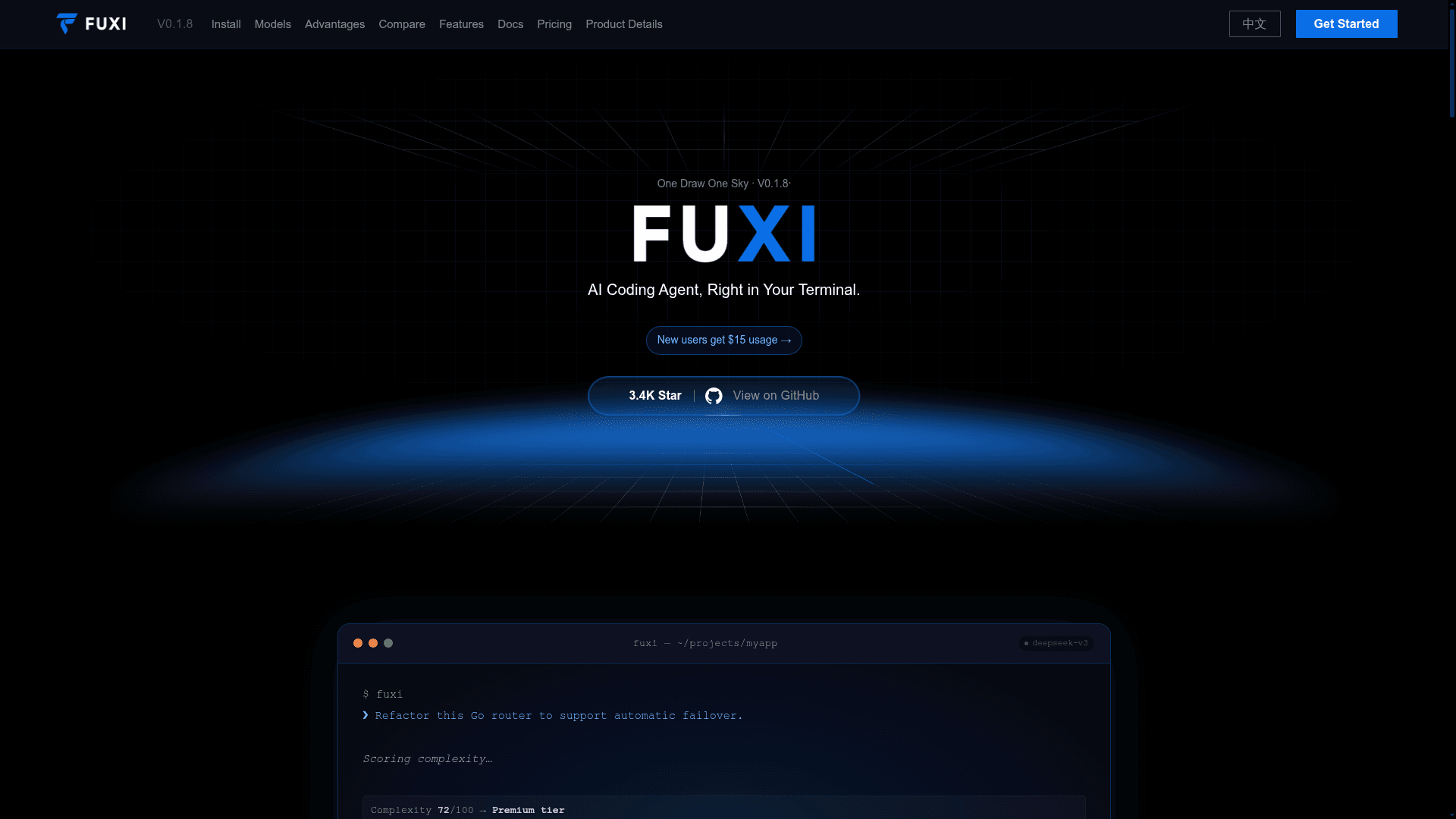
FuXi is a terminal AI coding agent that reads code, edits files, runs commands and drives tools from a rich TUI. It is built in Go and ships as one static binary with no runtime dependencies. The current release is v0.1.8, and the source code is proprietary while the GitHub repository hosts documentation, installers and the issue tracker.
What It Is
FuXi is a provider-agnostic coding agent for the command line. You bring an OpenAI-compatible model or other supported provider, or sign in with FuXi-managed access, and FuXi adds an agentic Think → Act → Verify loop on top. The vendor positions it as an alternative to Claude Code. It runs entirely through a TUI with slash commands rather than CLI subcommands.
How the Workflow Runs
You launch fuxi, type a prompt such as fixing failing tests, and the agent works in your real codebase using 50+ built-in tools. These cover file read/write/edit, Bash and PowerShell, ripgrep search, web fetch with SSRF protection, LSP diagnostics, Jupyter, browser use, background tasks and parallel sub-agents. Shell commands pass through 27 rules and an AST safety classifier, and sensitive tool calls ask for approval unless a different permission mode is chosen.
Model Routing and Providers
Configuration lives in ~/.fuxi/config.yaml. Providers include Anthropic, AWS Bedrock, Google Vertex, Gemini, and OpenAI-compatible endpoints such as OpenAI, Azure OpenAI, DeepSeek, Grok, GLM, Qwen and Kimi. Optional routing tiers (fast, primary, reason) enable complexity-based routing, automatic failover and primary/backup racing.
Sessions, Memory and Extensibility
Sessions persist as JSONL transcripts with checkpoints, rewind, resume and forking. Idle "dreaming" consolidates memory across sessions, and context is auto-compacted. FuXi is an MCP client (stdio, HTTP, WebSocket, OAuth) and supports 27 lifecycle hooks, skills, plugins and custom slash commands, all hot-reloadable. The /team command starts coordinated parallel sub-agents.
Privacy and Evaluation
The README states that code and conversations are not collected by FuXi by default, and credentials stay in the local ~/.fuxi/ directory. The docs describe a small, self-run benchmark against another coding agent, state that it is not a third-party benchmark, and note that no scores on public benchmarks are published.
Community Discussions
Be the first to start a conversation about FuXi
Share your experience with FuXi, ask questions, or help others learn from your insights.
Pricing
Free
Free for everyone; AI coding agent in your terminal with usage-based model calls.
- AI coding agent in your terminal
- Generate, edit, and refactor code
- Read/write files and run commands
- Memory across sessions and tasks
- Extend tools via MCP / plugins
Hobby
For everyday development; $15 complimentary usage credit on signup (limited, first-come, first-served).
- Everything in Free, plus:
- $15 usage credit on signup
- More model usage capacity
- Multi-model usage-based calls
- Fuxi auto-matches tiers by task
Capabilities
Key Features
- Terminal TUI coding agent
- 50+ built-in tools
- Multi-LLM provider routing
- Complexity-based tiered routing and automatic failover
- Primary/backup model racing
- Shell AST safety classifier and permission modes
- MCP client (stdio, HTTP, WebSocket, OAuth)
- 27 lifecycle hooks
- Skills, plugins and custom slash commands
- Persistent sessions with checkpoints, rewind and resume
- Cross-session dreaming memory and auto context compaction
- Parallel sub-agents and swarm teams
- Self-updating single static binary