
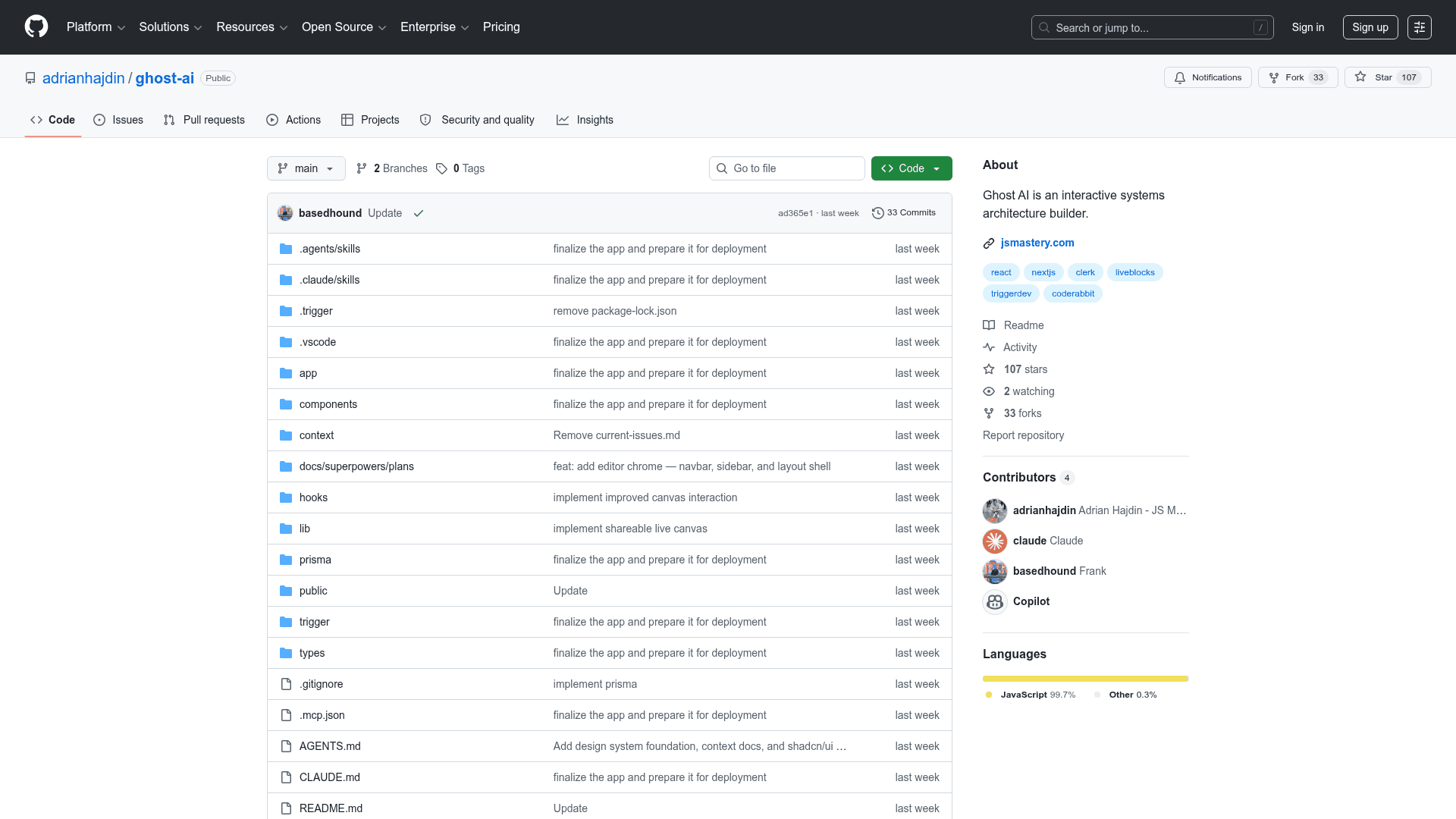
Ghost AI
An AI-powered collaborative system architecture builder where a Gemini AI agent draws diagrams on a shared canvas in real-time and generates Markdown technical specifications.
At a Glance
About Ghost AI
Ghost AI (Ghost Arc) is an agentic planning application built for software teams that combines AI-driven diagram generation with real-time multiplayer collaboration. Users submit a natural-language prompt and a Google Gemini-powered AI agent autonomously places nodes and edges onto a shared React Flow canvas in real-time. Human teammates can watch the AI build the diagram live, then collaboratively refine it together. Once satisfied, a second AI background task converts the visual graph into a comprehensive, multi-page Markdown technical specification that can be downloaded directly from the app.
- AI Architecture Agent: Submit a plain-English prompt and Gemini draws nodes and edges onto the live canvas in real-time via Trigger.dev background tasks and the Liveblocks Node.js SDK.
- Multiplayer Canvas: Full real-time collaboration powered by Liveblocks with synchronized node/edge state, live cursor positions, and presence avatars for every connected user.
- Custom Canvas Nodes: Double-click to edit node labels inline, select to resize with NodeResizer, and choose from 12 colour swatches via a floating NodeToolbar — all synced across clients instantly.
- AI Spec Generation: One click converts the current graph into a detailed Markdown technical specification using a second Gemini-powered Trigger.dev task.
- Multi-Spec Storage: Each project stores multiple specs with metadata in PostgreSQL (Prisma) and content stored as Markdown files on disk.
- Downloadable Specs: Every generated spec is available via a dedicated download API route.
- Clerk Authentication: Global route protection via clerkMiddleware; Liveblocks tokens are only issued to authenticated users.
- Auto-Save Canvas: The canvas state is debounced-saved to a JSON file every 3 seconds of inactivity.
- Project Management: Create projects from a slide-in sidebar; project slugs auto-generate room IDs; the active room is highlighted.
- Quick Start: Clone the repository, run
npm install, configure environment variables for Clerk, Liveblocks, Trigger.dev, and Google AI Studio, then runnpm run devandnpx trigger.dev@latest devin parallel.
Community Discussions
Be the first to start a conversation about Ghost AI
Share your experience with Ghost AI, ask questions, or help others learn from your insights.
Pricing
Open Source
Fully free and open-source project available on GitHub to clone, self-host, and modify.
- AI Architecture Agent
- Multiplayer Canvas
- AI Spec Generation
- Clerk Authentication
- Auto-Save Canvas
Capabilities
Key Features
- AI Architecture Agent
- Multiplayer Canvas
- Custom Canvas Nodes
- AI Spec Generation
- Multi-Spec Storage
- Downloadable Specs
- Clerk Authentication
- Auto-Save Canvas
- Project Management
- Real-time Collaboration
- Google Gemini Integration
- Trigger.dev Background Tasks
Integrations
Demo Video
