
GhostDesk
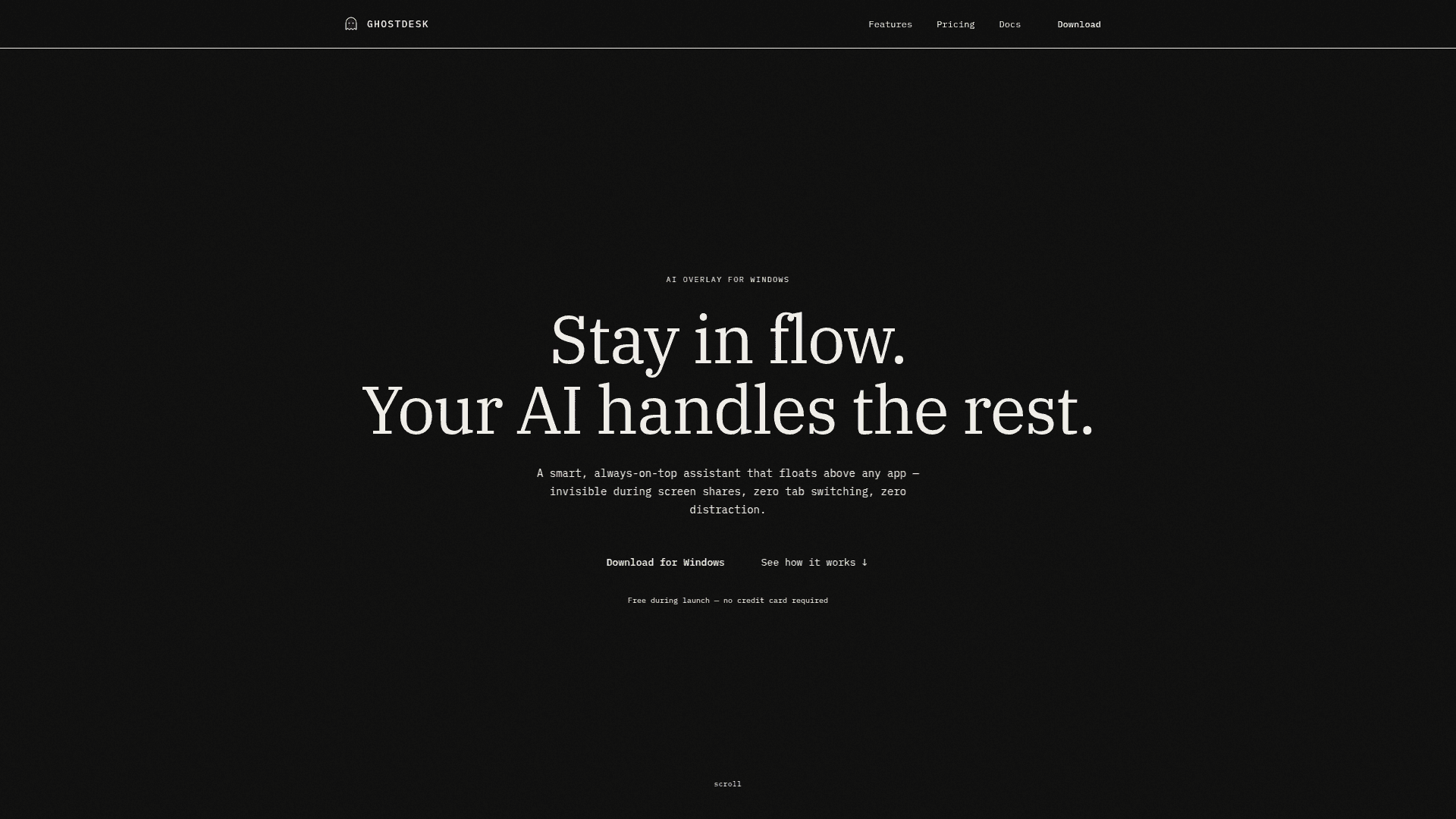
An always-on-top AI overlay for Windows that stays invisible during screen shares, recordings, and presentations — no tab switching, no distractions.
At a Glance
Free for everyone during launch. No credit card required. Uses Llama 3.3 70B (Groq), Llama 4 Scout Vision (Groq), and Deepgram Nova-3.
Engagement
Available On
Alternatives
Listed Mar 2026
About GhostDesk
GhostDesk is a Windows desktop AI assistant that floats above every application as a private overlay, invisible to screen capture, recordings, and video calls. It uses OS-level APIs (SetWindowDisplayAffinity) to exclude itself from all screen-capture pipelines, meaning tools like Zoom, Teams, OBS, and Windows Game Bar simply won't see it. Built-in AI requires no API keys or configuration — just install, set your hotkeys, and start asking questions.
- Always-on-top overlay — Floats above browsers, IDEs, terminals, and design tools; switches between a minimal taskbar and a full chat panel.
- Screen-share invisible — Uses native Windows APIs to exclude the overlay from all screen capture, verified daily across 14+ platforms including Zoom, Teams, Google Meet, Slack, and Discord.
- Built-in AI chat — Free plan uses Llama 3.3 70B via Groq; paid plans upgrade to GPT-4o via OpenAI. No API keys or accounts needed.
- Voice mode — Click the mic icon to speak naturally; smart silence detection filters background noise and transcribes via Deepgram Nova-3 (free) or OpenAI Whisper (paid).
- Screen analysis / vision AI — Select any region of your screen; GhostDesk reads code, documents, diagrams, charts, and UI, then explains or analyzes them instantly.
- Streaming & context-aware responses — Answers stream token-by-token; conversation context is maintained within a session for natural follow-up questions.
- Keyboard-native controls — Global shortcuts toggle visibility, enable click-through mode, or quit — all fully customizable in settings, working even without focus.
- Invisible in Task Manager & taskbar — Runs silently with no icon in the taskbar, Alt+Tab, or process list.
- Quick setup — Download the lightweight installer, run it (no admin required), and be up and running in under a minute with no dependencies.
Community Discussions
Be the first to start a conversation about GhostDesk
Share your experience with GhostDesk, ask questions, or help others learn from your insights.
Pricing
Launch Free
Free for everyone during launch. No credit card required. Uses Llama 3.3 70B (Groq), Llama 4 Scout Vision (Groq), and Deepgram Nova-3.
- AI built in — no API keys needed
- Voice mode with speech-to-text (Deepgram Nova-3)
- Screen analysis with vision AI (Llama 4 Scout via Groq Vision)
- Private overlay — excluded from all screen capture
- Global keyboard shortcuts + click-through mode
1 Month
$15/mo billed monthly. Cancel anytime. Upgrades to OpenAI GPT-4o and Whisper.
- AI built in — no API keys needed (GPT-4o via OpenAI)
- Voice mode with speech-to-text (OpenAI Whisper)
- Screen analysis with vision AI (GPT-4o Vision via OpenAI)
- Private overlay — excluded from all screen capture
- Global keyboard shortcuts + click-through mode
- Dual-mode UI — minimal taskbar or full chat panel
3 Months
Billed as one payment of $35. Save 22% vs monthly.
- AI built in — no API keys needed (GPT-4o via OpenAI)
- Voice mode with speech-to-text (OpenAI Whisper)
- Screen analysis with vision AI (GPT-4o Vision via OpenAI)
- Private overlay — excluded from all screen capture
- Global keyboard shortcuts + click-through mode
- Dual-mode UI — minimal taskbar or full chat panel
6 Months
Billed as one payment of $55. Best value — 39% off vs monthly.
- AI built in — no API keys needed (GPT-4o via OpenAI)
- Voice mode with speech-to-text (OpenAI Whisper)
- Screen analysis with vision AI (GPT-4o Vision via OpenAI)
- Private overlay — excluded from all screen capture
- Global keyboard shortcuts + click-through mode
- Dual-mode UI — minimal taskbar or full chat panel
Lifetime
Pay once, use forever. All future updates included.
- AI built in — no API keys needed (GPT-4o via OpenAI)
- Voice mode with speech-to-text (OpenAI Whisper)
- Screen analysis with vision AI (GPT-4o Vision via OpenAI)
- Private overlay — excluded from all screen capture
- Global keyboard shortcuts + click-through mode
- Dual-mode UI — minimal taskbar or full chat panel
- All future updates included forever
Capabilities
Key Features
- Always-on-top floating overlay
- Screen-share and recording invisible (OS-level API)
- Built-in AI chat (no API keys required)
- Voice mode with smart silence detection
- Screen region capture and vision AI analysis
- Streaming token-by-token responses
- Conversation context within session
- Global customizable keyboard shortcuts
- Click-through mode
- Dual-mode UI (minimal taskbar or full chat panel)
- Invisible in Task Manager and taskbar
- Daily verification across 14+ video platforms
- No admin required for installation