
EveryDev.ai
Sign inSubscribe
Home
Tools

1,413+ AI tools

  • Trending
  • New
  • Featured
Categories
  • Coding733
  • Agents640
  • Marketing302
  • Infrastructure298
  • Design239
  • Analytics228
  • Research224
  • Projects207
  • Integration148
  • Testing129
  • Data125
  • Learning115
  • MCP113
  • Security107
  • Extensions94
  • Prompts79
  • Communication73
  • Voice71
  • Commerce70
  • Web59
  • DevOps46
  • Finance12
Sign In
  1. Home
  2. Tools
  3. GitAI
GitAI icon

GitAI

Command Line Assistants

AI-powered Git commit message generator that creates meaningful, conventional commit messages from your staged changes.

Visit Website

At a Glance

Pricing

Free tier available

Get started with GitAI at no cost with AI-powered commit message generation and Multiple AI provider support.

Engagement

Available On

Windows
macOS
Linux

Resources

WebsiteDocsllms.txt

Topics

Command Line AssistantsAI Coding AssistantsVersion Control

Listed Jan 2026

About GitAI

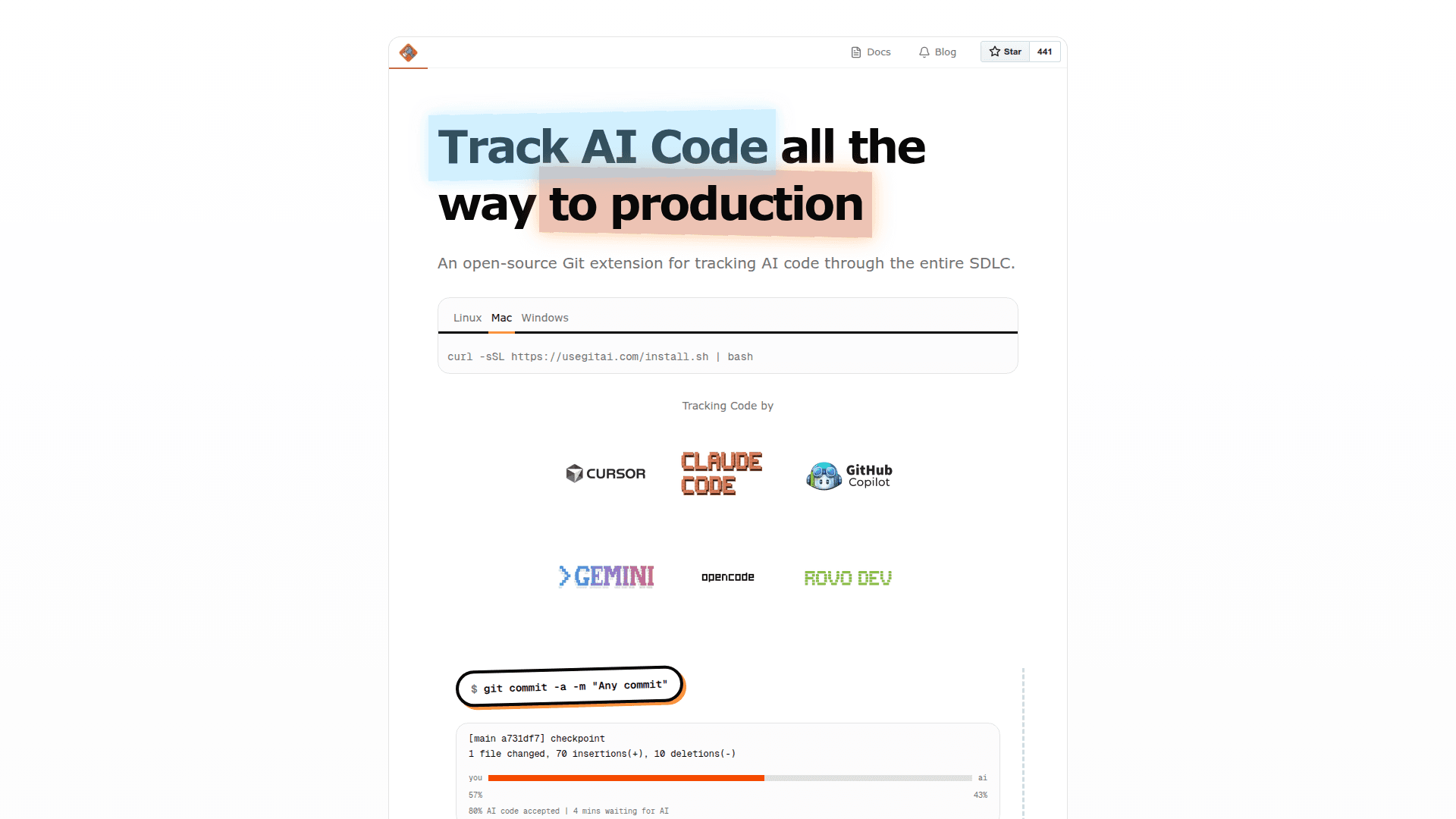
GitAI is an AI-powered command-line tool that automatically generates meaningful Git commit messages from your staged changes. It analyzes your code diffs and creates well-structured, conventional commit messages that follow best practices, saving developers time and ensuring consistent commit history across projects.

The tool integrates seamlessly into existing Git workflows, allowing developers to focus on writing code rather than crafting commit messages. GitAI supports multiple AI providers and can be customized to match your team's commit message conventions.

  • Automatic Commit Message Generation - Analyzes staged changes and generates descriptive, conventional commit messages based on the actual code modifications
  • Multiple AI Provider Support - Works with various AI backends including OpenAI, Anthropic, and local models, giving you flexibility in choosing your preferred AI service
  • Conventional Commits Format - Generates messages following the Conventional Commits specification with proper prefixes like feat, fix, docs, refactor, and more
  • CLI Integration - Installs as a simple command-line tool that integrates directly into your terminal workflow with minimal setup required
  • Customizable Output - Configure the style, length, and format of generated commit messages to match your project's guidelines
  • Context-Aware Analysis - Understands the context of your changes by analyzing the full diff, not just file names, resulting in more accurate and meaningful messages

To get started, install GitAI via npm or your preferred package manager, configure your AI provider API key, stage your changes with git add, and run the gitai command to generate a commit message. The tool will analyze your staged changes and propose a well-formatted commit message that you can use directly or modify as needed.

GitAI is particularly useful for developers who want to maintain clean, informative commit histories without spending time writing detailed commit messages manually. It helps teams maintain consistency in their version control practices and makes code review easier by providing clear, descriptive commit messages.
GitAI - 1

Community Discussions

Be the first to start a conversation about GitAI

Share your experience with GitAI, ask questions, or help others learn from your insights.

Pricing

FREE

Free Plan Available

Get started with GitAI at no cost with AI-powered commit message generation and Multiple AI provider support.

  • AI-powered commit message generation
  • Multiple AI provider support
  • Conventional commits format
  • Open source
View official pricing

Capabilities

Key Features

  • AI-powered commit message generation
  • Conventional commits format support
  • Multiple AI provider support
  • Command-line interface
  • Staged changes analysis
  • Customizable message format

Integrations

Git
OpenAI
Anthropic

Reviews & Ratings

No ratings yet

Be the first to rate GitAI and help others make informed decisions.

Developer

Aidan Cunniffe

I make tools and build startups. Currently exploring ideas for my next company and writing small angel checks.

Read more about Aidan Cunniffe
Website
1 tool in directory

Similar Tools

dmux icon

dmux

Manage multiple AI coding agents in isolated git worktrees using tmux for parallel development, branching, and merging.

ShellGPT icon

ShellGPT

Command-line productivity tool that generates shell commands, code snippets, and documentation without needing external resources.

Claude Code icon

Claude Code

Agentic coding tool from Anthropic that lives in your terminal, understands your codebase, and helps you code faster through natural language commands.

Browse all tools

Related Topics

Command Line Assistants

AI-powered command-line assistants that help developers navigate, search, and execute terminal commands with intelligent suggestions and context awareness.

68 tools

AI Coding Assistants

AI tools that help write, edit, and understand code with intelligent suggestions.

294 tools

Version Control

AI tools that enhance version control systems and code management.

13 tools
Browse all topics
Back to all tools
Explore AI Tools
  • AI Coding Assistants
  • Agent Frameworks
  • MCP Servers
  • AI Prompt Tools
  • Vibe Coding Tools
  • AI Design Tools
  • AI Database Tools
  • AI Website Builders
  • AI Testing Tools
  • LLM Evaluations
Follow Us
  • X / Twitter
  • LinkedIn
  • Reddit
  • Discord
  • Threads
  • Bluesky
  • Mastodon
  • YouTube
  • GitHub
  • Instagram
Get Started
  • About
  • Editorial Standards
  • Corrections & Disclosures
  • Community Guidelines
  • Advertise
  • Contact Us
  • Newsletter
  • Submit a Tool
  • Start a Discussion
  • Write A Blog
  • Share A Build
  • Terms of Service
  • Privacy Policy
Explore with AI
  • ChatGPT
  • Gemini
  • Claude
  • Grok
  • Perplexity
Agent Experience
  • llms.txt
Theme
With AI, Everyone is a Dev. EveryDev.ai © 2026
Main Menu
  • Tools
  • Developers
  • Topics
  • Discussions
  • News
  • Blogs
  • Builds
  • Contests
Create
Sign In
    Sign in
    8views
    0upvotes
    0discussions