
GitHub Copilot CLI
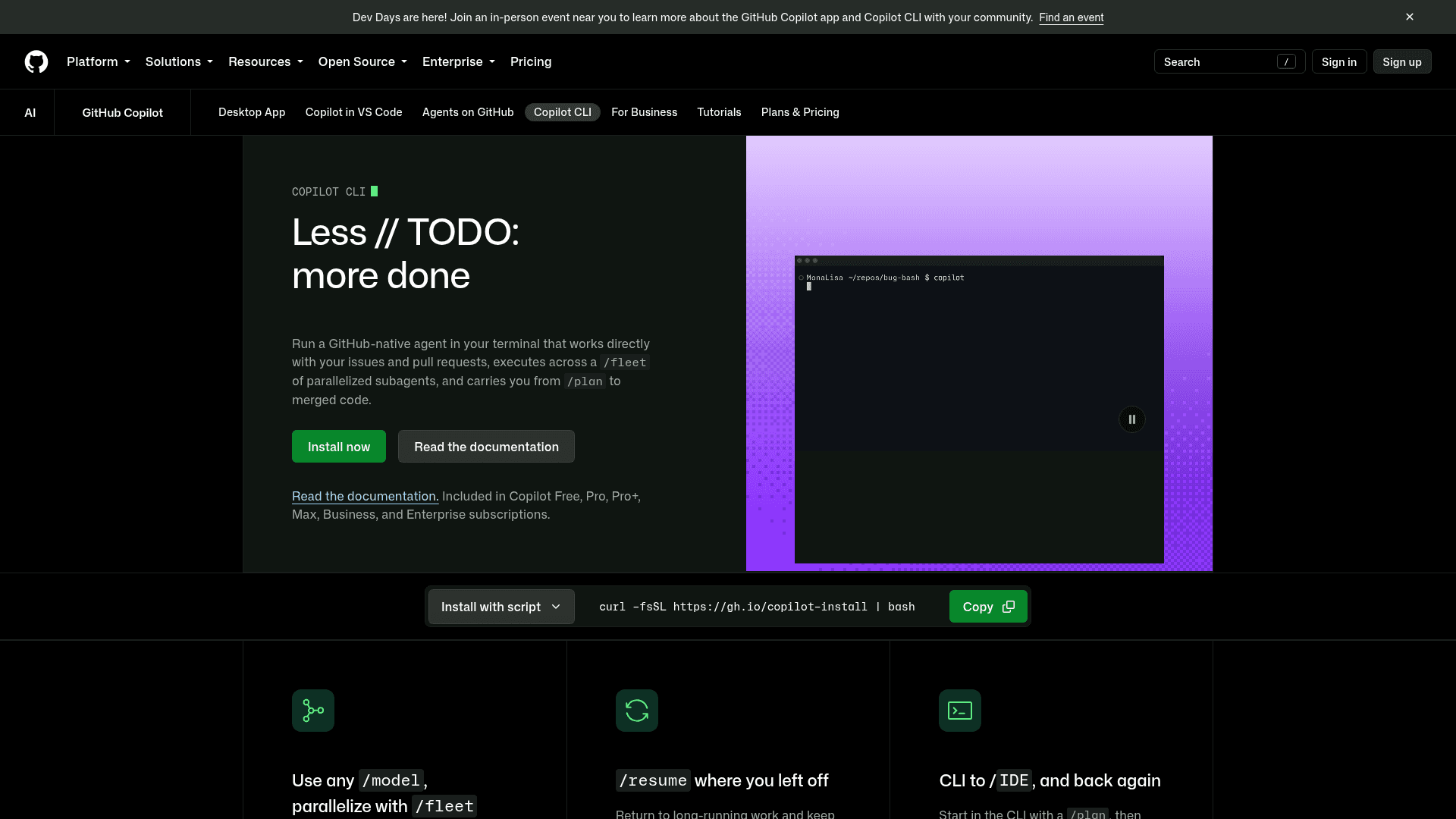
A GitHub-native AI agent for your terminal that lets you plan, code, debug, and ship pull requests using natural language commands.
At a Glance
Included in GitHub Free plan. Copilot CLI access included with AI Credits allowance.
Engagement
Available On
Alternatives
Updated Sep 2026
About GitHub Copilot CLI
GitHub Copilot CLI brings the full power of GitHub's Copilot coding agent directly to the command line, enabling developers to build, debug, refactor, and ship code through natural language conversations without leaving their terminal. It is developed by GitHub and is included as part of all GitHub Copilot subscription plans (Free, Pro, Pro+, Max, Business, and Enterprise). The tool is actively maintained with frequent releases — the latest stable version is v1.0.86, published in September 2026.
What It Is
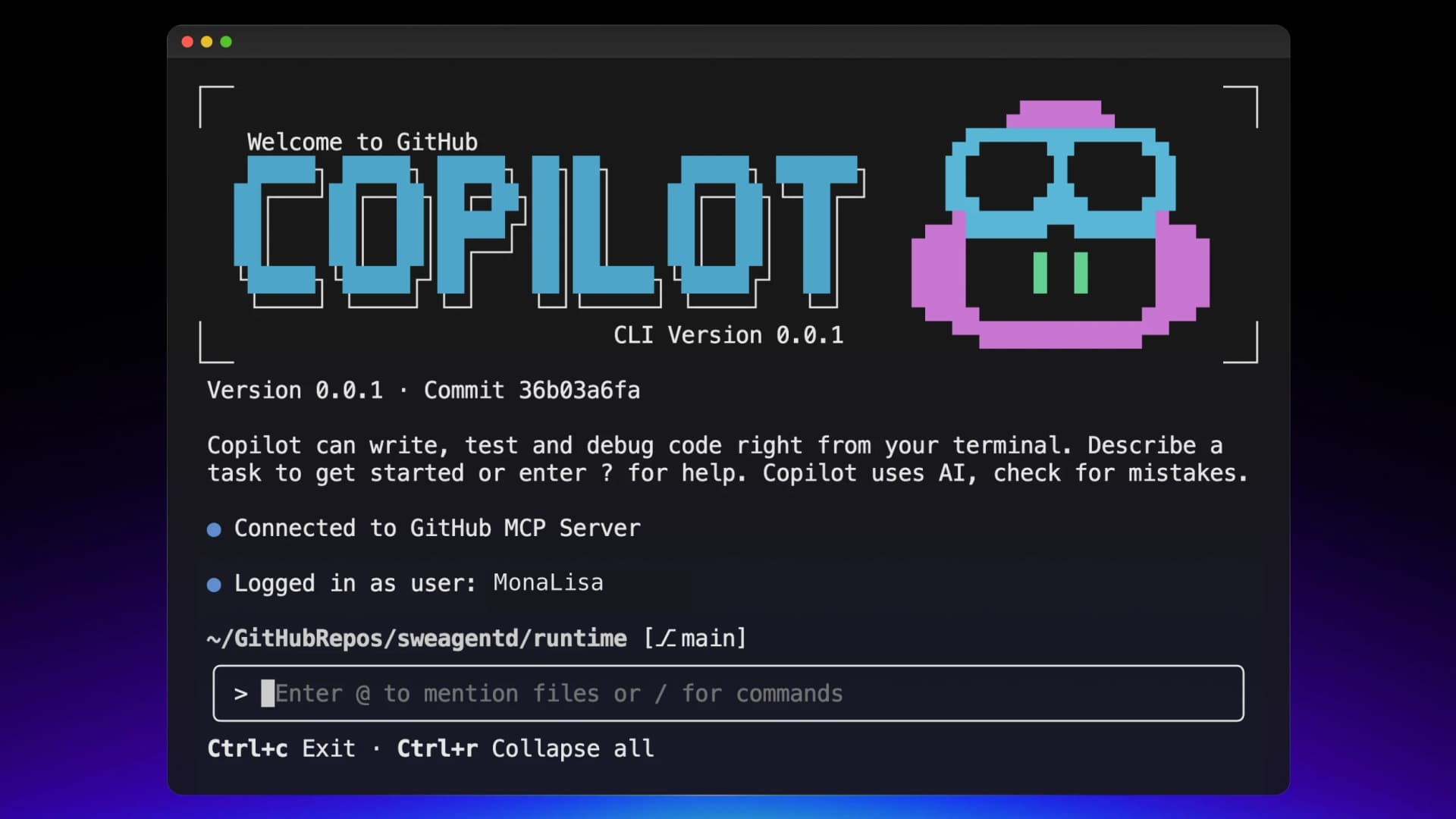
GitHub Copilot CLI is a terminal-native AI coding agent that runs locally and synchronously alongside your development workflow. Unlike IDE-bound AI assistants, it operates independently in your shell and can modify files, execute commands, interact with GitHub issues and pull requests, and coordinate parallelized subagents — all from a single command-line interface. It is powered by the same agentic harness as GitHub's Copilot coding agent and ships with GitHub's native MCP (Model Context Protocol) server by default.
Core Capabilities and Slash Commands
The CLI is built around a set of slash commands that define its agentic workflow:
- /plan — Outline tasks before execution; use Shift+Tab to enter plan mode and compare approaches across models
- /fleet — Run the same task across multiple parallelized subagents simultaneously and converge on a single result
- /model — Switch between foundation models from Anthropic (Claude Sonnet 4.5, Claude Sonnet 4), Google, and OpenAI (GPT-5) per task
- /resume — Return to long-running sessions; memory and compaction keep context intact across sessions
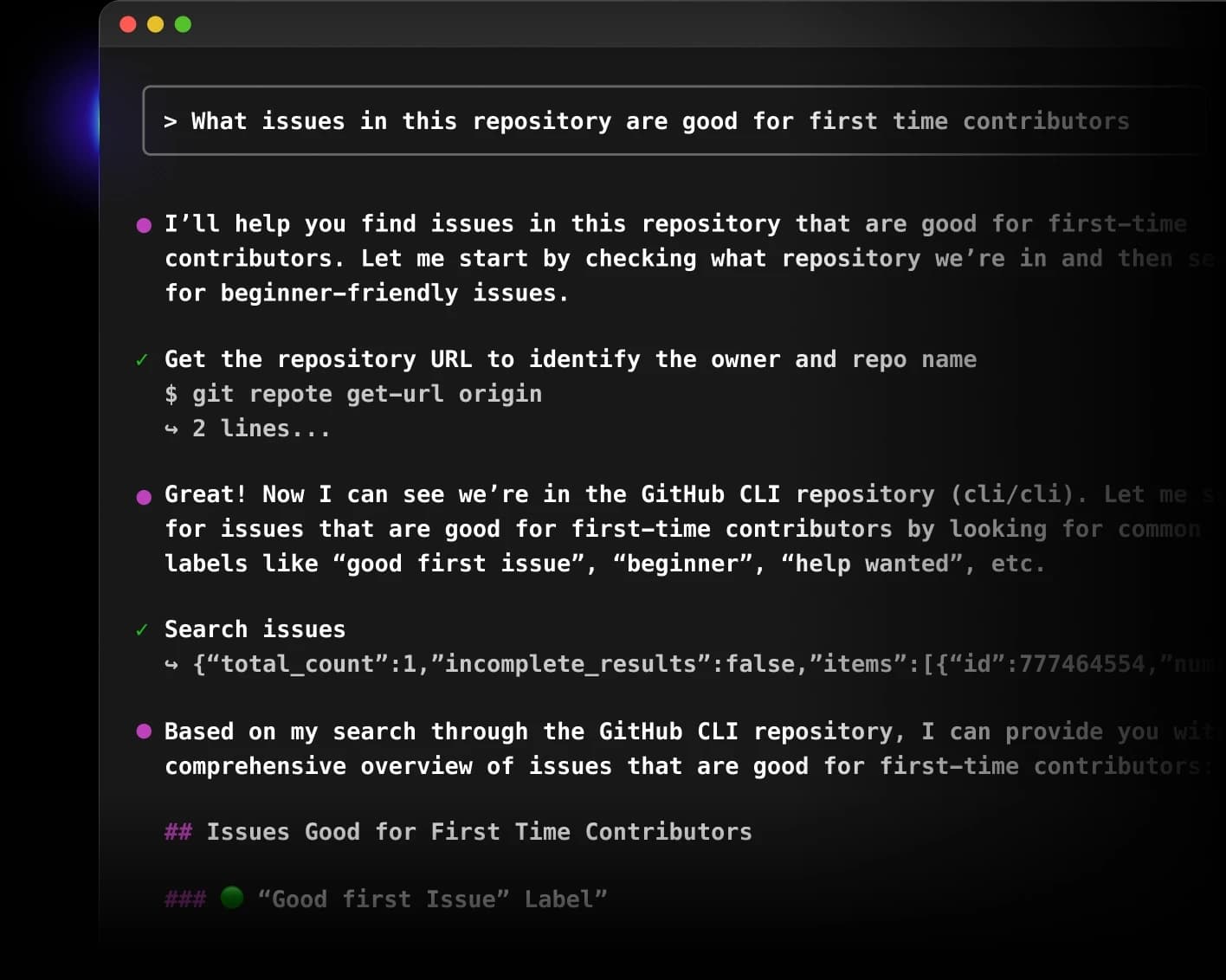
- /mcp — Access GitHub's native MCP integration to search issues, analyze labels, and summarize scope
- /agent and /skills — Define custom agents via AGENTS.md and Agent Skills to maintain consistent behavior across models and sessions
- /lsp — Configure Language Server Protocol servers for enhanced code intelligence (go-to-definition, hover, diagnostics)
Every file change and command execution requires explicit user approval before being applied, giving developers full visibility and control over autonomous actions.
Installation and Setup
Copilot CLI supports macOS, Linux, and Windows (PowerShell v6+ required on Windows). Multiple installation paths are available:
- Install script:
curl -fsSL https://gh.io/copilot-install | bash - Homebrew:
brew install copilot-cli - WinGet:
winget install GitHub.Copilot - npm:
npm install -g @github/copilot
After installation, launch with copilot and authenticate using existing GitHub credentials or a fine-grained Personal Access Token with the "Copilot Requests" permission. The CLI automatically inherits an organization's Copilot governance policies and settings.
GitHub Integration and MCP Extensibility
Copilot CLI is built on GitHub's native MCP integration, which means it can natively search issues, analyze labels and activity, and summarize backlog scope — enabling a workflow that goes from issue to commit without leaving the shell. Beyond the built-in GitHub MCP server, the CLI supports custom MCP server integrations, skills, and plugins, allowing teams to add domain-specific tools and contextual richness tailored to their environment. The GitHub MCP Registry provides an ecosystem of partner and community-driven MCP servers that can be connected to Copilot CLI.
Autopilot Mode and Multi-Agent Workflows
An experimental autopilot mode (activated via Shift+Tab or the --experimental flag) allows Copilot to carry tasks forward without step-by-step approval, continuing until a task is completed. The /fleet command enables multi-agent workflows where the same task runs across multiple subagents in parallel, with full control over which results are applied. Session persistence is maintained within and across sessions, so developers can build on previous conversations and maintain context throughout long-running development workflows.
Update: Version 1.0.86
The repository on GitHub shows active, rapid development with the latest release being v1.0.86 (published September 17, 2026) and the last push to the main branch on September 18, 2026. The project has accumulated over 11,000 stars and nearly 2,000 forks since its creation in January 2023. GitHub states the CLI is being built quickly and encourages users to keep their client up to date for the latest features and fixes. The default model as of recent releases is Claude Sonnet 4.5, with Claude Sonnet 4 and GPT-5 also available via /model.
Community Discussions

Some copilot CLI tips
Been trying this for a few days, here are some tips and ideas: Kind of nice that this now aligns the names for both the @copilot agent in Github.com and the CLI agent. Launch only from trusted directories only; approvals are required unless you explicitly allow tools. Consider containers/VMs for ext…
Pricing
Copilot Free
Included in GitHub Free plan. Copilot CLI access included with AI Credits allowance.
- Copilot CLI access
- AI Credits allowance
- GitHub MCP integration
- Multi-model support
- Session persistence
Copilot Pro
Copilot CLI included as part of Copilot Pro subscription.
- Copilot CLI access
- Higher AI Credits allowance
- GitHub MCP integration
- Multi-model support
- /fleet parallelized subagents
- Session persistence
Copilot Business
Copilot CLI included for teams and organizations. Admin must enable CLI access.
- Copilot CLI access
- Organization governance policies
- Admin controls
- GitHub MCP integration
- Multi-model support
- /fleet parallelized subagents
Copilot Enterprise
Copilot CLI included for enterprise organizations with advanced controls.
- Copilot CLI access
- Enterprise governance and compliance
- Admin controls
- GitHub MCP integration
- Multi-model support
- /fleet parallelized subagents
- SAML SSO support
Capabilities
Key Features
- Terminal-native AI coding agent
- Natural language code planning and execution
- /plan mode for outlining tasks before execution
- /fleet for parallelized subagent execution
- /model to switch between AI models per task
- /resume for session persistence and memory
- Native GitHub MCP integration for issues and PRs
- Custom MCP server support for extensibility
- AGENTS.md and Agent Skills for custom agent behavior
- LSP server support for code intelligence
- Autopilot mode for autonomous task completion
- Explicit approval required for all file changes and commands
- Multi-model support: Anthropic, Google, OpenAI
- VS Code integrated terminal and chat panel support
- Inherits organization Copilot governance policies
- Fine-grained PAT authentication support