
GooeyPi
A cross-platform desktop workspace that gives Pi, OMP, and Prime Agent coding agents a unified native interface on macOS, Linux, and Windows.
At a Glance
Fully free and open-source under the MIT License. Download pre-built packages or run from source.
Engagement
Available On
Alternatives
Listed Aug 2026
About GooeyPi
GooeyPi is an open-source Electron-based desktop application that wraps three coding-agent harnesses — Pi, OMP (Oh My Pi), and Prime Agent — in a single, consistent native interface. Released under the MIT License, it runs on macOS, Linux, and Windows and is available as pre-built packages from GitHub Releases or can be run directly from source.
What It Is
GooeyPi is an agent harness frontend, or "workspace," that sits on top of existing CLI-based coding agents rather than replacing them. Each harness (Pi, OMP, Prime Agent) retains its own models, credentials, sessions, and plugins; GooeyPi provides the shared UI layer — conversation streaming, project management, a built-in browser, terminal tabs, Git tooling, scheduling, voice input, and a capabilities/MCP page — so users don't need a separate interface per agent.
Three Harnesses, One Switcher
The top-left switcher lets users move between Pi Work, OMP Work, and Prime Work. GooeyPi auto-detects installed harnesses and shows only the ones that are ready. Switching harnesses changes the active workspace without interrupting work running in another harness. Each harness independently manages its project list, session history, model selection, and provider visibility.
- Pi — the base coding-agent harness in the Pi family
- OMP — adds plugins, commands, and approval controls
- Prime Agent — adds Prime Intellect's provider integrations and native heartbeats
Core Workspace Capabilities
GooeyPi's feature set spans several distinct areas:
- Conversation & agents — streaming Markdown output, reasoning summaries, tool activity, retries, context compaction, model/reasoning-level selection, vision input (PNG, JPEG, GIF, WebP), and session persistence with search and archive
- Project & Git tooling — local folder projects, Git status/diff viewer, staging, commits, branch worktree creation and switching, and a sidebar search across projects, chats, and branches
- Terminal — multiple tabs per session with the ability to highlight output and attach it directly to the next prompt
- In-app browser — isolated browser profile with address bar, navigation history, downloads, page annotation, and optional agent browser control
- Scheduling — one-time or recurring schedules with project/session/model selection, timezone support, run history, and Prime heartbeat management
- Capabilities page — unified management of packages, plugins, extensions, skills, prompts, and MCP servers with guided setup
Voice and Accessibility
GooeyPi supports dictation via OpenAI, Groq, Deepgram, or a local whisper.cpp installation (no API key required for local). A realtime voice companion lets users search, discuss work, and start tasks hands-free. An animated desktop pet (Orb, GooeyPi, or compatible Codex pets) reacts to agent activity and carries the voice controls. The interface also supports keyboard navigation, a command palette, reduced motion, adjustable text size, and resizable/overlay panels.
Update: GooeyPi 0.1.6
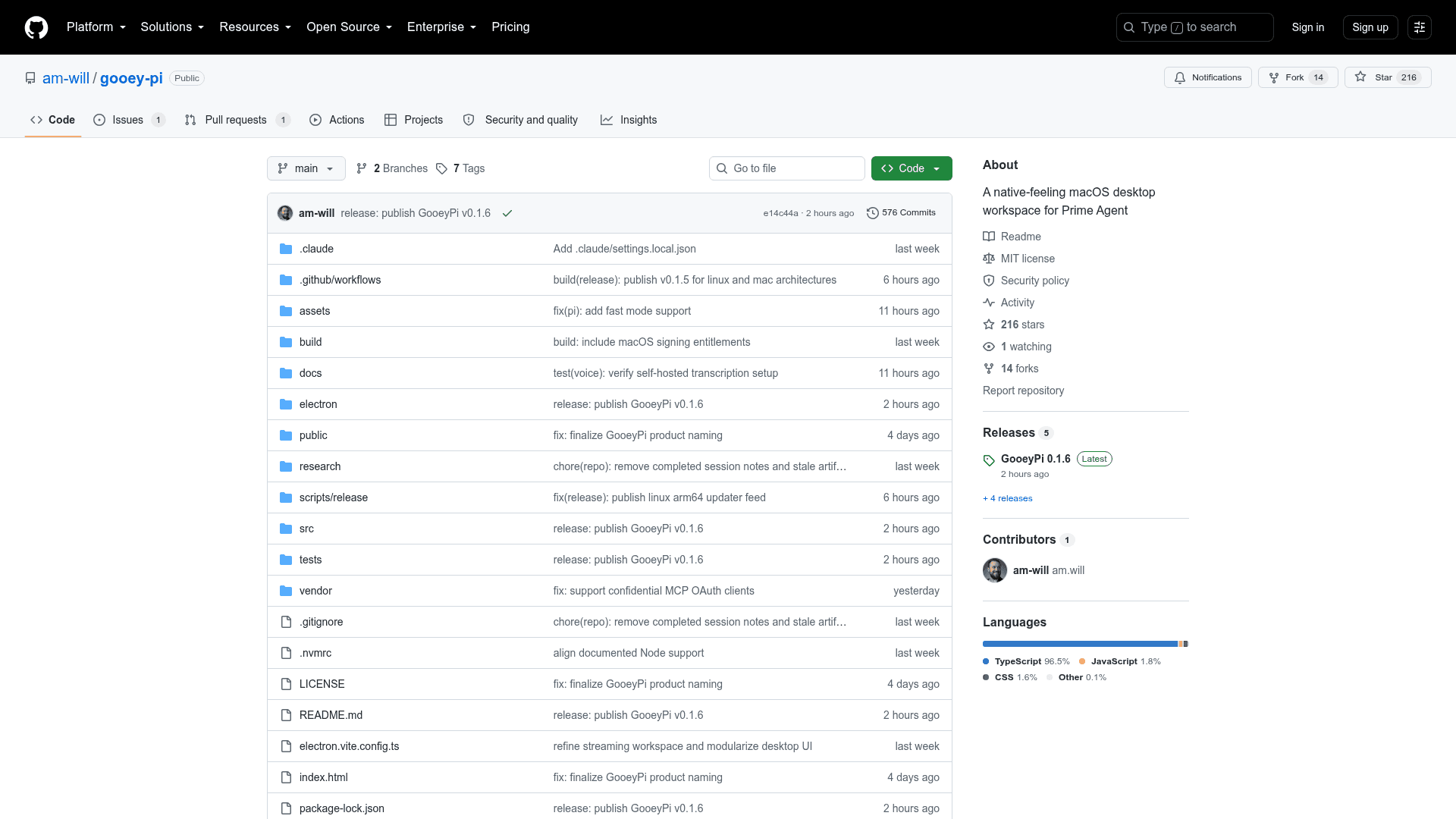
The latest release is v0.1.6, published on 2026-08-14, roughly one week after the repository was created on 2026-08-06. The project is written in TypeScript, requires Node.js 22.12.0+ and npm 10.9.0+, and uses Electron with node-pty as a native dependency. GitHub Releases ships a DMG and ZIP for macOS, common Linux package formats plus AppImage, and a Windows installer and ZIP. With 210 stars and 13 forks shortly after launch, the project has attracted early community interest.
Community Discussions
Be the first to start a conversation about GooeyPi
Share your experience with GooeyPi, ask questions, or help others learn from your insights.
Pricing
Open Source
Fully free and open-source under the MIT License. Download pre-built packages or run from source.
- Full desktop workspace for Pi, OMP, and Prime Agent
- All conversation, project, Git, terminal, browser, scheduling, and voice features
- MCP server management and capabilities page
- Available as pre-built packages (DMG, AppImage, Windows installer) or run from source
- MIT License — free to use, modify, and distribute
Capabilities
Key Features
- Unified switcher for Pi, OMP, and Prime Agent harnesses
- Streaming conversations with Markdown, reasoning summaries, and tool activity
- Model and reasoning-level selection with Fast mode
- Vision input: paste or drop PNG, JPEG, GIF, WebP images
- Persistent sessions with resume, rename, search, and archive
- Activity view for running, finished, failed, and waiting-for-input work
- Local project folders with sidebar search
- Git status/diff viewer, staging, unstaging, and commit
- Branch worktree creation and switching from the composer
- Multiple terminal tabs per session with output-to-prompt attachment
- Isolated in-app browser with page annotation and agent browser control
- One-time and recurring scheduling with run history
- Capabilities page for packages, plugins, extensions, skills, prompts, and MCP servers
- Guided MCP setup and sign-in
- Voice dictation via OpenAI, Groq, Deepgram, or local whisper.cpp
- Realtime voice companion for hands-free task management
- Animated desktop pet (Orb, GooeyPi, Codex-compatible)
- TryCUA computer control support (requires separate CUA Driver)
- Ask User native dialog capability
- Command palette and full keyboard navigation
- Light, dark, and system themes with adjustable text size
- Reduce motion and resizable/overlay panels