
Guizang PPT Skill
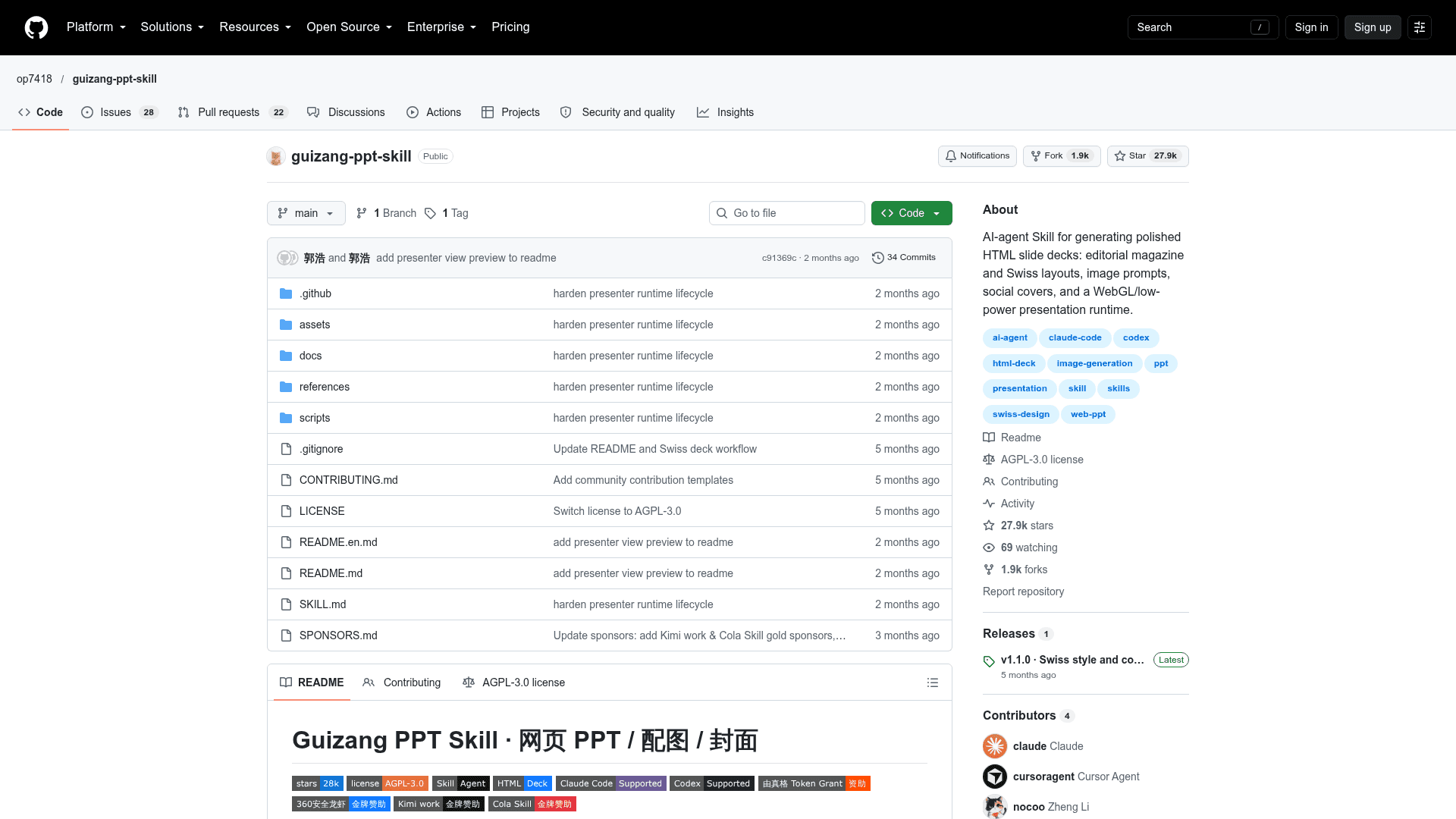
An agent skill that generates single-file HTML slide decks, slide illustrations and social covers with a built-in presenter mode.
At a Glance
Self-hosted agent skill licensed under the GNU Affero General Public License v3.0; free to use, modify and distribute under AGPL terms.
Engagement
Available On
Alternatives
Listed Oct 2026
About Guizang PPT Skill
Guizang PPT Skill is an open-source skill for Claude Code, Codex and similar file-capable AI agents, published by op7418 (歸藏). It generates single-file HTML horizontal-swipe presentations, slide illustrations and multi-platform covers, and ships with a built-in rehearsal and presenter mode. Version v1.1.0 (published 2026-05-15) added the Swiss style.
What It Is
The skill is a structured workflow made up of a SKILL.md file, HTML templates, reference documents and validation scripts. An agent with shell and file access follows it to turn an article, Markdown file or outline into a browser-openable HTML deck. Two visual systems are included: Style A (electronic magazine × e-ink) for narrative and personal talks, and Style B (Swiss International) for facts, products and analysis. The README says it is not suited to large data tables, training courseware or multi-person collaborative editing.
How the Workflow Runs
The agent picks a style, asks a short set of clarifying questions (audience, duration, materials, image needs, theme color, hard constraints), copies the matching template and fills in content. It can then generate speaker notes and planned timings from the outline. It checks the result against a checklist, and runs validators for Swiss layouts and presenter mode. The output opens directly in a browser, with no build step or server.
Styles, Themes and Layouts
Style A offers 10 layouts and 5 preset themes. Style B offers 22 locked layouts (S01–S22) and 4 anchor colors: Klein blue, lemon yellow, lemon green and safety orange. Custom hex colors are intentionally not allowed. Style B's validator checks layout, image slots and title alignment, and can use Playwright for rendered-overflow measurements when available.
Images and Covers
In Codex, the skill can optionally generate illustrations with GPT-Image 2.0 / GPT-M 2.0, including documentary photos, infographics, flow diagrams and UI scenes. Screenshots can be reframed onto bundled backgrounds. It also produces covers such as WeChat 21:9 headers, 1:1 share cards, Xiaohongshu 3:4 and landscape video covers.
Presenter Mode
Both templates embed the same local presenter runtime. It provides current and next-slide previews, a synced audience window, structured notes, timers, rehearsal recording, optional auto-advance, a laser pointer, annotation, black/white/freeze screens and reconnect handling. It runs entirely in the local browser and does not provide live captions, phone remote control or AI rehearsal scoring.
Setup Path
Install with npx skills add or clone the repository into ~/.claude/skills. The README states that the core deliverable is HTML; PPTX export is not the main flow.
Community Discussions
Be the first to start a conversation about Guizang PPT Skill
Share your experience with Guizang PPT Skill, ask questions, or help others learn from your insights.
Pricing
Open Source (AGPL-3.0)
Self-hosted agent skill licensed under the GNU Affero General Public License v3.0; free to use, modify and distribute under AGPL terms.
- Licensed under AGPL-3.0 (OSI-approved copyleft license)
- Single-file HTML horizontal-swipe PPT generation
- Two visual systems: Style A editorial magazine and Style B Swiss international
- Presenter mode and rehearsal
- Works with Claude Code / Codex agent environments (external model/subscription costs not included)
Capabilities
Key Features
- Single-file HTML horizontal-swipe decks
- Style A electronic magazine with 10 layouts and 5 themes
- Style B Swiss International with 22 locked layouts and 4 anchor colors
- Optional GPT-Image 2.0 / GPT-M 2.0 illustration workflow in Codex
- Screenshot reframing with bundled backgrounds
- Multi-platform cover generation (21:9, 1:1, 3:4, 16:9)
- Presenter mode with dual-window audience screen, notes, timers and rehearsal
- Laser pointer, annotation, blackout and freeze tools
- Low-performance static mode toggled with B
- Validation scripts for Swiss layouts and presenter mode