
Hermes Desktop by dodo-reach
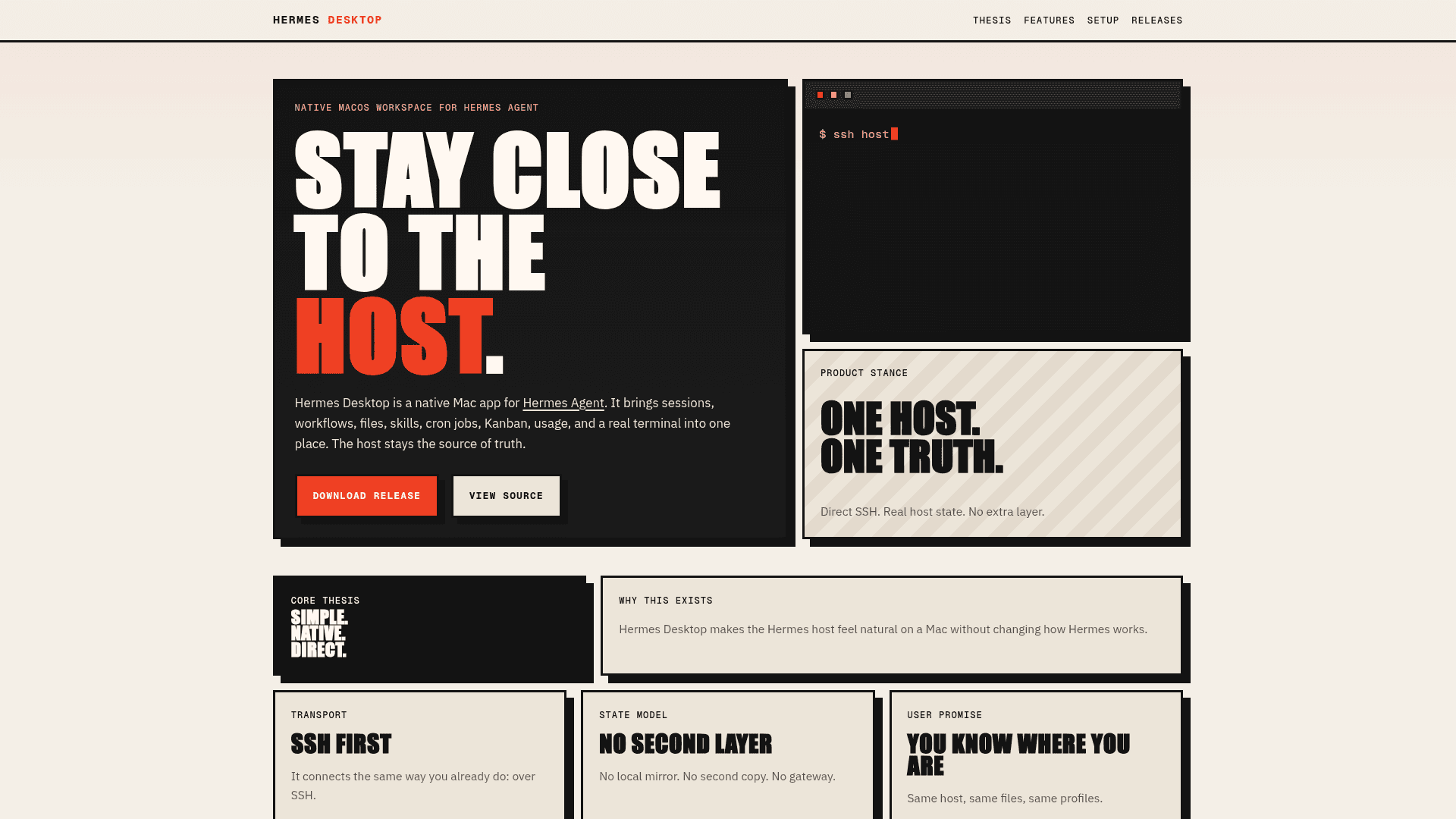
A native macOS companion app for Hermes Agent that connects directly over SSH to manage sessions, files, skills, cron jobs, usage, and a real terminal.
At a Glance
Fully free and open-source under the MIT License. Download from GitHub Releases or build from source.
Engagement
Available On
Alternatives
Updated May 2026
About Hermes Desktop by dodo-reach
Hermes Desktop is a native macOS app that brings the Hermes Agent workflow into a focused, polished Mac workspace without browser wrappers, gateway APIs, or local file mirrors. It connects directly over SSH to your Hermes host, keeping the remote machine as the single source of truth for all sessions, canonical files, cron jobs, skills, and usage data. Built in Swift and SwiftUI, it supports both Apple Silicon and Intel Macs and requires macOS 14 or newer.
- Direct SSH Connection — Create connection profiles using an SSH alias or explicit host/user/port details; the app uses
/usr/bin/sshwith no helper daemon on the remote host. - Profile-Aware Workspace — Select a Hermes profile (default
~/.hermesor a named profile) and every view — overview, files, sessions, usage, cron, skills, and terminal — resolves against that profile. - Canonical File Editing — Edit
USER.md,MEMORY.md, andSOUL.mdwith atomic saves and remote conflict detection that blocks overwrites if the file changed on the host since you opened it. - Session Browsing — Read, search, and delete sessions from the canonical
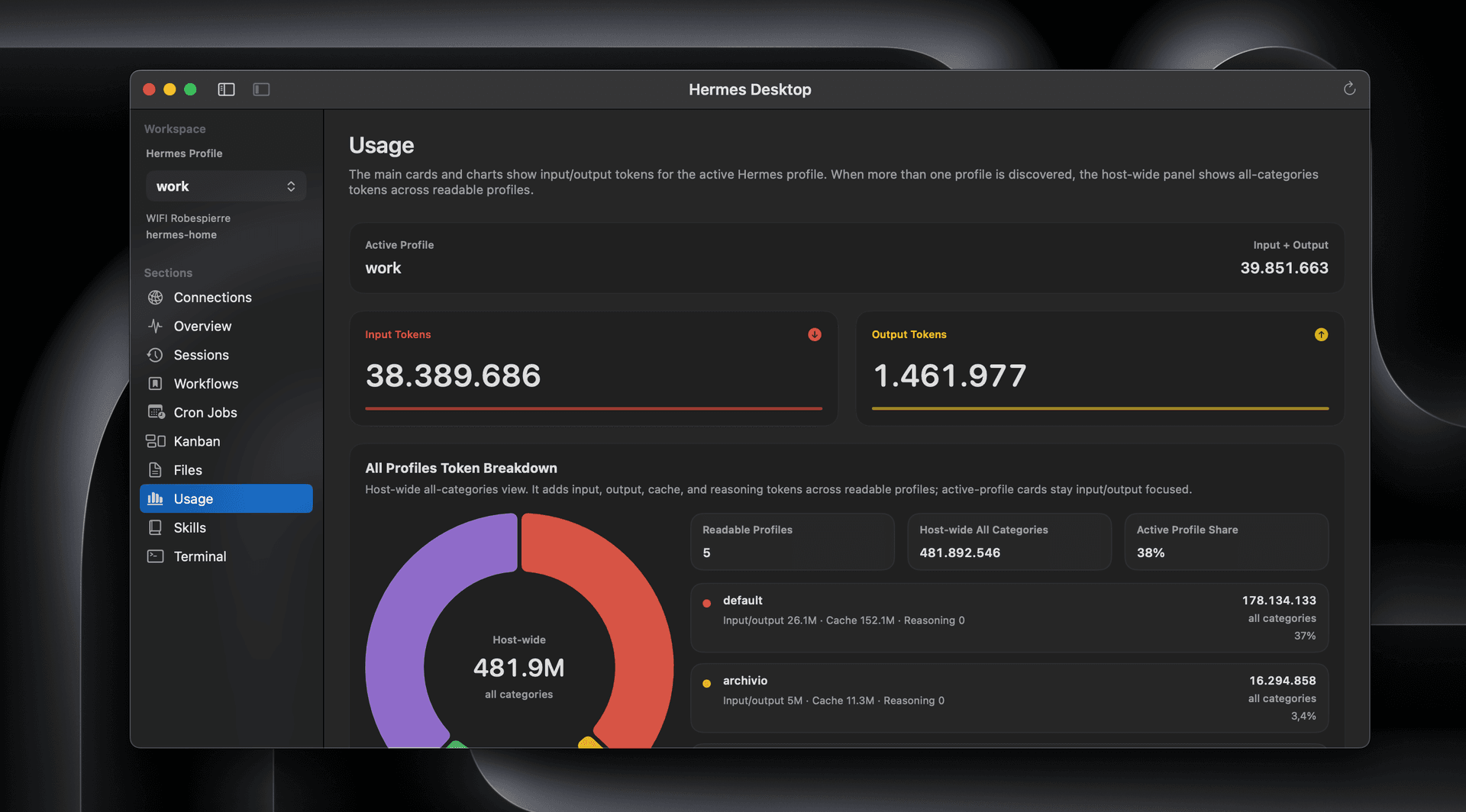
~/.hermes/state.dbSQLite store, with fallback to*.jsonlfiles when SQLite is unavailable. - Usage Dashboard — View aggregate input/output token totals, top sessions, top models, recent trends, and host-wide cross-profile totals when multiple profiles are readable.
- Skill Management — Recursively discover, read, create, and edit remote
SKILL.mdfiles under~/.hermes/skills/, with quick filtering, folder scaffolding, and conflict checks. - Cron Job Workflows — Browse, create, edit, pause, resume, run-now, and delete cron jobs from the canonical
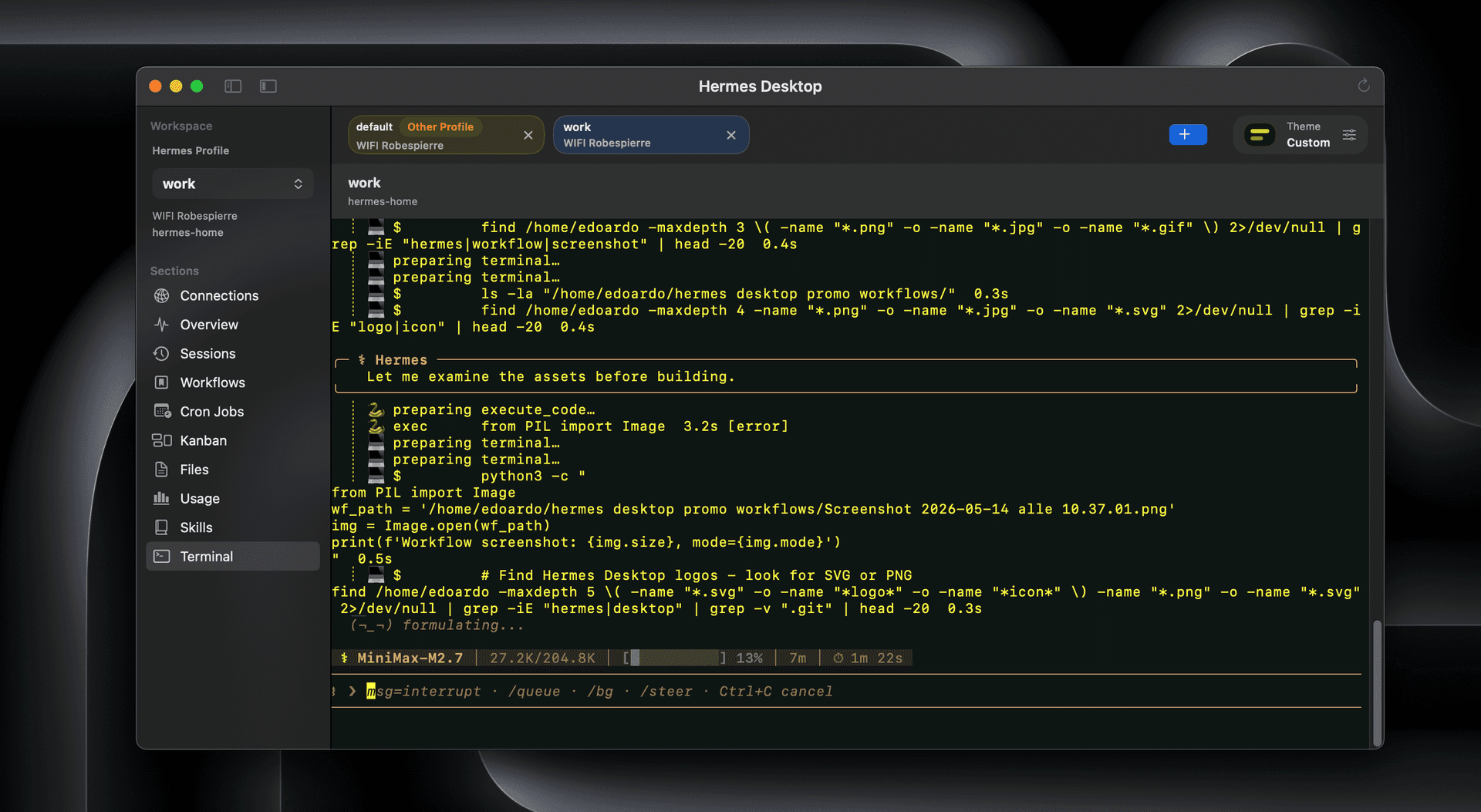
~/.hermes/cron/jobs.json, including schedule, model, attached skills, and delivery target. - Embedded SSH Terminal — A real SSH terminal with multiple tabs across hosts and profiles, quick theme presets, and live background/text color controls for a genuine multi-agent workflow.
- Universal macOS Build — Packaged as a single universal binary for both Apple Silicon and Intel Macs; build from source with
./scripts/build-macos-app.sh. - Open Source (MIT) — The full source is available on GitHub; verify the build, inspect network behavior, or build locally instead of using the release zip.
Community Discussions
Be the first to start a conversation about Hermes Desktop by dodo-reach
Share your experience with Hermes Desktop by dodo-reach, ask questions, or help others learn from your insights.
Pricing
Open Source (MIT)
Fully free and open-source under the MIT License. Download from GitHub Releases or build from source.
- Full native macOS app
- Direct SSH connection profiles
- Profile-aware workspace
- Session browsing and deletion
- Usage dashboard
Capabilities
Key Features
- Direct SSH connection with no gateway API or helper daemon
- Profile-aware workspace for default and named Hermes profiles
- Conflict-aware editing of USER.md, MEMORY.md, and SOUL.md
- Session browsing, search, and deletion from ~/.hermes/state.db
- Usage dashboard with token totals, model breakdowns, and trends
- Recursive skill discovery, creation, and editing
- Cron job management: create, edit, pause, resume, run-now, delete
- Embedded SSH terminal with multiple tabs and theme controls
- Universal macOS build for Apple Silicon and Intel
- Host-wide cross-profile usage totals
- Overview panel with host readiness checks and resolved paths
- Fallback to ~/.hermes/sessions/*.jsonl when SQLite unavailable